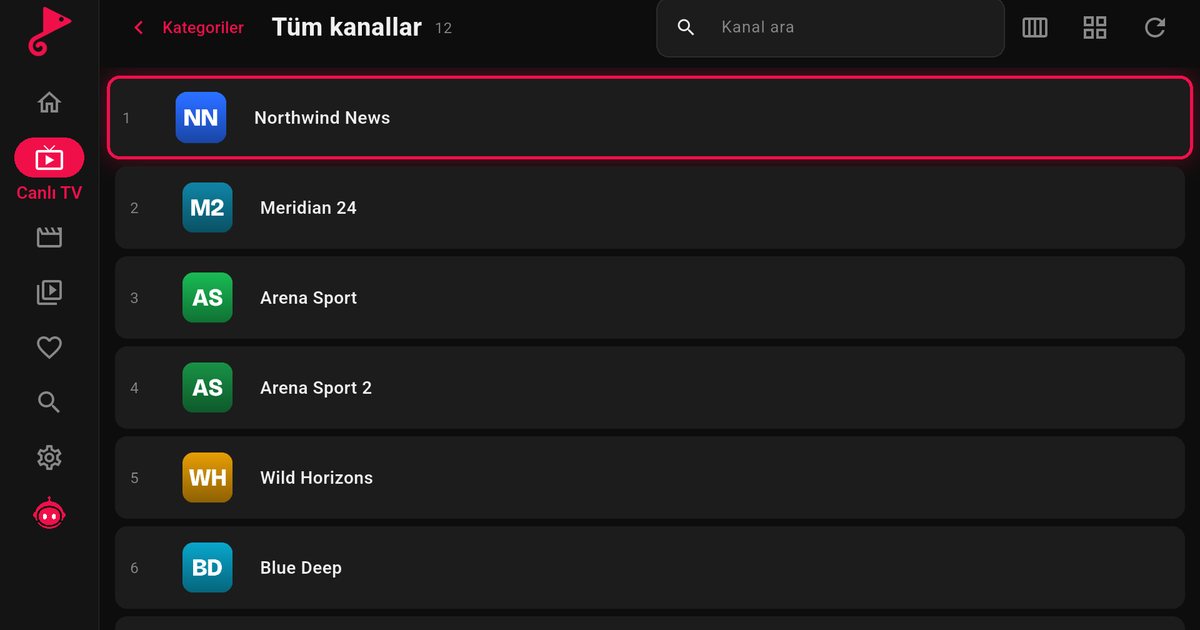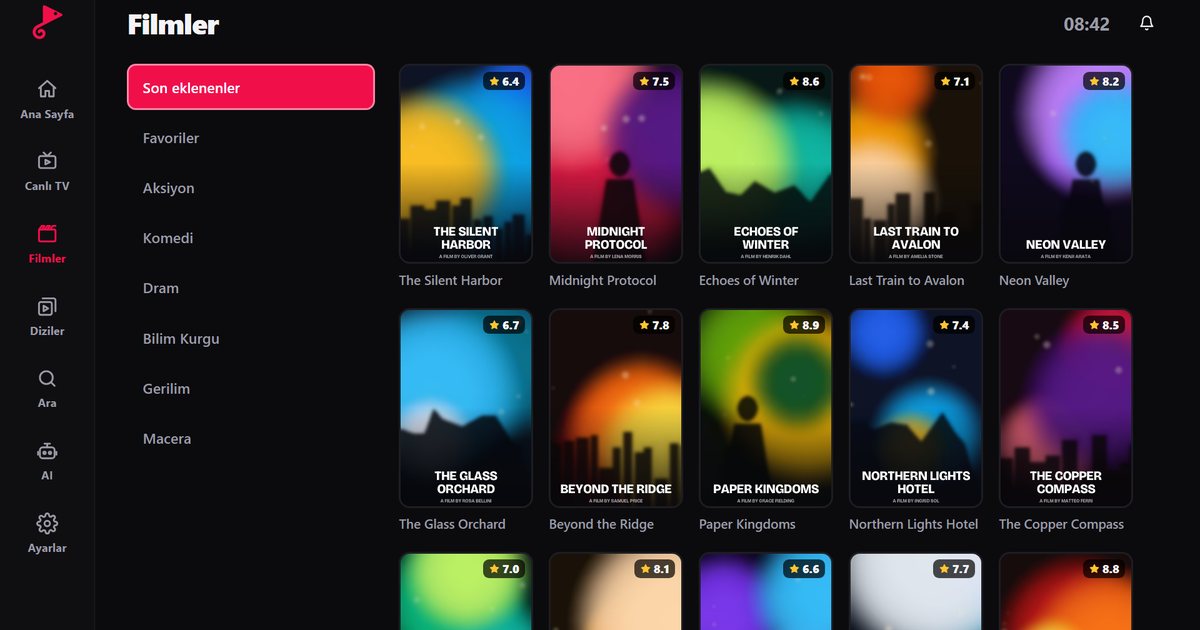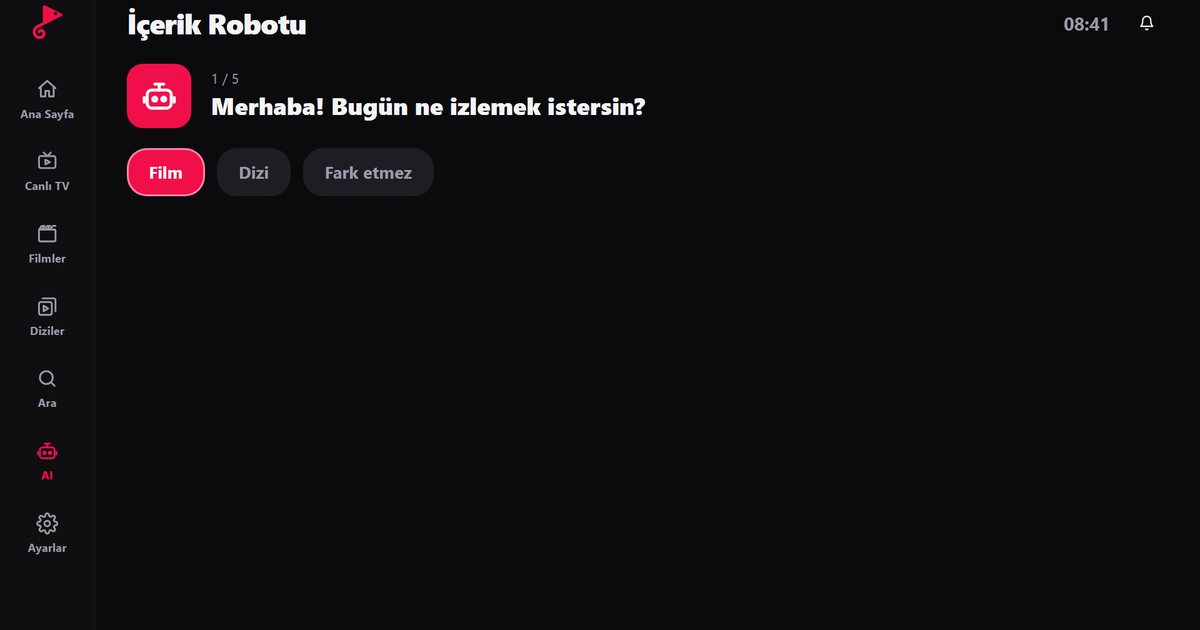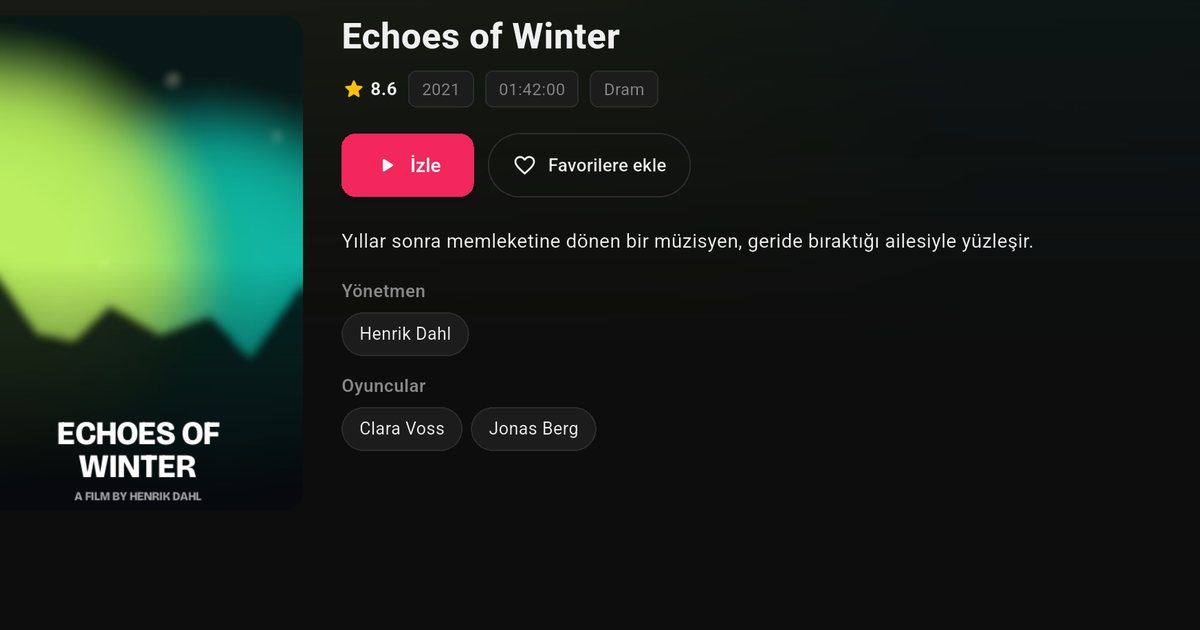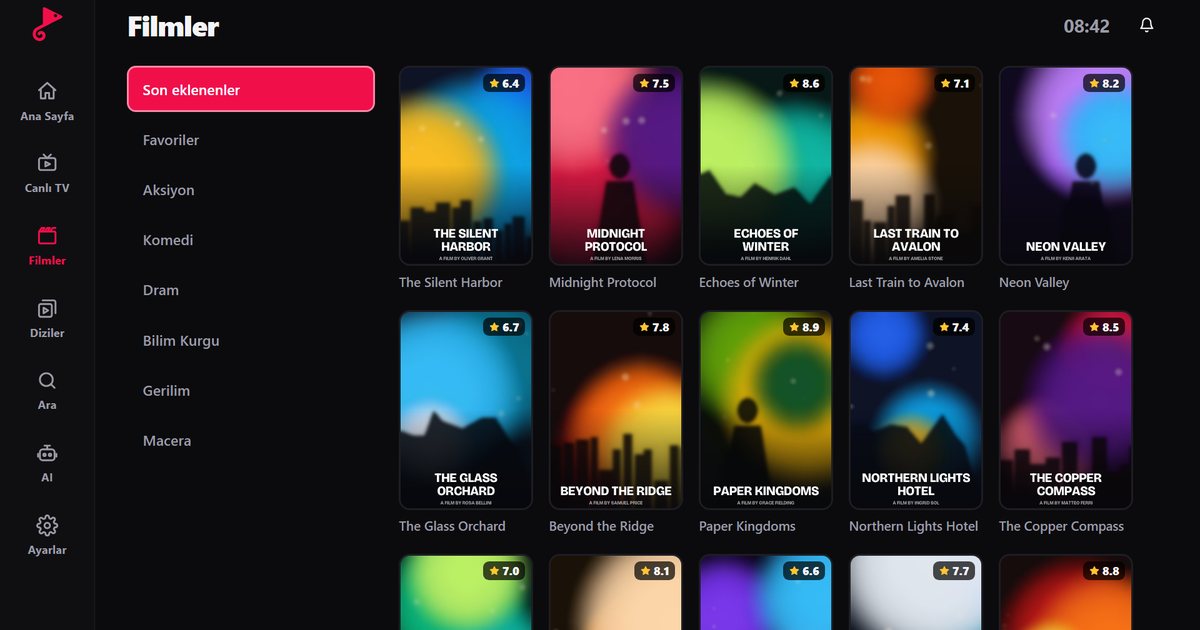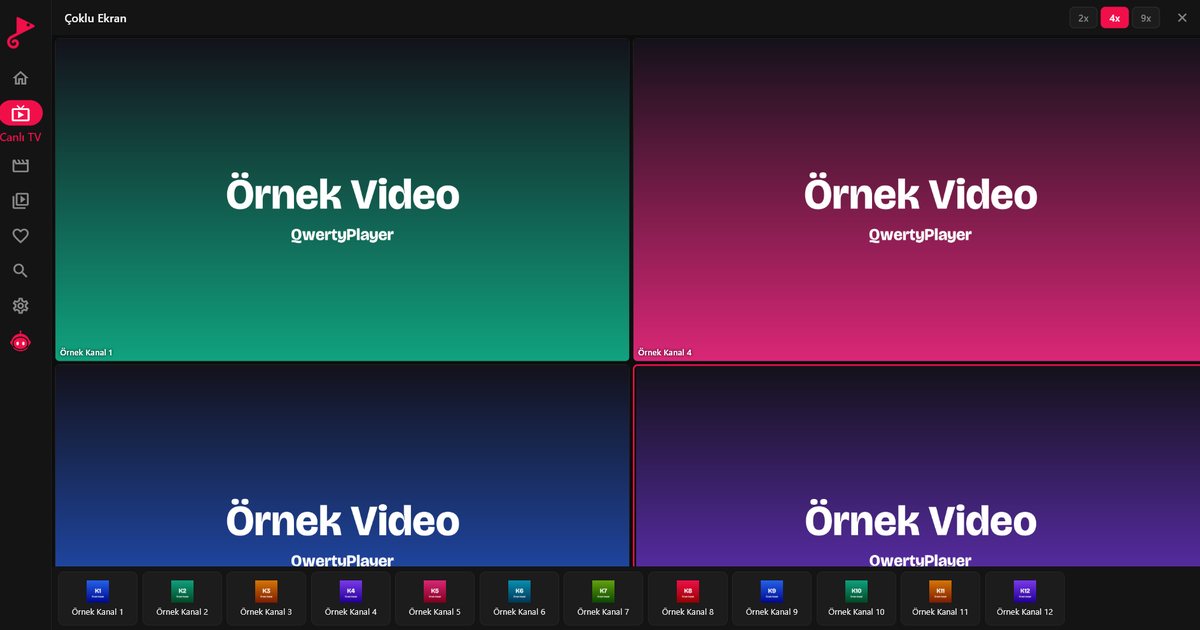
People who ask for the best device for IPTV on a TV usually expect one winner. In reality the right choice depends on what you already own. If your Smart TV runs Google TV, Samsung Tizen, LG webOS, Titan OS or Fire TV, the TV may be all you need. If it runs something else, or is old and slow, one of three small devices will serve you better. This page compares the four options on the points that matter in daily use.
The four options at a glance
| Option | Where QwertyPlayer comes from | Strength | Watch out for |
|---|---|---|---|
| Your Smart TV's own system | The TV's app store | No extra hardware or remote | Depends on model; slower hardware on budget sets |
| Fire TV Stick | Amazon Appstore | Compact, simple, easy to carry | Needs an Amazon account to set up |
| Android TV or Google TV box | Google Play | Often has an Ethernet port and extra ports | Quality varies between makers |
| Chromecast with Google TV | Google Play | Google TV interface, small dongle | Usually no Ethernet port without an adapter |
The table is deliberately free of prices and speed figures. Those change by region and model, so check current details for the exact product you plan to buy.
When your own TV is enough
If the TV store lists QwertyPlayer, install it and see how it feels. Most current sets from Samsung, LG, Sony, Philips and TCL manage live TV without trouble. If the menus are quick and the picture is stable, there is no reason to buy anything. The guides for Samsung Tizen models, webOS TV brands and Android TV brands list what to look for, and the Smart TV install guide walks through it step by step.
When an external device wins
- The TV runs VIDAA, Roku or a closed system that does not list the app. See the VIDAA TV page.
- The TV is old, slow or no longer updated. See IPTV on an old Smart TV.
- You travel and want to plug the same player into hotel or holiday-home TVs.
- You want a separate, fast device so the TV can stay as a simple display.
How to choose between the three devices
Choose a Fire TV Stick if
you want the smallest and simplest option, are comfortable with an Amazon account and plan to move the stick between rooms. The Fire TV guide shows the setup.
Choose an Android TV or Google TV box if
you prefer a wired network connection, extra USB ports or a larger device you can leave in a cabinet. See the Android TV box guide. Because quality differs between makers, buy from a known manufacturer with regular system updates.
Choose Chromecast with Google TV if
you like the Google TV interface and want a neat dongle that hides behind the screen. Details are in Google TV and Chromecast for IPTV.
Questions to ask yourself before buying
- Does my TV have a free HDMI port? Every option here needs one.
- Is my router near the TV, or do I need a cable run or an adapter?
- Will several people use the remote? A device with a simple remote is friendlier.
- Do I already own an Amazon or Google account I want to use?
- Will I want to send playlists from my phone? All of these work with the Connect to TV page.
The same player on every device
QwertyPlayer runs on all of the devices above, and your playlist works identically on each of them, so you are not locked into one choice. You can start with the TV you own and add a device later. For phones, tablets and computers, see the all-devices overview.
The app supplies no content; choose a provider whose service you are allowed to use.
Frequently asked questions
What is the easiest device to start IPTV on a TV?
A Fire TV Stick is the easiest for most people, but if your TV already lists the app in its store, no extra device is needed.
Is a Chromecast better than a Fire TV Stick for IPTV?
Neither is universally better. Both run QwertyPlayer. Choose the interface and account you prefer.
Do I need an Android TV box with an Ethernet port?
It is a good idea if your Wi-Fi is weak near the TV, because a cable is steadier than a wireless link.
Can I use one playlist on a TV and an external device?
Yes. Enter the same details on each, within the number of connections your provider allows.
Which device is best for an old TV?
Any of the three works if the TV has an HDMI input. Pick by the interface and network options you want.
Try it with QwertyPlayer
Download with a free trial for Android, Android TV, Fire TV, Huawei and Windows.