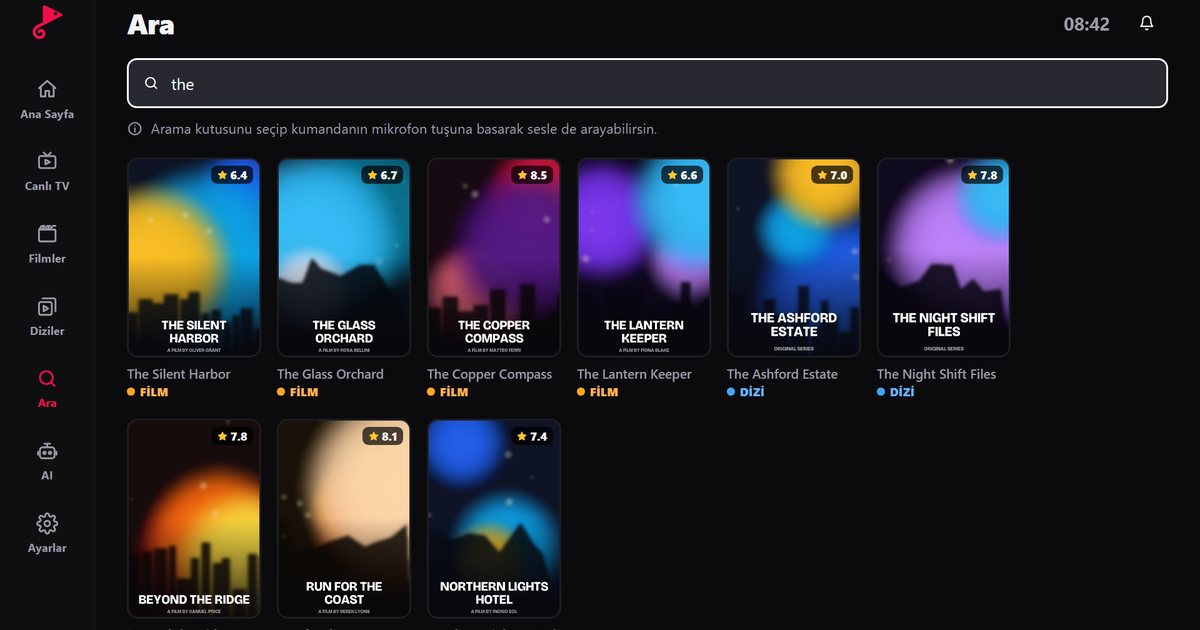
People type both "IP TV player" and "IPTV player" into search engines, and it is easy to wonder whether they are two different products. They are not. Both describe an app that plays television delivered over the internet (Internet Protocol, or IP) instead of through a satellite dish, cable or aerial. This article clears up the terminology, explains what such a player actually does and what it cannot do, and walks through a first setup. For a broader introduction to the app itself, see what an IPTV player is.
What does IP TV mean?
With traditional broadcasting, the signal reaches your home through a dedicated medium. With IP TV, the same kind of programming travels as data packets over your broadband or mobile connection. A server sends the stream, your router delivers it, and an app on your phone, computer or television turns the packets back into moving pictures. That app is the player.
Because the delivery method is just a network connection, any device that can get online and install an app can in principle act as a television: a phone, a tablet, a laptop, a streaming stick, an Android TV box or a smart TV.
IP TV player or IPTV player: is there a difference?
No. "IP TV" with a space and "IPTV" as one word are two spellings of the same abbreviation. App stores and search engines treat them as interchangeable, and you will see both on box art, in forum posts and in provider documentation. The only practical advice is to search for both spellings when you look for an app, and to judge the app on what it does rather than on how its name is written.
What a player does, and what it does not
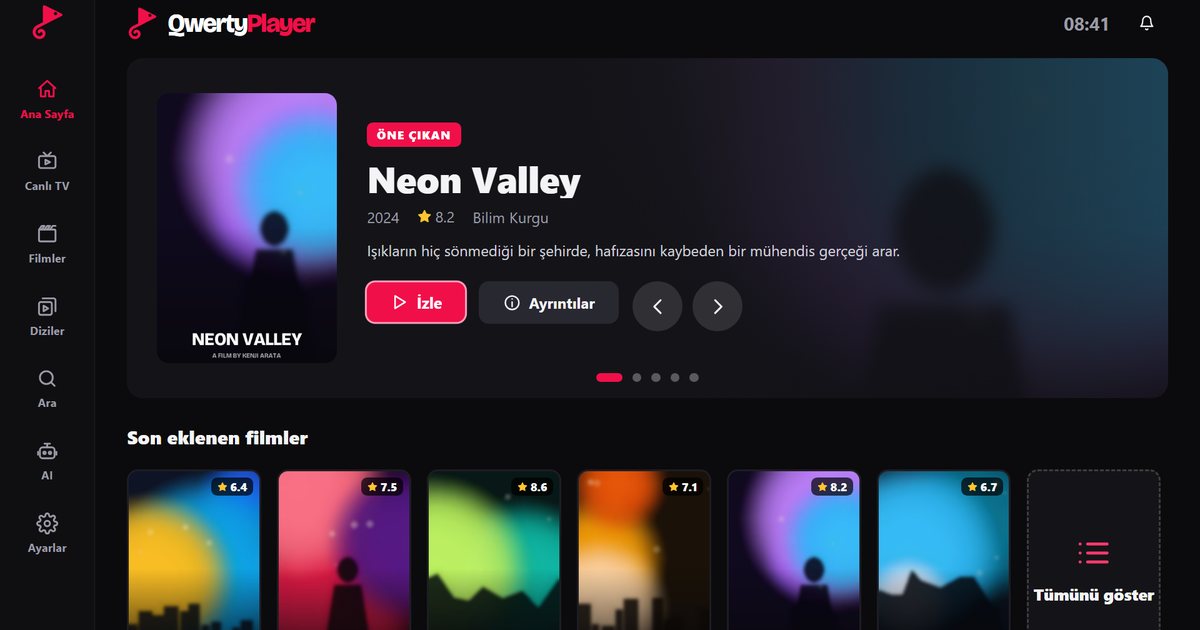
A player is software for viewing. In QwertyPlayer's case, it:
- reads the M3U link or the Xtream Codes details you enter, which come from your service provider;
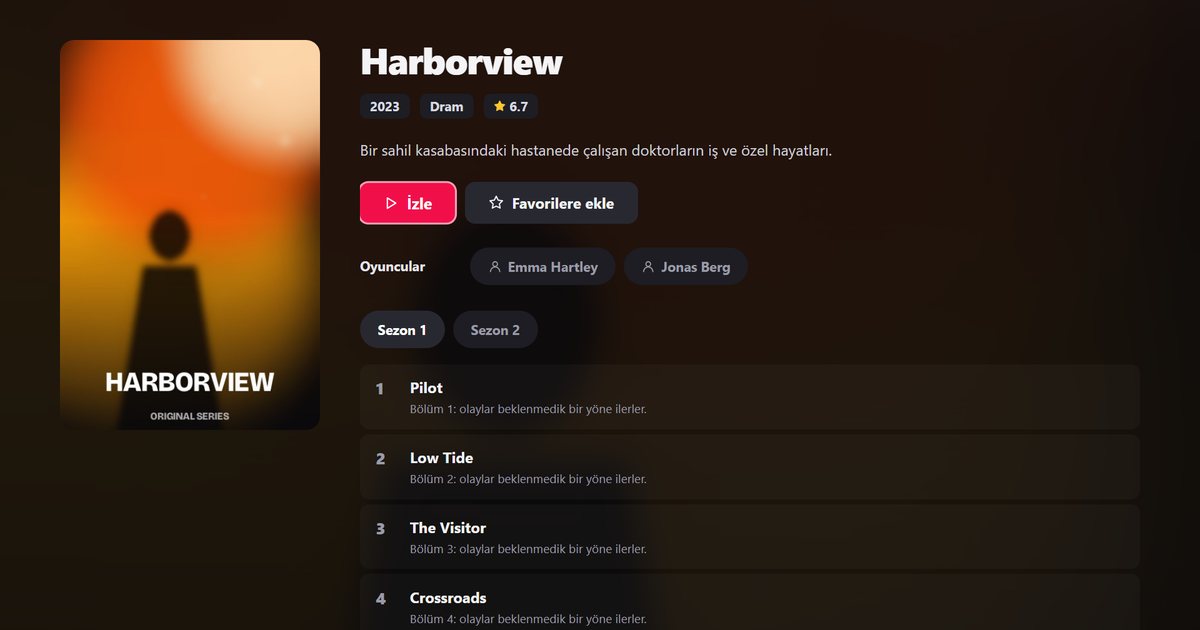
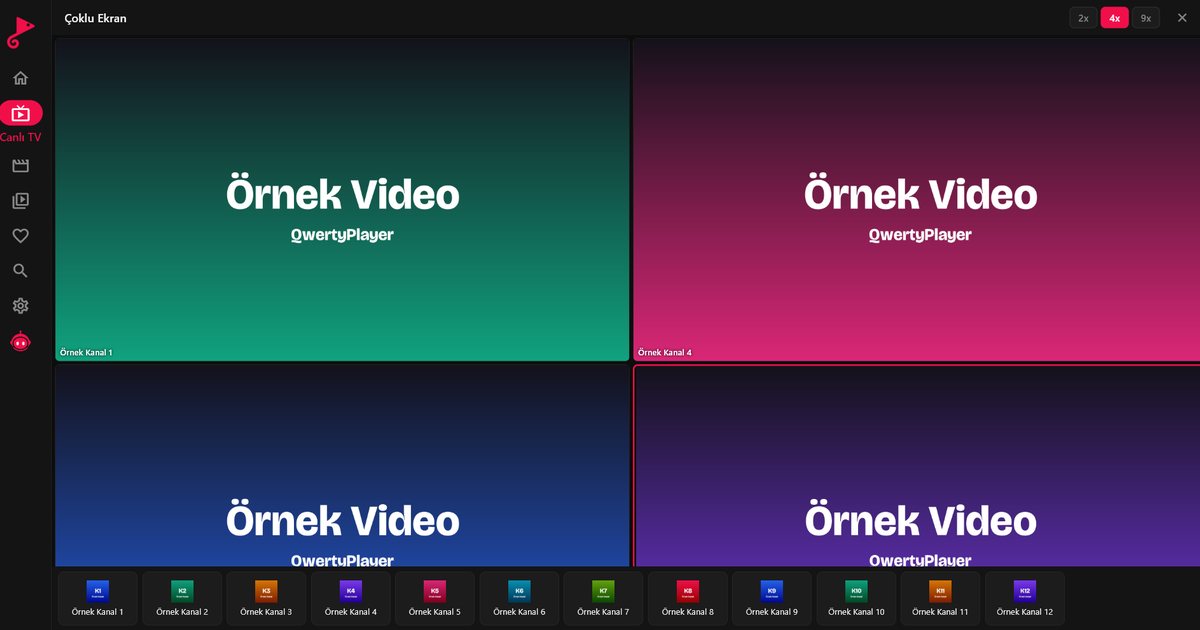
- sorts channels into categories and shows movies and series with posters, summaries, seasons and episodes;
- displays the programme guide when your provider supplies the data, as explained in the EPG guide;
- offers search, favourites and resume-where-you-left-off.
What it does not do is supply channels, films or series. QwertyPlayer is only a player: you bring your own M3U link or Xtream Codes account, and you are responsible for having the right to watch what is in it. We do not give legal advice, but the article on legal and safe IPTV use covers the points worth checking.
Which devices can run an IP TV player?
QwertyPlayer is built for Android phones and tablets, Android TV, Fire TV, Windows, iPhone, iPad, Mac, Samsung TV, LG TV and Philips and JVC televisions running Titan OS. On each platform, search for QwertyPlayer in the official store and install it. The device-by-device guide lists every platform and where to get the app.
How to choose a player
Pay attention to supported list types, device coverage, how the app handles your data and how often it is updated. Our checklist for choosing an IPTV player goes through these points in order. If price is your main concern, read the piece on free IPTV players; QwertyPlayer is currently free to download and use.
First setup in three steps
- Install QwertyPlayer from the page that matches your device on the download page.
- Choose how to add your list. Paste the M3U link, or enter the server address, username and password for Xtream Codes. The M3U versus Xtream Codes comparison helps you decide which one your provider gave you.
- Wait for the categories to load, then browse live TV, movies and series, or use search.
On a television, typing a long link with a remote is slow. The Connect to TV page lets you send the list from a phone or computer using the address shown on the TV and a short-lived, single-use code.
Frequently asked questions
Is an IP TV player the same as an IPTV player?
Yes. Both spellings describe an app that plays television delivered over the internet. The difference is only in how the abbreviation is written.
Does an IP TV player come with channels?
No. A player only displays streams. The channels, films and series come from your service provider, and you add them with an M3U link or Xtream Codes details.
What do I need to watch IP TV?
A device that can install the app, a stable internet connection, a player such as QwertyPlayer, and an M3U link or Xtream Codes account for content you have the right to watch.
Which devices support IP TV playback?
Phones, tablets, computers, Android TV, Fire TV and many smart TVs can run a compatible player. QwertyPlayer covers Android, Fire TV, Windows, iOS, macOS, Samsung, LG and Titan OS televisions.
Try it with QwertyPlayer
Download with a free trial for Android, Android TV, Fire TV, Huawei and Windows.