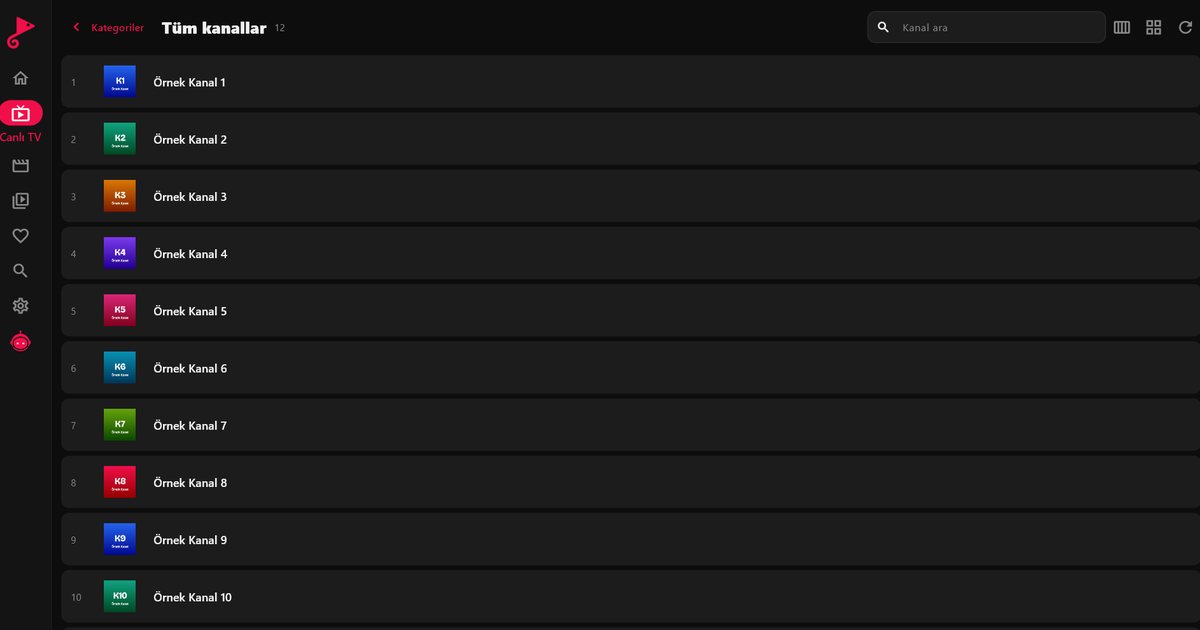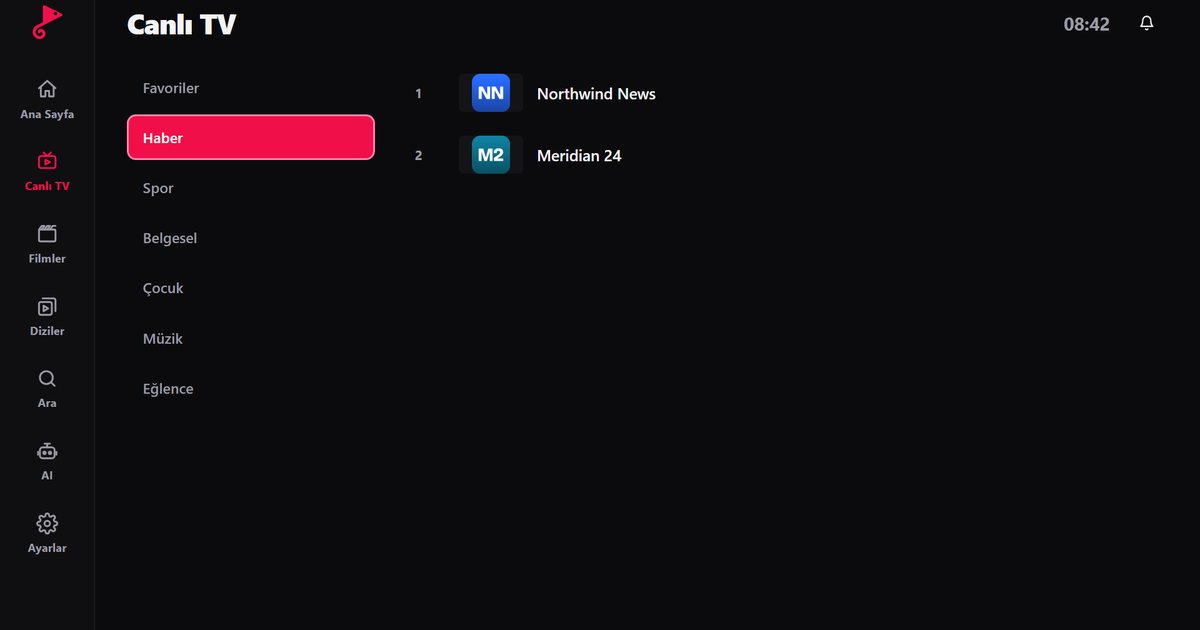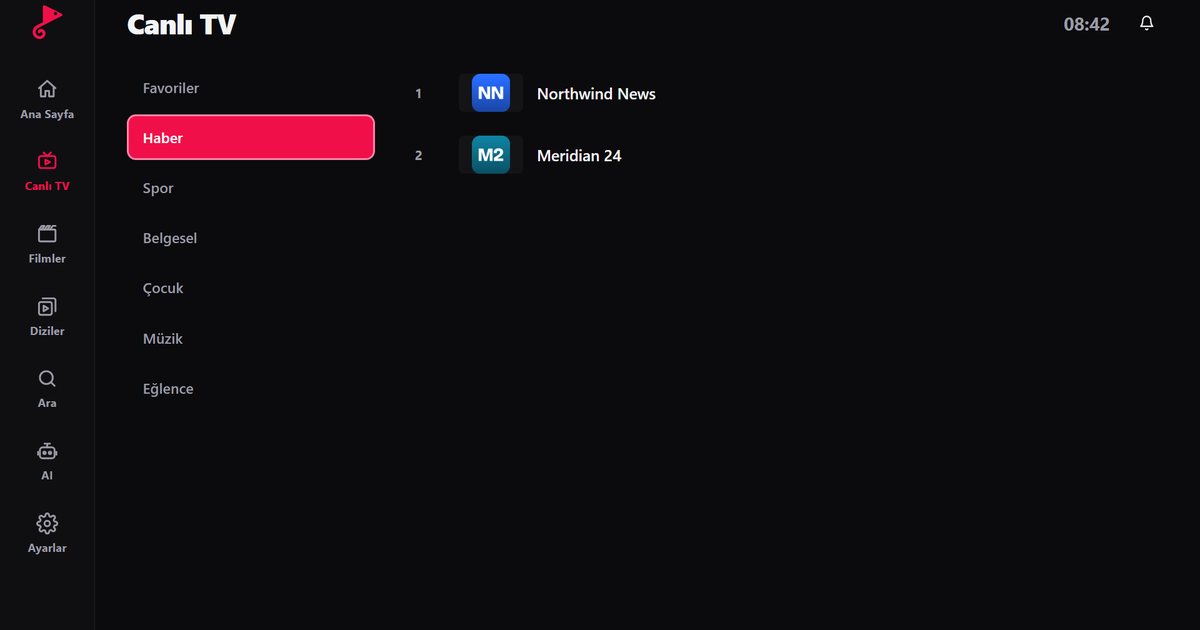
EPG stands for Electronic Programme Guide, the schedule that tells you what is on each channel now and what comes next. In an IPTV player it appears on the live TV screen as "now" and "next" information, and in a grid on larger screens. If yours is blank, misaligned or only works on some channels, this guide explains how IPTV EPG data reaches the app and how to fix the usual causes.
Where EPG data comes from
The player does not invent schedules. The programme data is supplied by your service provider, and it reaches the app in one of two ways:
- Xtream Codes: The guide normally arrives automatically once you sign in. Nothing extra needs to be configured. See the Xtream Codes guide for the login steps.
- M3U: The playlist only lists channels. Schedules come from a separate XMLTV address that your provider has to give you. If they supply one, add it alongside the list. If they do not, there is no data for the player to show. Background on the file format is in what M3U8 is.
How channels are matched to programmes
Every channel in a playlist carries an identifier, and the schedule data uses identifiers too. The guide only appears when the two match. A channel with a wrong or empty identifier will play perfectly well but show no programmes. This is a data issue on the provider's side, so the fix is to report the specific channel names to them rather than to reinstall the app.
If the guide is empty
- Confirm with your provider that your subscription includes programme data.
- On M3U, check that an XMLTV address was added and that it was copied completely.
- Refresh the list. Guide data is updated periodically and may simply be out of date.
- Check the date, time and time zone on your device. If automatic time is off, programmes can be hours out.
- If only a few channels are affected, note their names and send them to the provider.
Programmes appear at the wrong time
This is almost always one of two things: the device is set to the wrong time zone, or the provider's schedule data uses a different offset from the channel's real broadcast region. Fix the device first, restart the app, and compare a known programme. If the offset is constant, say exactly one hour, the source data is the cause and your provider can correct it.
A worked example
Suppose you use an M3U list and every channel shows "no information". Open your provider's account page or welcome message and look for a line labelled XMLTV, EPG or guide. Copy that address in full, add it to the list settings and refresh. Wait a few minutes for the data to download, because large guides cover thousands of programmes. If three or four channels are still empty while the rest work, the identifiers for those channels are missing from the provider's data. Send those channel names to the provider and ask them to correct the mapping.
Getting more from the guide
On a television the grid is easier to read from the sofa, so check the guides for LG, Samsung and Philips sets. On tablets and phones, combine the guide with categories, search and favourites; the iPad and Android guides show how. If you also want to choose a film's audio or subtitle language, see subtitles and audio language selection. Remember that EPG is an extra supplied with your provider's data, not a feature the player can create when the source has none.
Frequently asked questions
What is an EPG?
EPG means Electronic Programme Guide. It shows what each channel is broadcasting now and what is scheduled next.
Why is my IPTV EPG not showing?
Your account may not include programme data, the XMLTV address may be missing on an M3U list, channel identifiers may not match, or your device time may be wrong.
Can I get an EPG with an M3U playlist?
Yes, if your provider gives you a separate XMLTV address. The programme data is then read from that address.
Why are programme times shifted?
Usually the time zone on the device is wrong, or the schedule data uses a different time zone from the one you expect.
Try it with QwertyPlayer
Download with a free trial for Android, Android TV, Fire TV, Huawei and Windows.