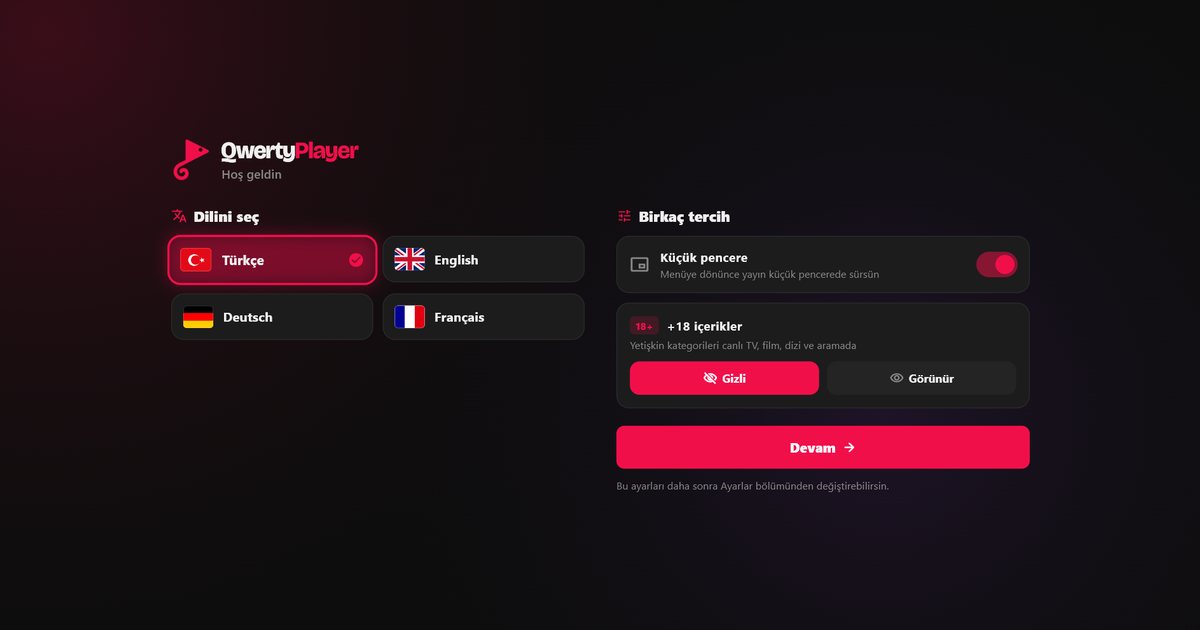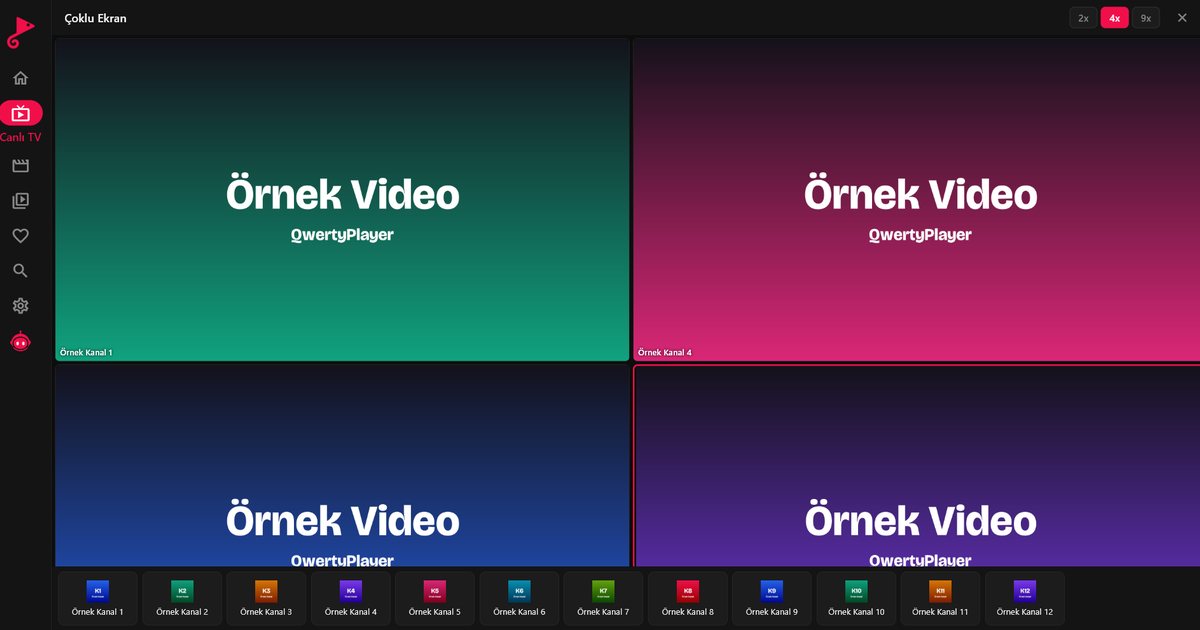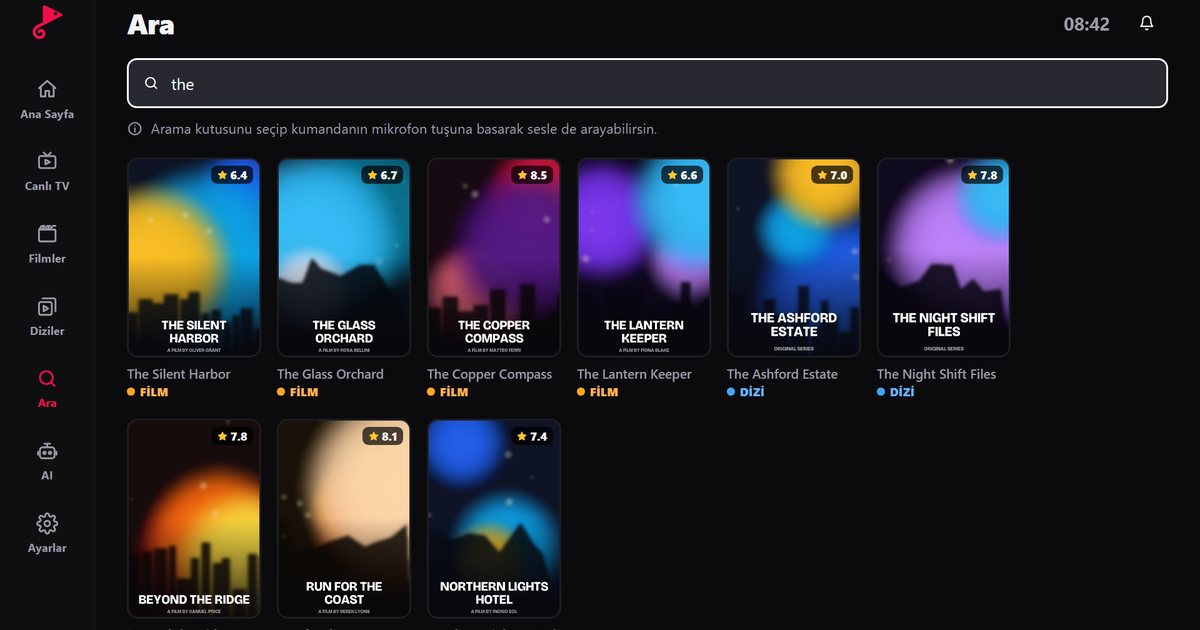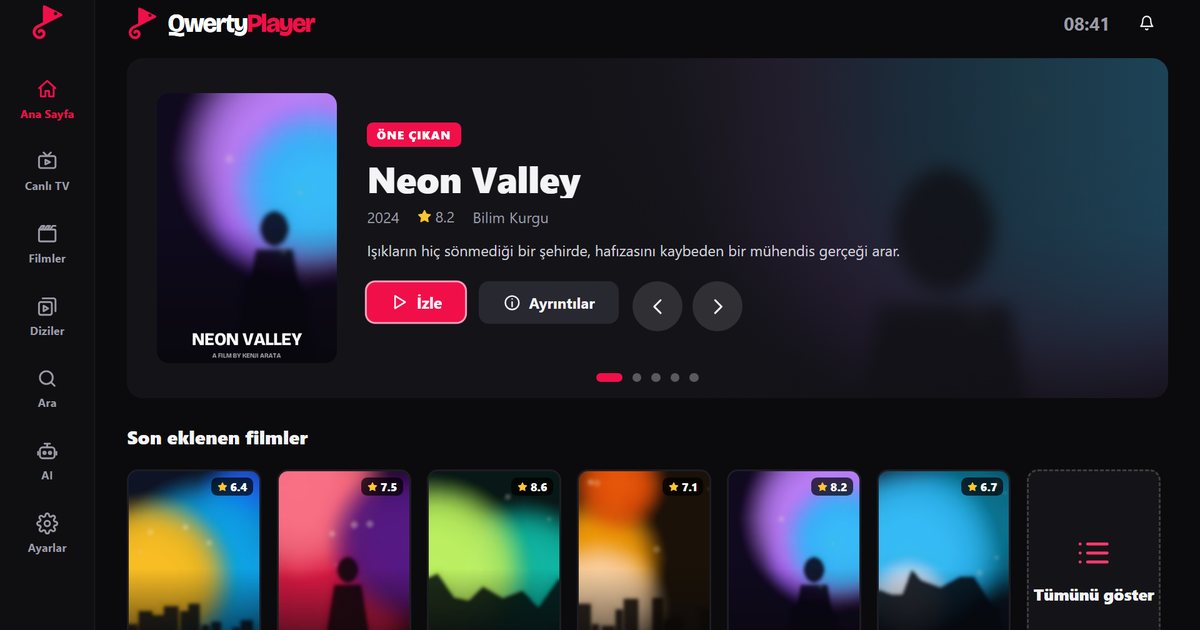
A search for a free IPTV player usually mixes two different wishes: a free app and free channels. Mixing them up is the most common reason people end up with broken playlists or unsafe downloads. This guide separates the two, lists what to check before you install any free player, and shows how to get started with QwertyPlayer, which is currently free to download and use.
A free player is not free content
The player is the app that puts the picture on your screen. The content is the service that provides channels, films and series. Making the app free does not make the content free, because someone still pays for the rights and the servers. QwertyPlayer does not include any channels. You add your own M3U link or Xtream Codes account from a provider, and you remain responsible for having the right to watch it. Public broadcasters and other channels that legally publish open streams can also be added if you have their playlist link.
How free apps usually make money
Understanding the business model helps you judge risk. A free app may show advertising, offer paid upgrades, collect usage data or, in the worst cases, bundle software you did not ask for. None of these is automatically bad, but a trustworthy app tells you plainly which one applies. If the store page and the privacy policy do not say, treat that as a warning.
Checklist for any free IPTV player
- Privacy policy: It should state what is collected and why. Our safe-use guide explains what to look for.
- Permissions: A video player does not need access to your contacts or messages. Decline apps that ask for them.
- Source: Install from an official store or the developer's own website only. Avoid APK files passed around in chat groups.
- Device coverage: The same app should work on the devices you own. The device guide shows where QwertyPlayer runs.
- List support: Both M3U and Xtream Codes should work. See how the two differ.
- Updates: Recent releases and a way to contact the developer suggest the app is maintained.
A quick test before you commit
Spend ten minutes on a new app before adding your real account. Note which permissions it requests on first launch, whether it insists on registration before you can add a list, and whether it opens unrelated pages or pop-ups. Add a harmless public playlist first and see how the app behaves. Check the store listing for the developer's name, a support contact and the date of the last update. An app that passes these small checks is far less likely to cause trouble later, and you lose nothing if you decide to uninstall it.
Be careful with "free channels" offers
Lists that promise every channel and film at no cost are often unauthorised, disappear within days and may point to links that harm your device or steal account details. We do not recommend using streams you have no right to watch. If you want free viewing, look for broadcasters that offer their own open streams or free apps and add their official playlist links.
Using QwertyPlayer at no cost
- Pick your platform on the download page.
- Add your own list as an M3U link or Xtream Codes login.
- Open live TV, movies or series from the categories, or use search and favourites.
Included features such as the programme guide, subtitle and audio selection, parental controls and a speed test do not depend on a separate payment at the moment. Before settling on an app, read the checklist for choosing an IPTV player and the explanation of IP TV versus IPTV players. If you own a Samsung, LG or Philips television, the smart TV guide shows what to expect on each.
Frequently asked questions
Is there a free IPTV player?
Yes. QwertyPlayer is currently free to download and use. It does not provide content, so you add your own M3U link or Xtream Codes account.
Does a free IPTV player include free channels?
No. A free app only plays what you give it. Channels and films come from a service provider and are not covered by the app being free.
Is a free IPTV player safe?
It can be, if you install it from an official store or the developer's site, it has a clear privacy policy and it does not request unnecessary permissions.
Can I add public or legally free streams?
Yes. If a broadcaster publishes an open playlist link, you can add it as an M3U link like any other list.
Try it with QwertyPlayer
Download with a free trial for Android, Android TV, Fire TV, Huawei and Windows.