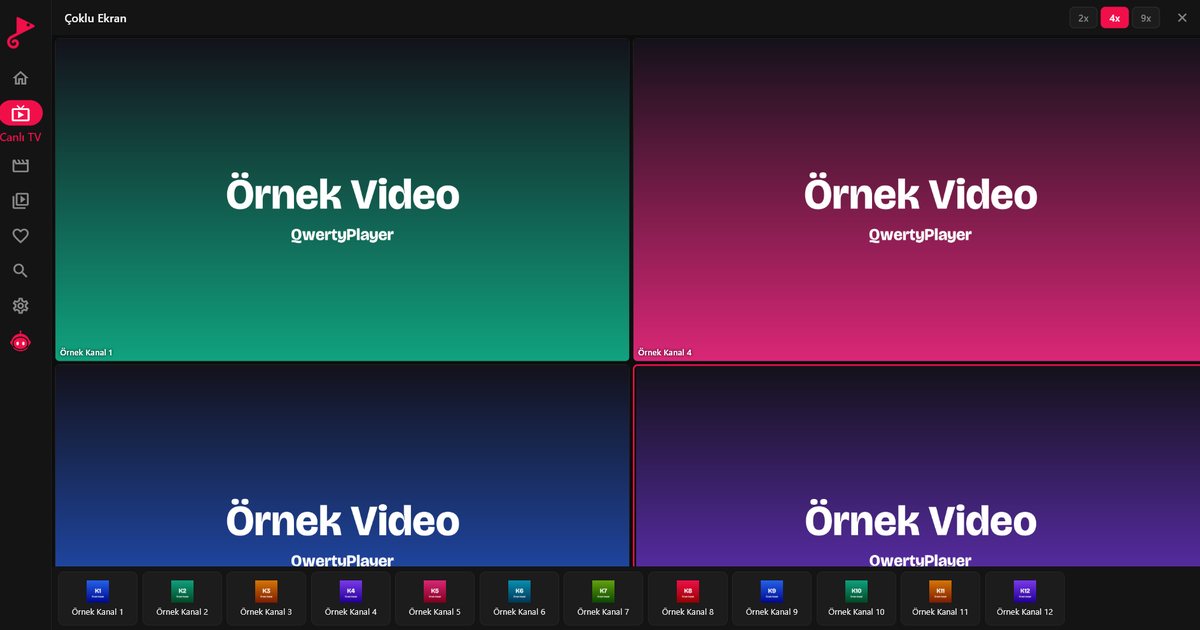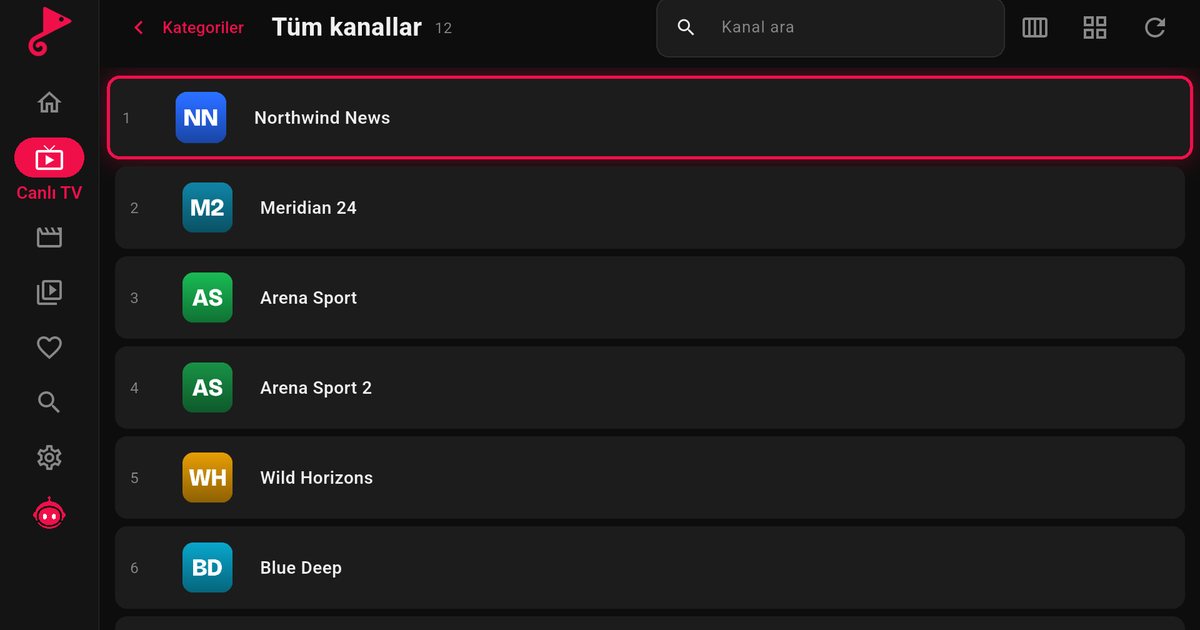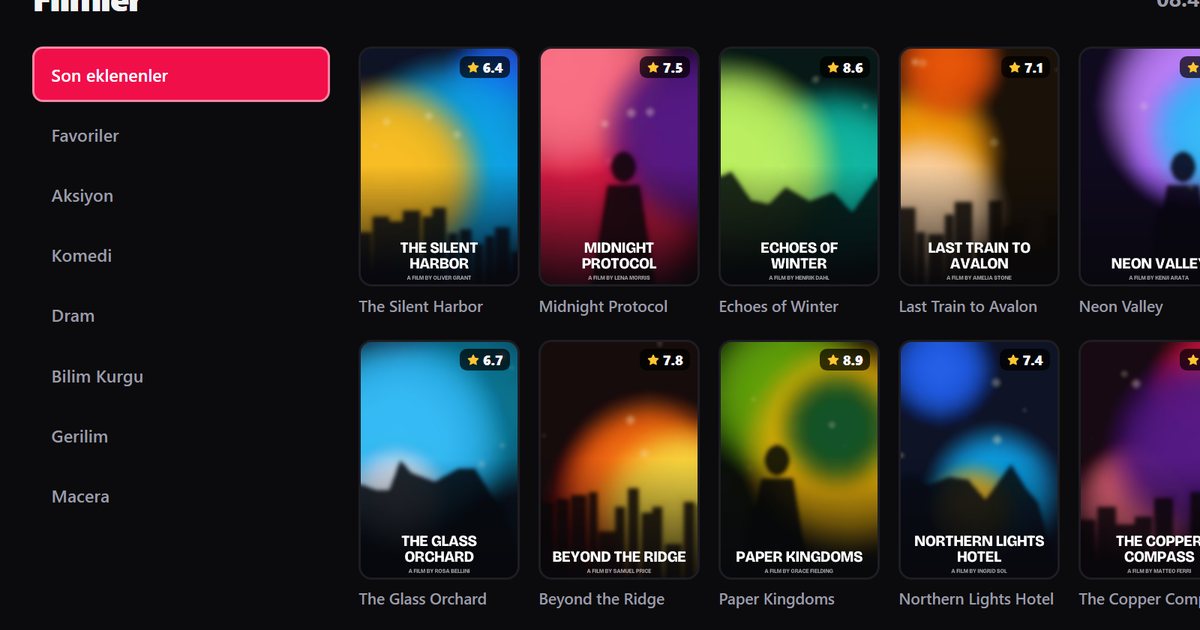
It is a fair question: you have a Roku TV or a Roku stick, you have an M3U link or Xtream Codes account, and you want an IPTV player. Here is the direct answer. QwertyPlayer has no app for Roku. We do not offer a version for that system, so you will not find it in the Roku channel store. What you can do is use another device on the same television, which usually costs little and takes minutes.
What counts as Roku
Roku is both a streaming device brand and a television system. You may have:
- a Roku Express, Streaming Stick 4K or Roku Ultra connected to a TV, or
- a Roku TV, where the system is built in. Roku makes some sets itself, and brands such as TCL, Hisense, Sharp and others have sold Roku TV models in certain countries.
On both, the app list comes from Roku's own store. We are not part of it, and no menu setting adds support.
Does your TV only look like a Roku?
Not every set from a brand that sells Roku TVs runs Roku. Some TCL models are Google TV sets, for example, and the TCL page explains how to tell. Check the home screen: the Roku interface is a grid of coloured tiles with a purple logo on start-up. If you see a Google Play Store or Fire TV layout instead, you are on another system and can install the app directly.
The practical fix: add a second device
Every Roku TV has HDMI inputs. Plug a streaming device into a free one and switch inputs with the remote. The TV then simply displays the other device.
| Option | Why choose it | Read more |
|---|---|---|
| Fire TV Stick | Small, simple, widely available | Fire TV IPTV guide |
| Android TV box | Extra ports, often Ethernet | Android TV box guide |
| Chromecast with Google TV | Google TV interface, voice search | Chromecast guide |
All three can run QwertyPlayer. The article on which device to buy for IPTV on a TV compares them without prices or numbers.
Setting up after you plug it in
- Connect the device to HDMI and power, then select its input on the Roku TV.
- Sign in and connect to Wi-Fi, or use a cable if the device has a port.
- Install QwertyPlayer from the device's own store.
- Send your playlist from a phone with the Connect to TV page, so you do not type a long link with a remote.
Screen mirroring is not the same thing
Many Roku models can display a phone or computer screen. That is mirroring, and it is a workaround rather than an app. The phone must stay on and nearby, the picture depends on the Wi-Fi link between the two devices, and quality is usually worse than a native app. For regular viewing a second device is far more reliable.
Why there is no Roku version
Each television system needs its own build and its own store listing, and QwertyPlayer is available only on the systems named in the Smart TV guide. We prefer to say so plainly instead of leaving you to hunt through menus. Roku users can still enjoy the same app through a small HDMI device.
Roku in Turkey and Europe
Roku TV is mainly a North American product, and models vary by market. If your set is sold under a Turkish name such as Vestel, Regal or Dijitsu, it is probably Android-based instead, and the Turkish TV brands page explains how to check.
Next reading
The Smart TV installation guide lists every system on which the app runs.
QwertyPlayer is only a player, and you add streams that you have the right to watch.
Frequently asked questions
Does Roku TV have an IPTV player?
There is no QwertyPlayer app for Roku TV or Roku streaming devices.
What can I use with a Roku TV instead?
Connect a Fire TV Stick, an Android TV box or a Chromecast with Google TV to an HDMI input and install the app there.
Is my TCL a Roku TV?
Not necessarily. Some TCL models run Google TV or Fire TV. Check the home screen.
Can I mirror my phone to Roku instead?
Often, yes, but it is a workaround. The phone has to stay on, and quality is usually lower than with a native app.
Try it with QwertyPlayer
Download with a free trial for Android, Android TV, Fire TV, Huawei and Windows.