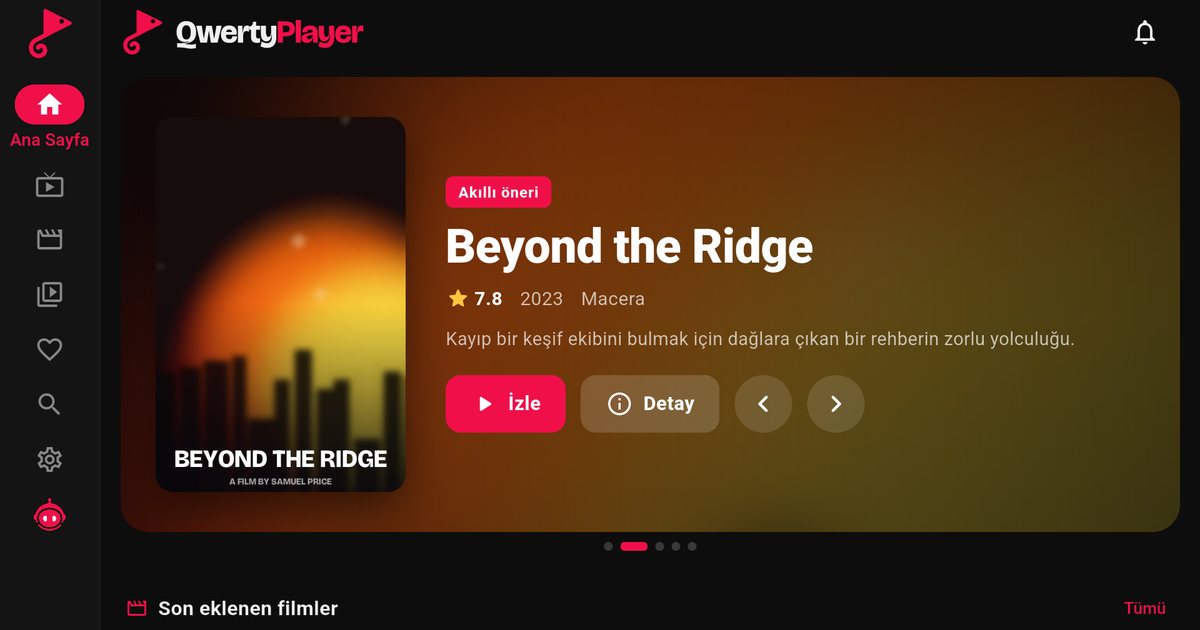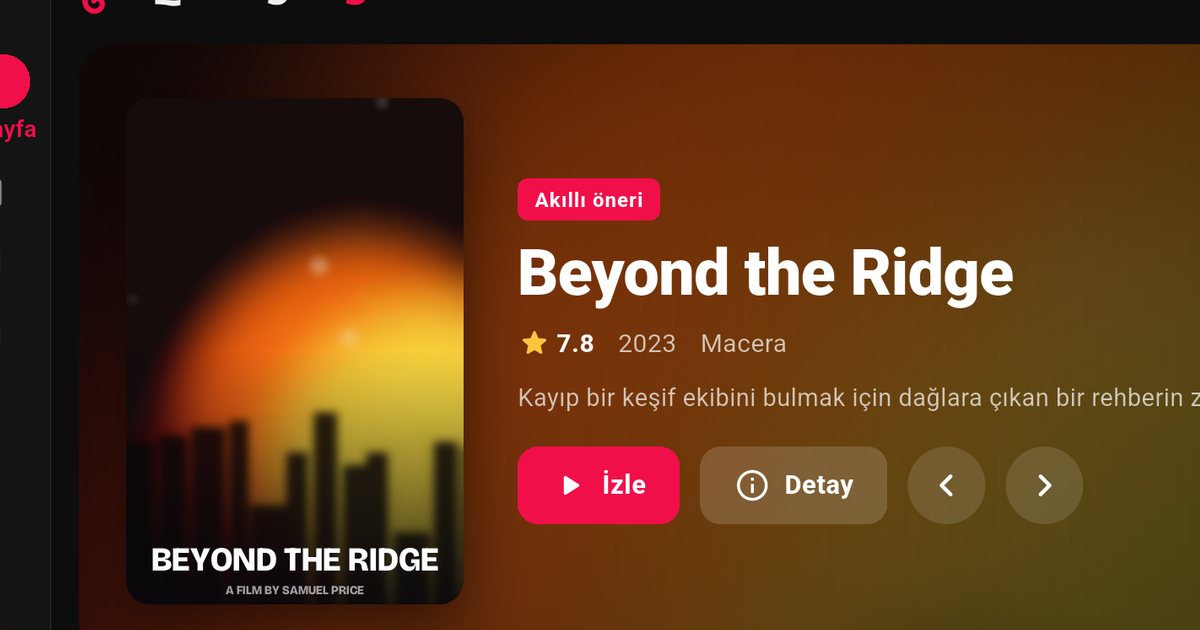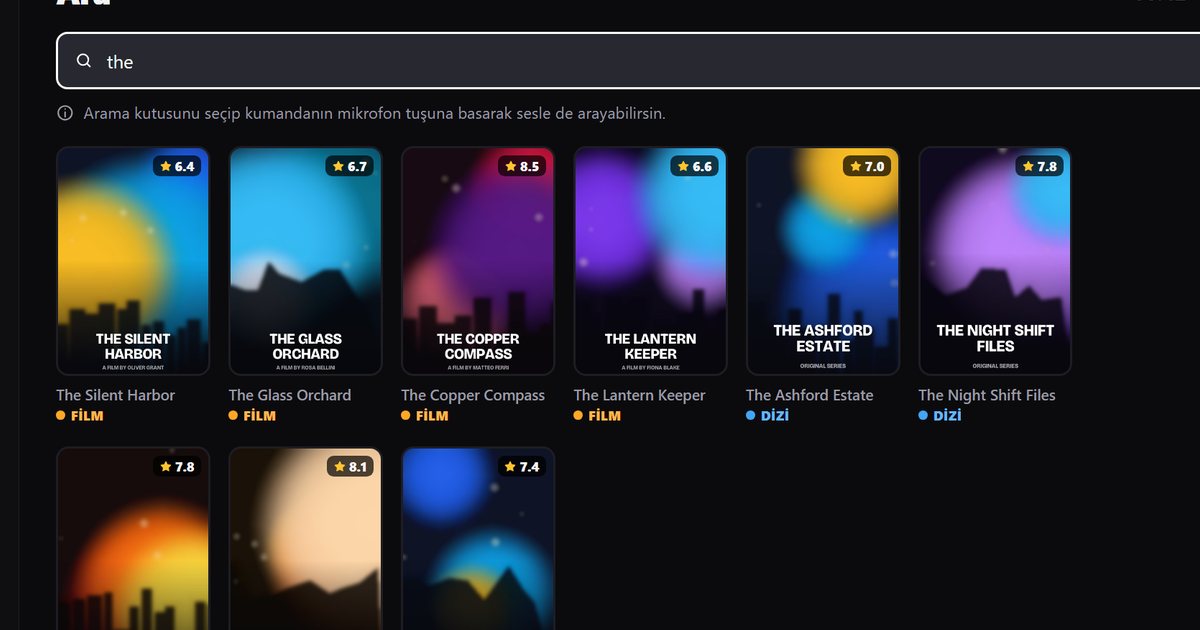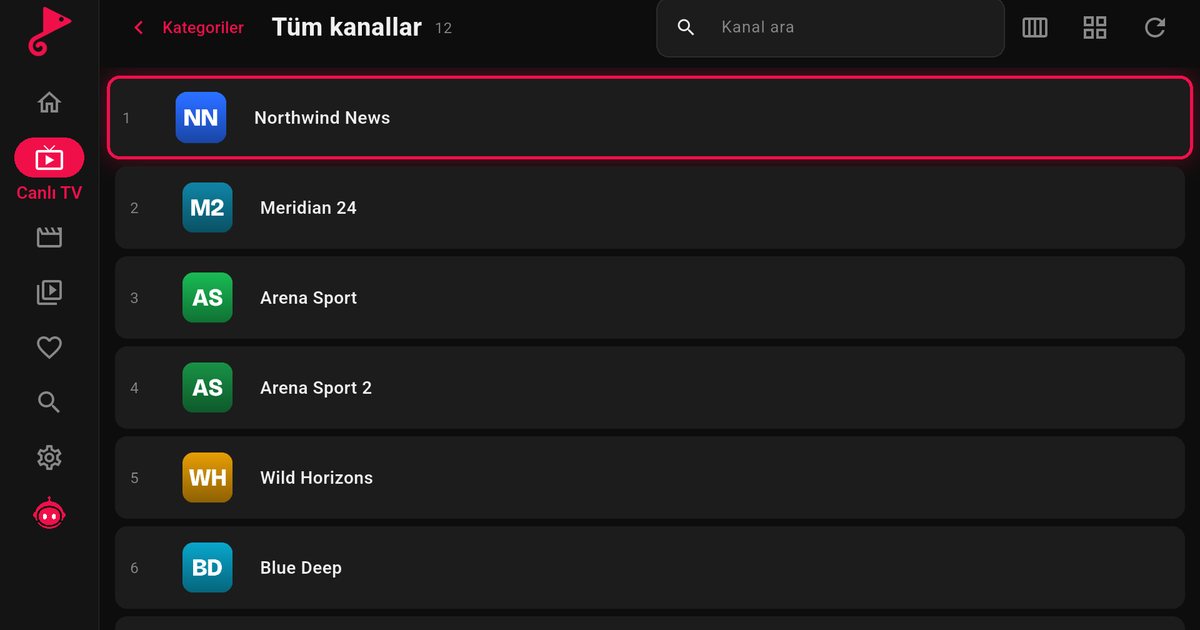
TCL sells televisions in many markets, and the software inside differs from one set to another. That is why a search for an IPTV app for TCL TV gets mixed answers. Many TCL models run Google TV and can install apps from Google Play, but in some markets TCL also sells Roku TV and Fire TV sets. Before anything else, find out which one you own.
Identify your TCL system in two minutes
- Google TV (or Android TV): the home screen has tabs such as For you and Apps, or a row of apps with a Google Play tile. Settings > System > About shows an Android version.
- Roku TV: the home screen is a grid of square channel tiles and the remote has Roku shortcut buttons. Roku TV has no QwertyPlayer app.
- Fire TV: the home screen is the Amazon Fire TV layout, and apps come from the Amazon Appstore.
The TCL logo on the screen does not decide this. Two TCL televisions of the same size can run different systems, so check the one in front of you. The model label on the back or the box usually states the platform too.
If you have a TCL with Google TV
- Open Apps and choose Google Play.
- Search for QwertyPlayer and install it. Seeing the app in the store means your model is supported.
- Start the app, choose M3U or Xtream Codes and enter your details.
The same steps are covered in more detail in the Google TV and Chromecast guide, and the Google TV vs Android TV comparison explains why older TCL sets show a different home screen.
If you have a TCL with Fire TV
TCL Fire TV sets use the Amazon Appstore, so follow the steps in our Fire TV guide. Adding a long M3U link is easier with a phone; the Fire TV M3U playlist guide shows how.
If you have a TCL with Roku TV
QwertyPlayer does not have a Roku version. The honest options are to plug a Fire TV Stick or a Google TV streaming device into a free HDMI port, or to watch on a phone, tablet or computer. Both devices work with any TCL screen, and you switch between them with the TV source button.
Adding your playlist from the couch
TCL remotes are simple, which makes typing a long link tedious. Use the Connect to TV page instead. The TV displays an address and a short-lived, single-use code, you type the code on your phone or computer, and you send the playlist from there. The code expires quickly and works once, and playlist passwords are stored encrypted.
Troubleshooting on TCL
- App not in the store: update the system software from Settings > System, restart, and search again. If it still does not appear, treat the set as unsupported and use an external device.
- Wi-Fi drops or stuttering: try Ethernet. The in-app speed test helps you see whether the connection or the stream is the weak point; see IPTV internet speed for what to look for.
- Slow menus: low-memory sets benefit from clearing the cache of apps you use and uninstalling ones you do not.
- Remote does not respond in the app: replace the batteries, restart the TV, and check that no other app is holding the input.
Other makes
If you also have a Sony or a Xiaomi set in the house, the steps are nearly identical; the Android TV brands overview compares them all.
QwertyPlayer is only a player and does not include channels, films or playlists. You add content from a provider you are entitled to use, and you are responsible for having the right to watch it.
Frequently asked questions
Can I install an IPTV app on every TCL TV?
No. It depends on the system. Google TV and Fire TV sets have app stores that carry it, while Roku TV sets have no QwertyPlayer app.
How do I tell if my TCL is Google TV or Roku TV?
Google TV has an Apps tab and Google Play. Roku TV shows a grid of channel tiles and has Roku buttons on the remote.
What can I do with a TCL Roku TV?
Connect a Fire TV Stick or a Google TV device to an HDMI port, or watch on a phone, tablet or computer.
Do I have to type my M3U link with the TCL remote?
No. Open the Connect to TV page at qwertypro.xyz, enter the code from the TV and send the playlist from your phone or computer.
Is there a cost to use QwertyPlayer on TCL?
The app is currently free. You still need your own playlist from a provider.
Try it with QwertyPlayer
Download with a free trial for Android, Android TV, Fire TV, Huawei and Windows.