App stores list dozens of IPTV players, and each claims to be the best IPTV player. There is no single winner, because the right app is the one that works on your devices, reads your type of list and treats your data sensibly. This checklist turns that into ten questions you can answer in a few minutes, using the store page, the privacy policy and a short trial.
The 10-point checklist
- Devices. Does the same app run on the phone, tablet, computer and television you actually own? See the device guide for QwertyPlayer's coverage.
- List types. Does it accept both M3U links and Xtream Codes? Check the difference between them so you know which you have.
- Controls. Is it comfortable with a remote, a touch screen and a keyboard? Try navigating before you settle in.
- Programme guide. Is an EPG supported for the lists that provide data? The EPG guide explains the requirements.
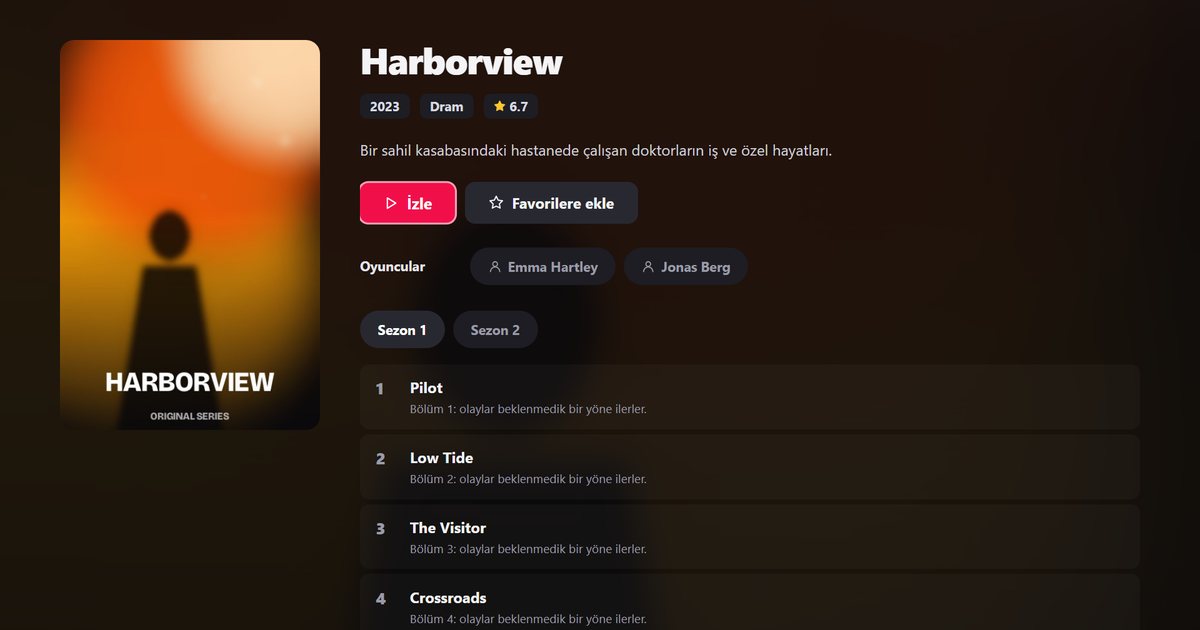
- Movies and series. Are there posters, summaries, seasons and episodes, and can you resume where you stopped?
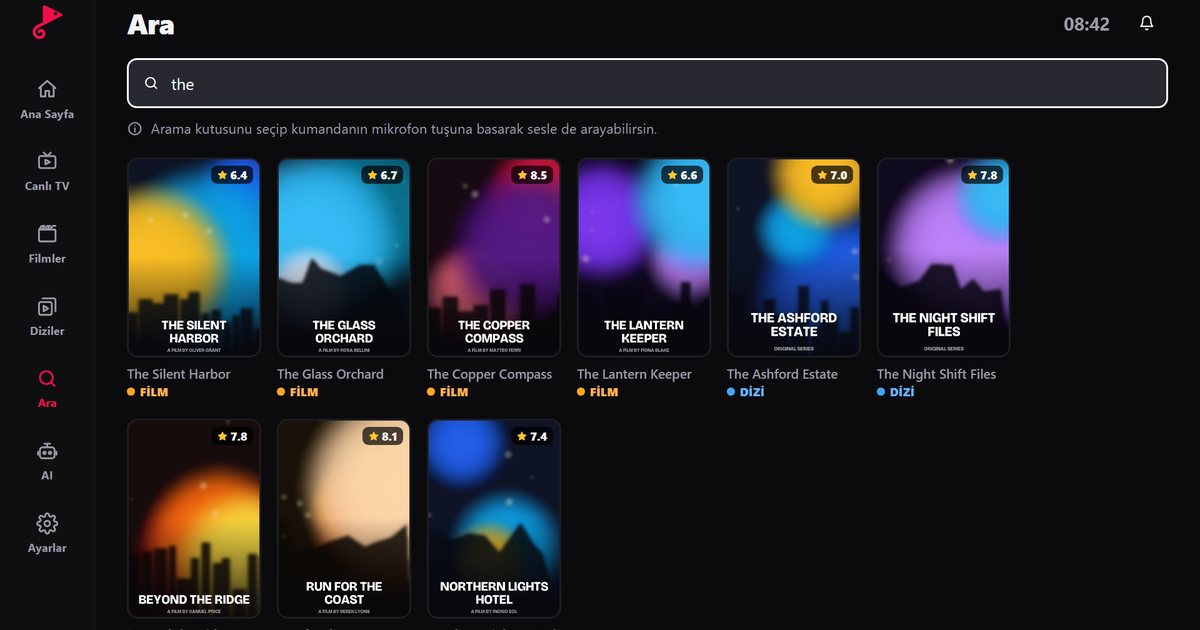
- Search and favourites. With thousands of entries, quick search and saved favourites save time every day.
- Subtitles and audio. Can you choose languages when the stream offers them? See subtitle and audio selection.
- Family safety. Is there a PIN-protected parental control? Details in IPTV parental controls.
- Privacy. Does the policy say clearly what is collected, how list passwords are stored and whether connections use HTTPS?
- Maintenance. Are there recent updates, a changelog and a way to contact the developer?
How to weigh the answers
Not every point matters equally. If you own a Samsung, LG or Philips television, device support outranks everything else, because an app that does not run there is useless however polished it looks. If your household shares one tablet, parental controls and favourites move up. If you travel, a lightweight phone app and the ability to add your list quickly on a new device matter most. Score each candidate from one to five on the points that count for you, and ignore the rest.
Red flags
- Apps from unofficial download sites or messaging groups instead of a store or the developer's own website.
- Apps that advertise "free channels" or bundle content. A player should not promise streams it does not control. Read legal and safe IPTV use.
- Permission requests that do not match a video player, such as contacts or SMS.
- No privacy policy, no developer contact and no updates for a long time.
A five-minute trial
Install the candidate on your main device. Add your list, then time how long the first load takes, open a live channel, search for a title, mark a favourite, start a film and exit and return to see whether it resumes. If any step feels clumsy now, it will annoy you later.
Where QwertyPlayer fits
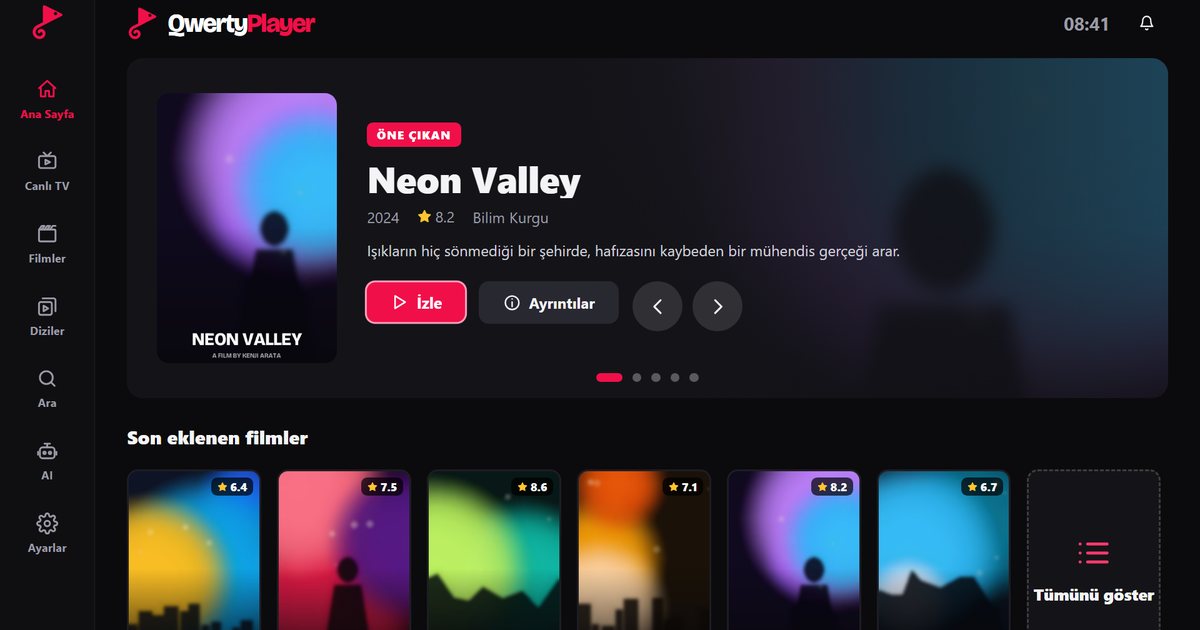
QwertyPlayer runs on Android, Android TV, Fire TV, Windows, Mac, iPhone, iPad, Samsung, LG and Philips (Titan OS) devices and reads M3U and Xtream Codes lists. It includes a programme guide, search, favourites, subtitle and audio selection, parental controls, a VPN / Proxy setting and a speed test. It is available in English, Turkish, German and French, and it is currently free to download and use, as described in free IPTV players. On each platform you can find it by searching for QwertyPlayer in the official store. If the terminology still confuses you, IP TV player versus IPTV player clears it up.
Frequently asked questions
Which IPTV player is best?
The best one runs on all your devices, reads your list type, has a clear privacy policy and is updated regularly. Use the checklist to compare.
What is the most important thing when choosing an IPTV player?
Device support and list compatibility come first, followed by ease of use, programme guide support and privacy.
Is there an IPTV player without ads?
Advertising policies differ between apps. Check the store page and privacy policy of any app you consider.
Can I use one player on several devices?
QwertyPlayer is built for many platforms, and you can add the same list on each device, within any connection limit set by your provider.
Try it with QwertyPlayer
Download with a free trial for Android, Android TV, Fire TV, Huawei and Windows.