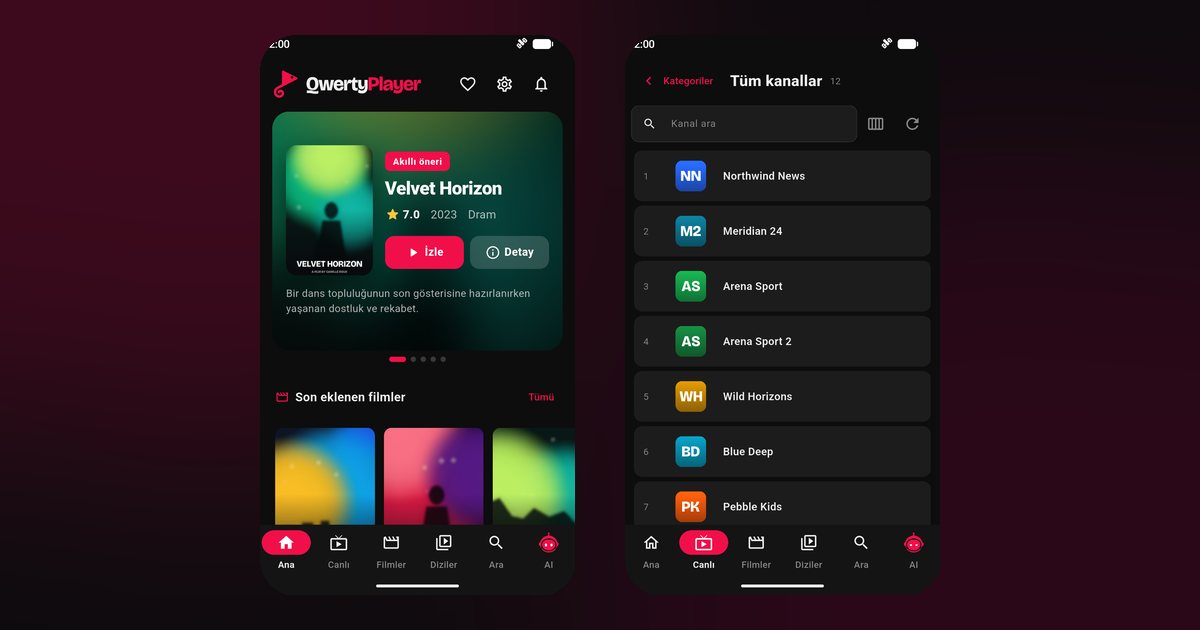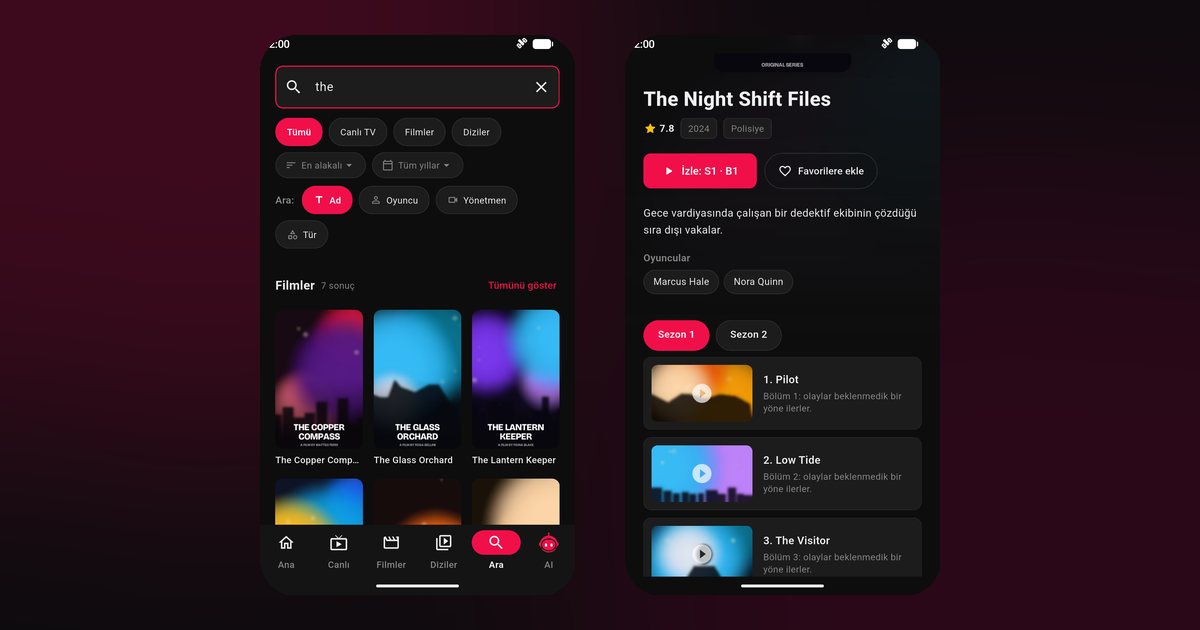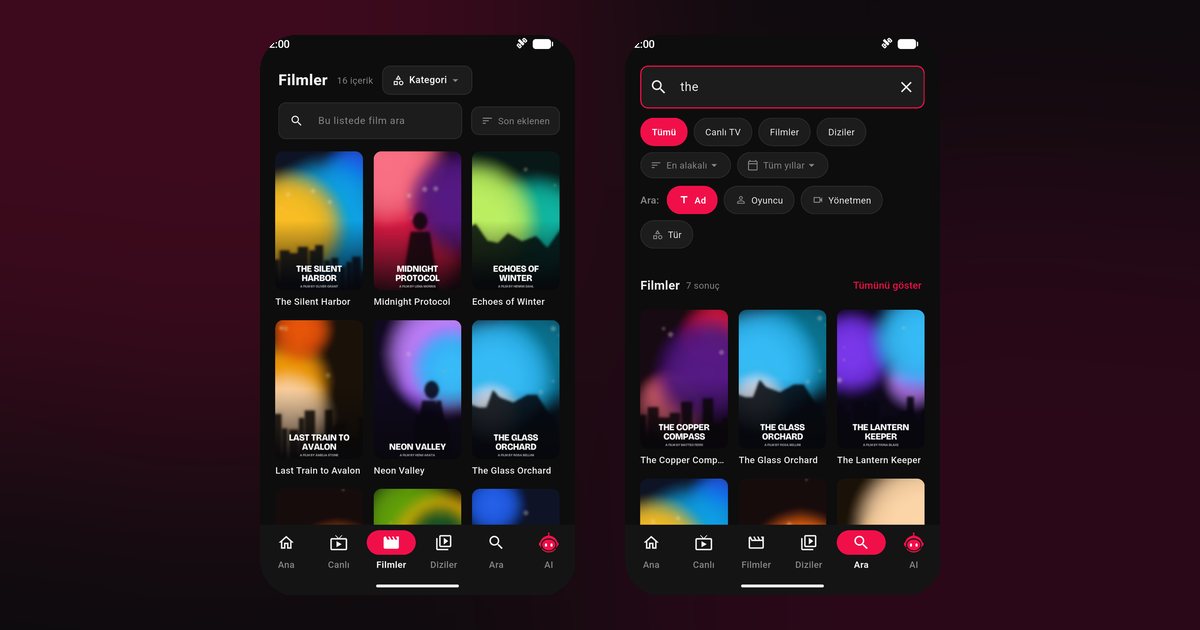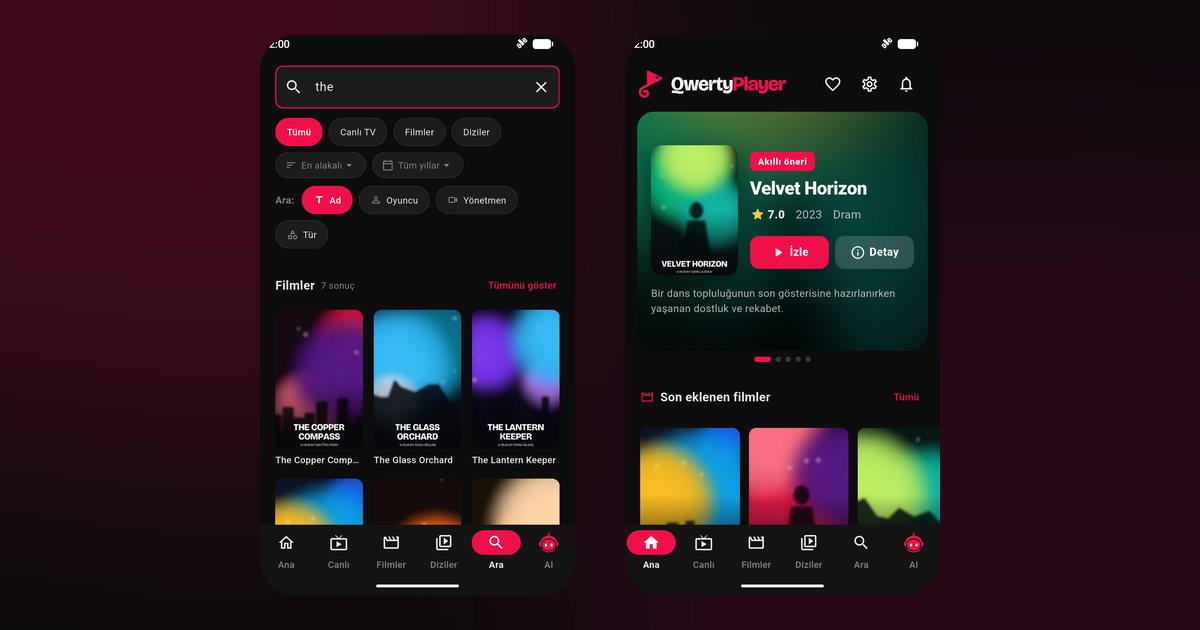
The first thing to know about an Honor IPTV player is that Honor phones are not all the same under the surface. Older Honor models were built together with Huawei and have no Google services, whereas current Honor phones sold in Europe and many other regions ship with Google Play. Which install route you use depends on the phone in your hand, not on the brand name. This guide helps you work out which route is yours and then walks through setup.
Step one: does your Honor have Google Play?
Look on the home screen or app drawer for the Play Store icon. If it is there and opens normally, you have Google services. If not, look for AppGallery, the store originally from Huawei. Newer Honor phones use MagicOS, a layer Honor developed itself, and generally come with Google Play. Some older models from the Huawei period do not. If you are unsure, open Settings > About phone and check the software name and version.
Models and the route they usually take
| Honor line | Examples | Typical route |
|---|---|---|
| Magic series flagships | Magic6 Pro, Magic5 Pro, Magic V2 foldable | Google Play |
| Numbered mainstream | Honor 200, Honor 200 Pro, Honor 90, Honor 70 | Google Play |
| X series | Honor X9b, Honor X8b | Google Play |
| Older Huawei-era phones | some older models from the Huawei period | AppGallery or installation file |
This table describes the common case, not a promise for every regional version. Trust what your own phone offers.
Route A: Google Play
- Open Google Play and search for QwertyPlayer.
- Install it and open it.
- Pick M3U or Xtream Codes and enter your details.
Route B: AppGallery or the installation file
If your phone has no Google Play, open AppGallery and search for QwertyPlayer, following the steps in the Huawei IPTV player guide, which uses the same store. When the store does not list it, the download page offers an installation file. Download it only from that page, then allow your browser or file manager to install apps from this source. Updates are then manual, so check the page from time to time.
MagicOS settings for stable playback
As with other brands, menu names change by version, so rely on the search bar when needed.
- App launch management: in Settings > Battery > App launch (or in the app info page), switch QwertyPlayer from automatic to manual management and allow auto-launch, secondary launch and background activity.
- Battery optimisation: exclude the app so it is not stopped when the screen turns off.
- Power saving: turn off Power saving mode while watching.
- Recent apps: lock the app card so clean-up skips it.
The background playback guide places these settings next to the equivalent options on other brands, including Huawei.
Foldables and big displays
The Magic V2 opens to a tablet-sized display, which suits posters and episode lists. Use the inner screen for video and keep the player in full screen mode to avoid frame drops. Tablets from several makers are discussed in the Android tablet guide.
Watching on a TV instead
Whichever route you used, you can type your playlist on the phone and send it to a television via the Connect to TV page, which is much quicker than a remote. Owners comparing with another brand can read about Vivo phones.
Fixes for common faults
- Stream stops with the screen off: redo the app launch settings and restart.
- Buffering: check the buffering fix guide.
- Installation file will not open: enable installs from the source you used in the security settings.
More makers are listed on Android phone brands.
Content
The app does not include channels; add your own lawful source. It is free for now.
Frequently asked questions
Do all Honor phones have Google Play?
No. Current models in most regions do, while some older Huawei-era models do not. Check for the Play Store icon on your phone.
What should I do if my Honor has no Google Play?
Look for QwertyPlayer in AppGallery or use the installation file from the download page.
Does the Honor Magic6 Pro need special settings?
It follows the standard MagicOS steps: allow background activity and exclude the app from battery optimisation.
Is the Honor 200 different from the Honor X9b?
For this purpose they behave the same. Both use MagicOS and normally Google Play.
Will an installation file update itself?
Not usually. Check the download page for newer versions from time to time.
Try it with QwertyPlayer
Download with a free trial for Android, Android TV, Fire TV, Huawei and Windows.