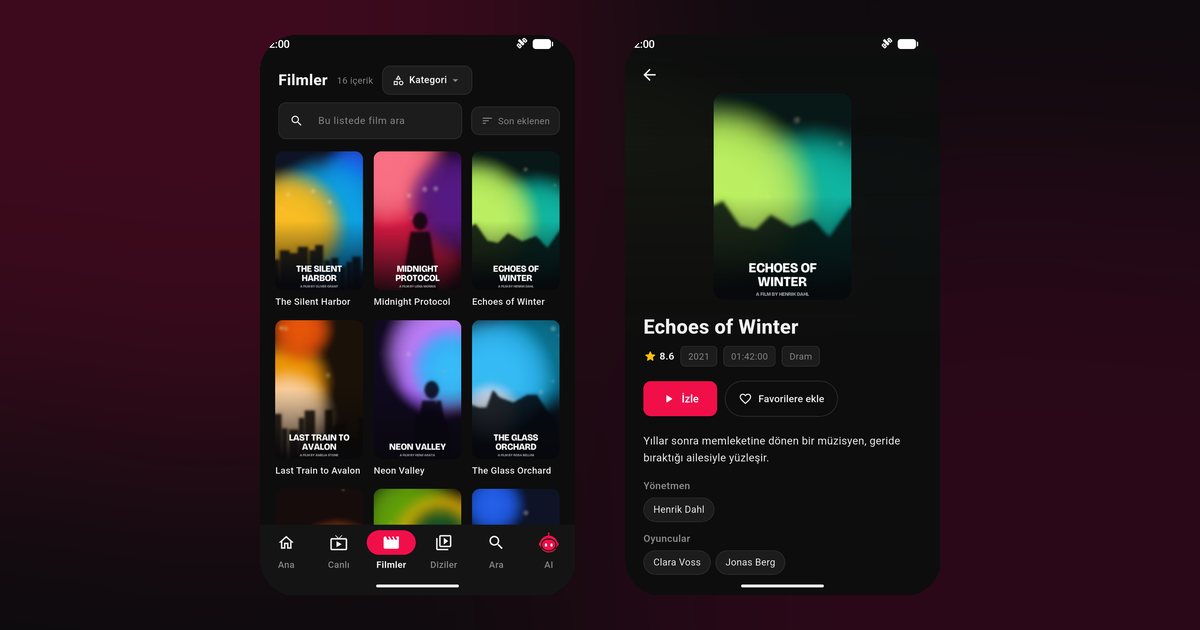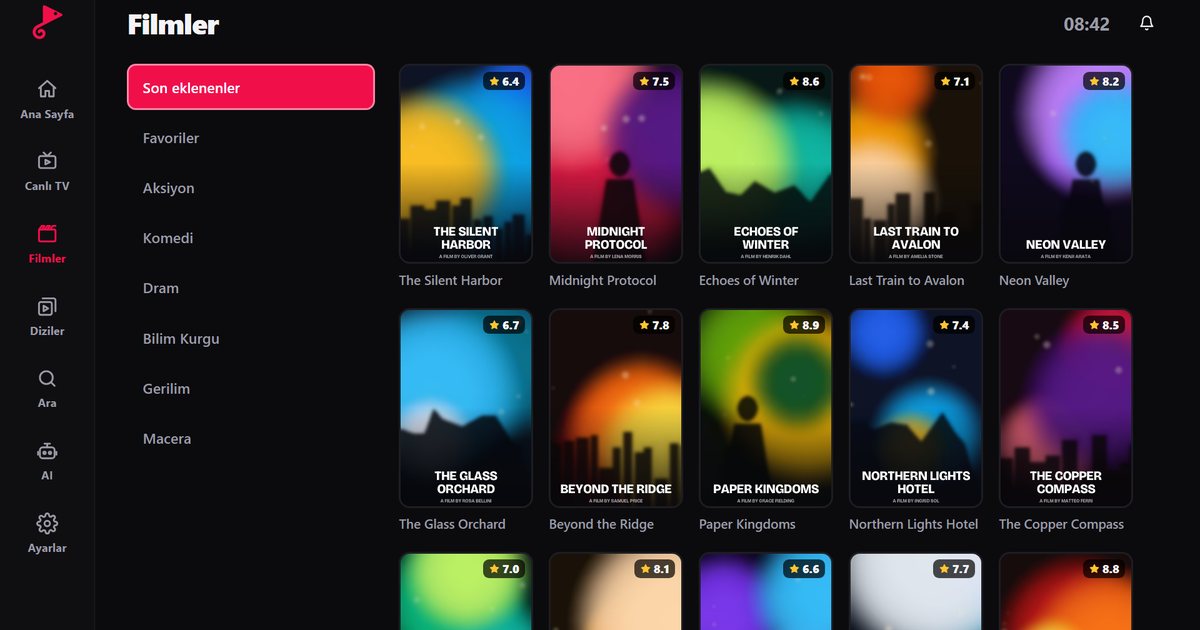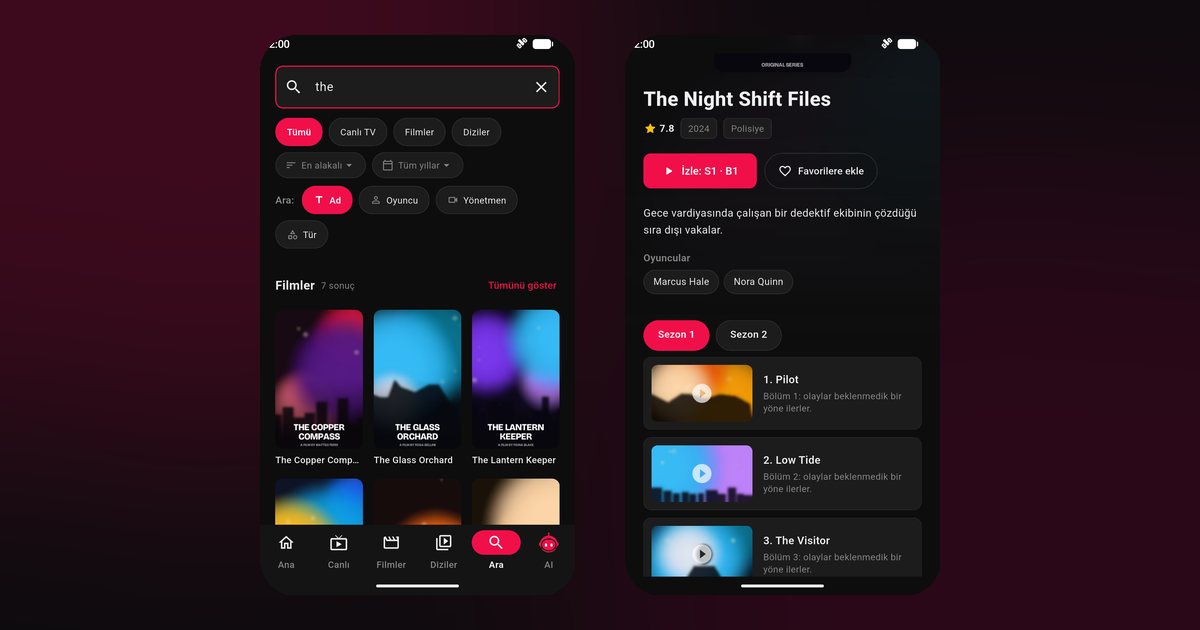
Recent Huawei phones and tablets ship without Google Play. Apps come from Huawei AppGallery instead, which leaves anyone looking for a Huawei IPTV player with an obvious question: where do I download it? QwertyPlayer is built for Huawei AppGallery and plays M3U and Xtream Codes playlists as live TV, films and series without depending on Google services.
Install from AppGallery
- Open AppGallery and search for "QwertyPlayer".
- Tap Install and open the app when it finishes.
- Paste your M3U link, or enter the Xtream Codes server address, username and password.
- Save and wait for the categories to load.
If AppGallery cannot find the app, check the download page for the other options. Huawei devices that still have Google Play can use the standard route described in the Android IPTV player guide.
Does it work without Google services?
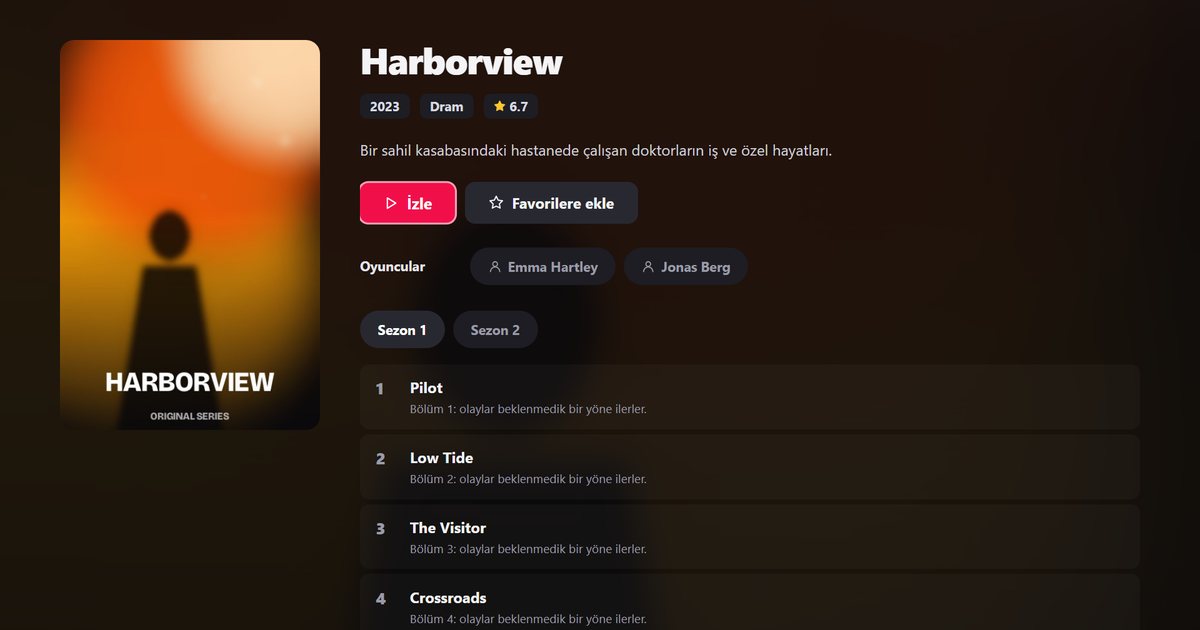
Yes. The core features, which are live TV, films, series, search, favourites and the programme guide, do not depend on Google services. The player streams directly from the addresses in your playlist, so the missing Play Store does not change how playback works.
Settings that matter on Huawei phones
Huawei's EMUI and HarmonyOS aggressively manage background apps to save battery. If a stream stops when you switch apps or lock the screen, check these places:
- Battery, App launch: switch the app from automatic to manual management and allow auto-launch, secondary launch and background activity.
- Battery optimisation: exclude the app from optimisation.
- Mobile data: make sure the app is allowed to use data in the background if you watch outside Wi-Fi.
Menu names vary between EMUI and HarmonyOS versions, but the idea is the same: tell the system that the player may keep running.
Choosing M3U or Xtream Codes on a Huawei phone
Both formats work. Xtream Codes is the better choice when your provider offers it, because the library arrives already sorted into live TV, films and series, usually with artwork and programme data. With an M3U link everything is read from one file, so a large list may take longer to load on the first start. Whichever you use, copy the link or the details directly from your provider's message instead of retyping them, and read the M3U versus Xtream Codes comparison if you are unsure. Phones with limited storage benefit from clearing unused apps before the first load of a very large library.
Why AppGallery matters
AppGallery is Huawei's own store: search for QwertyPlayer there and install it. If you switch from an older phone that had Google Play to a newer Huawei model, remember that your apps do not move across automatically: install the player again and add the playlist again. Your provider account is not affected by the change of phone. The only things you carry over are the details of your playlist.
Tips for a steady stream
Tips for a steady stream
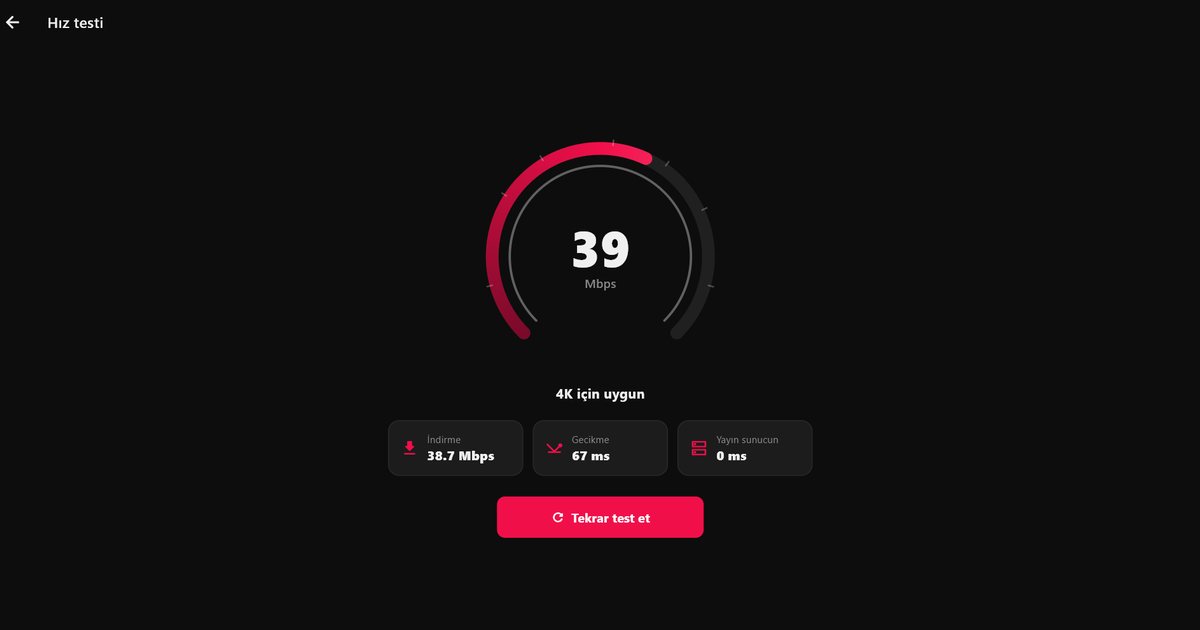
- Test your connection first. The in-app speed test and the article on how many Mbps IPTV needs show whether the line is the limit.
- Set up the programme guide with the EPG guide, and fix Xtream login errors with the Xtream Codes guide.
- Prefer Wi-Fi or a good mobile signal; a weak signal is the most common reason for buffering.
Keep a copy of your playlist details
A Huawei phone or tablet is also a convenient place to prepare the playlist for other devices. Keep the link in a note on the phone, then use it whenever you set up a television or a streaming stick. Because you have a large screen and a proper keyboard, mistakes are easier to spot than on a TV, and the Connect to TV code only needs to be typed once per session. If you replace your phone later, you will need the same link again, so it is worth keeping a copy somewhere safe, away from shared devices.
From phone to television
If you want the same playlist on a TV, enter the code shown on the TV at the Connect to TV page and send it from your phone. The all-devices overview links to every television guide.
Note: QwertyPlayer is only a player and does not provide or sell content.
Frequently asked questions
How can I watch IPTV on a Huawei phone?
Install an IPTV player from AppGallery and add the M3U link or Xtream Codes details from your provider.
Can I install apps without Google Play?
Yes, through AppGallery or other sources you trust. The download page lists the available options.
Does the programme guide work on Huawei?
Yes, when your provider supplies programme data. It does not depend on Google services.
Why does the stream stop in the background?
Battery management may be restricting the app. Allow background activity for it in the battery settings.
Try it with QwertyPlayer
Download with a free trial for Android, Android TV, Fire TV, Huawei and Windows.