An IPTV player is an app that plays live TV channels, movies and series streamed over the internet. The player itself contains no content: you add the playlist supplied by your own streaming service and watch it. Choosing a good IPTV player matters because it decides how fast your playlist opens, whether channels play without stalling and how easily you find what you want.
How does an IPTV player work?
Your service gives you one of two formats: an M3U playlist link or Xtream Codes details (server address, username and password). The IPTV player uses these to download the channel list, the movie and series library and the programme guide (EPG), sorts them into categories and plays them. See the guide to adding M3U and Xtream Codes for the full setup.
What to look for in an IPTV player
- Platform support: using the same app on phone, tablet, Android TV, Fire TV and PC keeps things simple.
- Large playlist performance: lists with tens of thousands of channels and movies should open in seconds and search should be instant.
- Programme guide (EPG): it should show what is on now and what comes next.
- Remote-friendly interface: every menu on TV should be easy to use with the arrow keys.
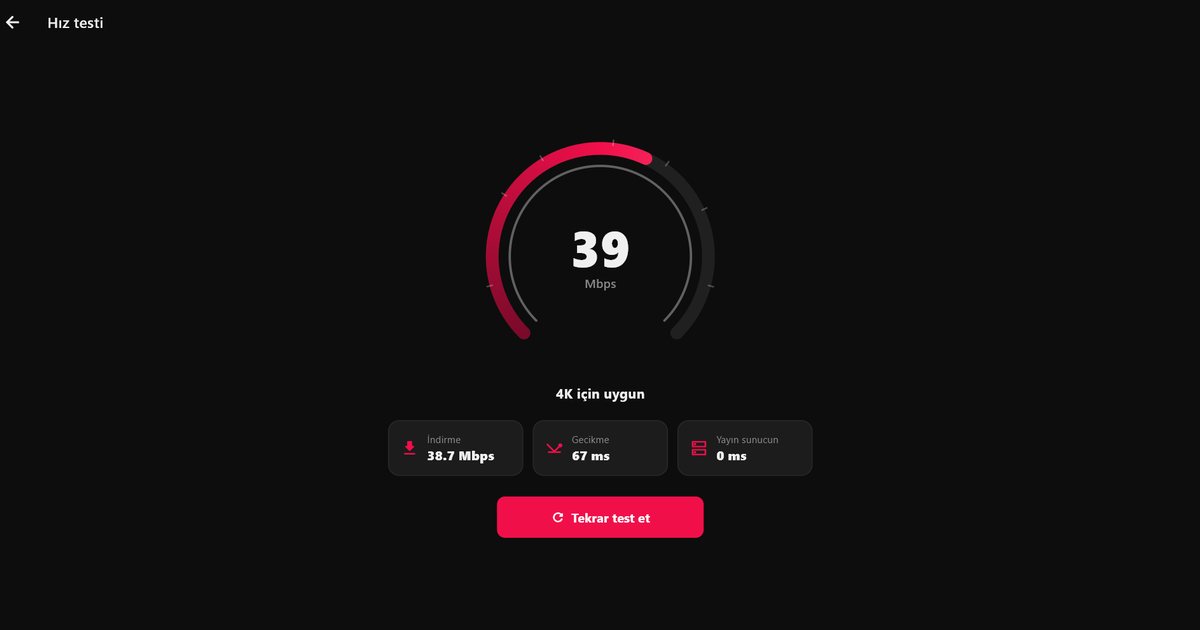
- Smooth playback: it should recover on its own when the connection drops. If streams stall, read how to fix IPTV buffering.
- Privacy: your playlist details should stay on your device and never be shared.
Watching IPTV with QwertyPlayer
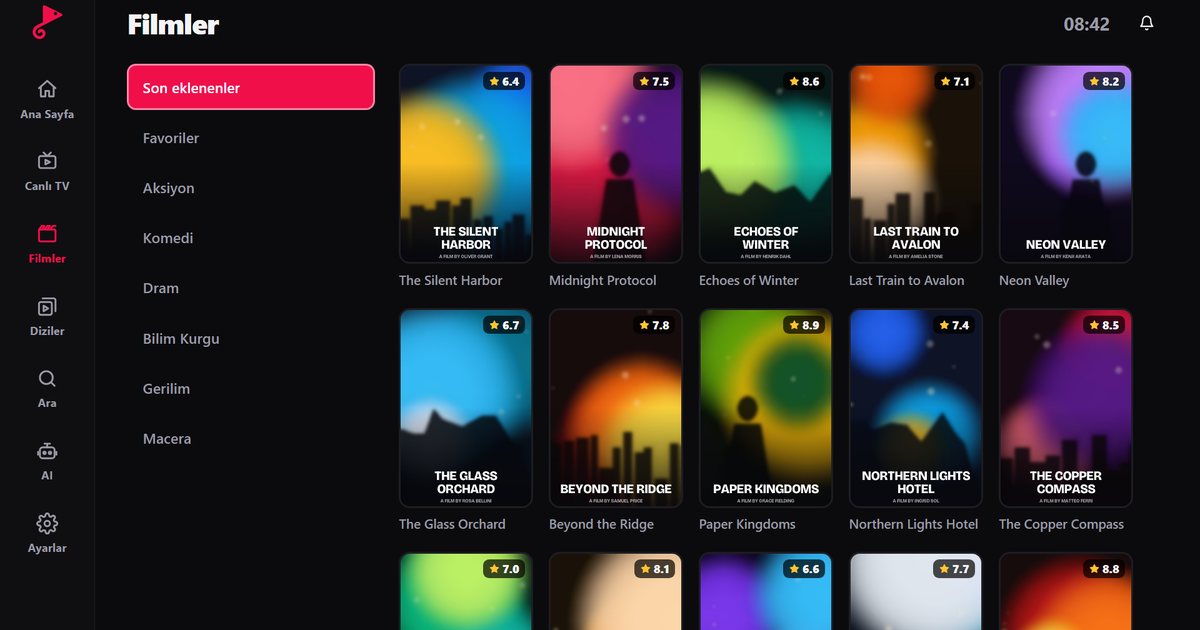
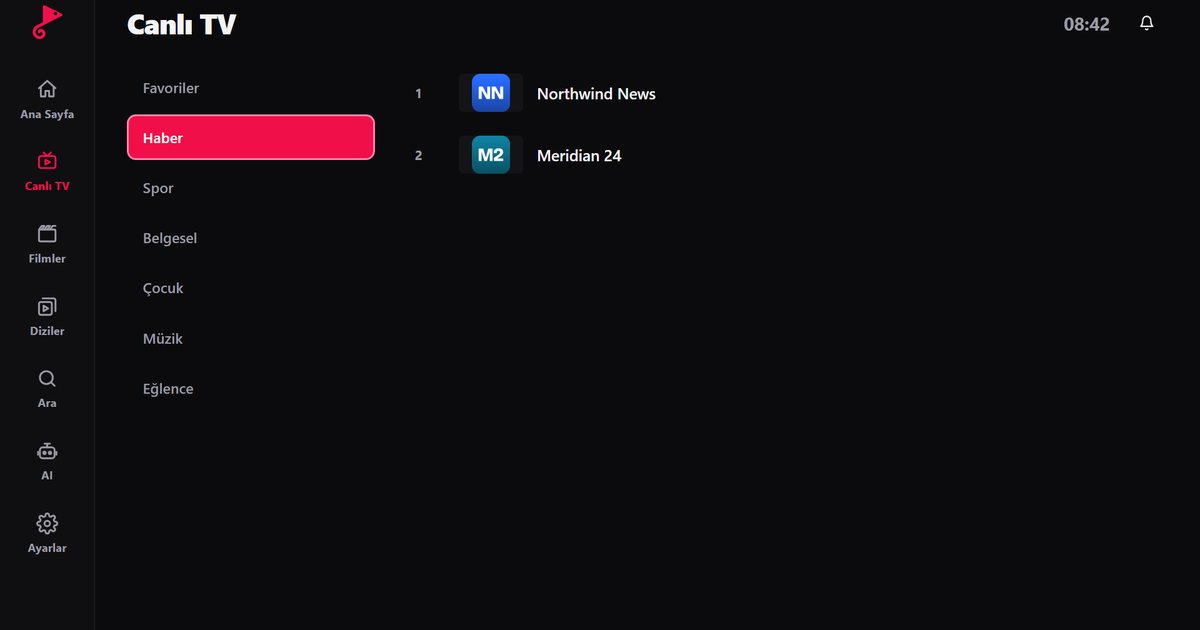
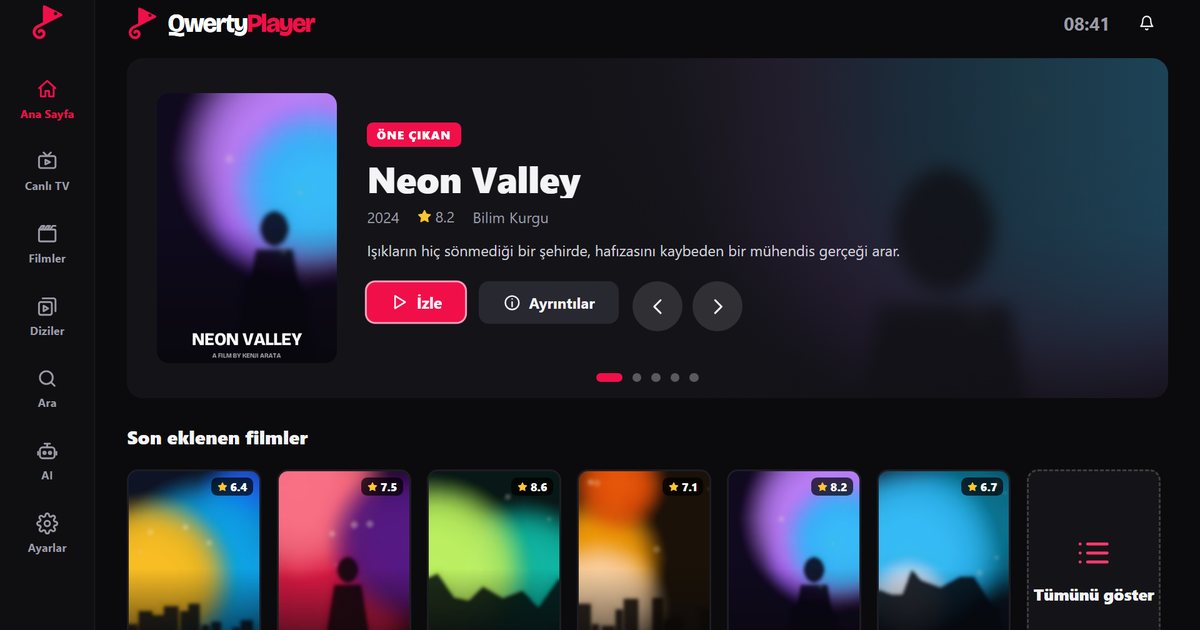
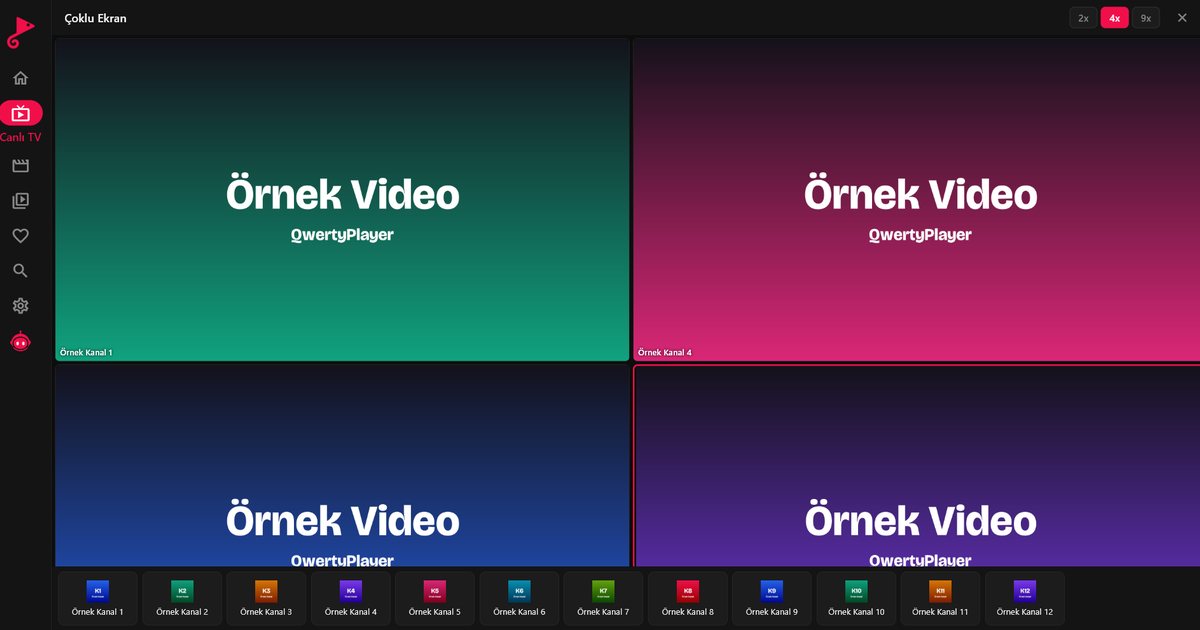
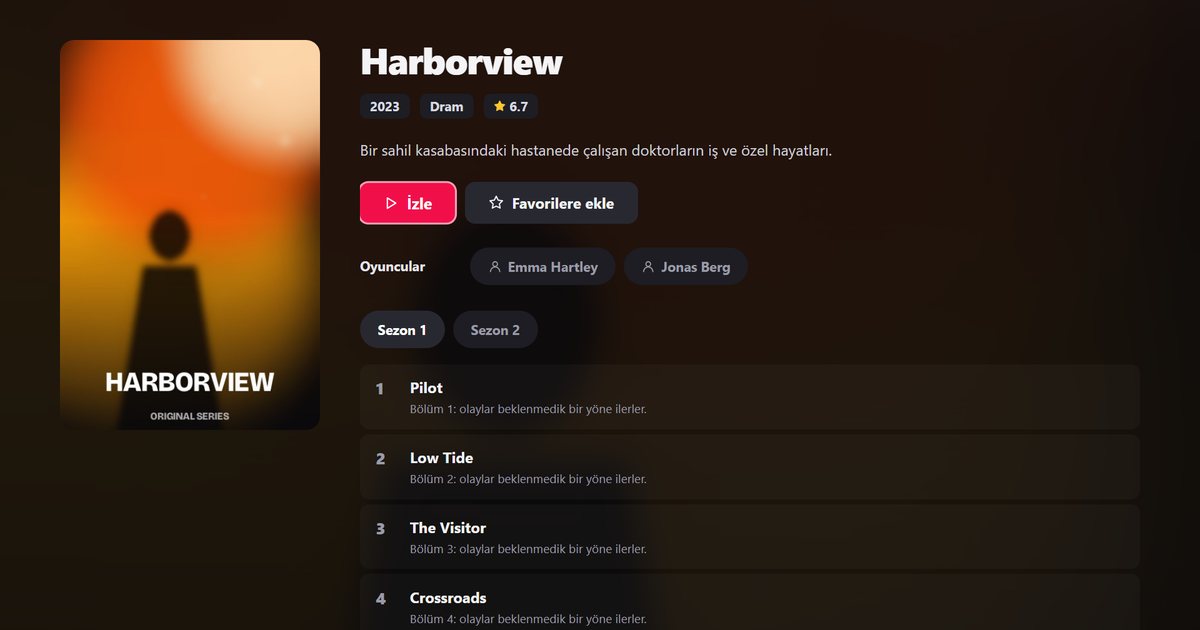
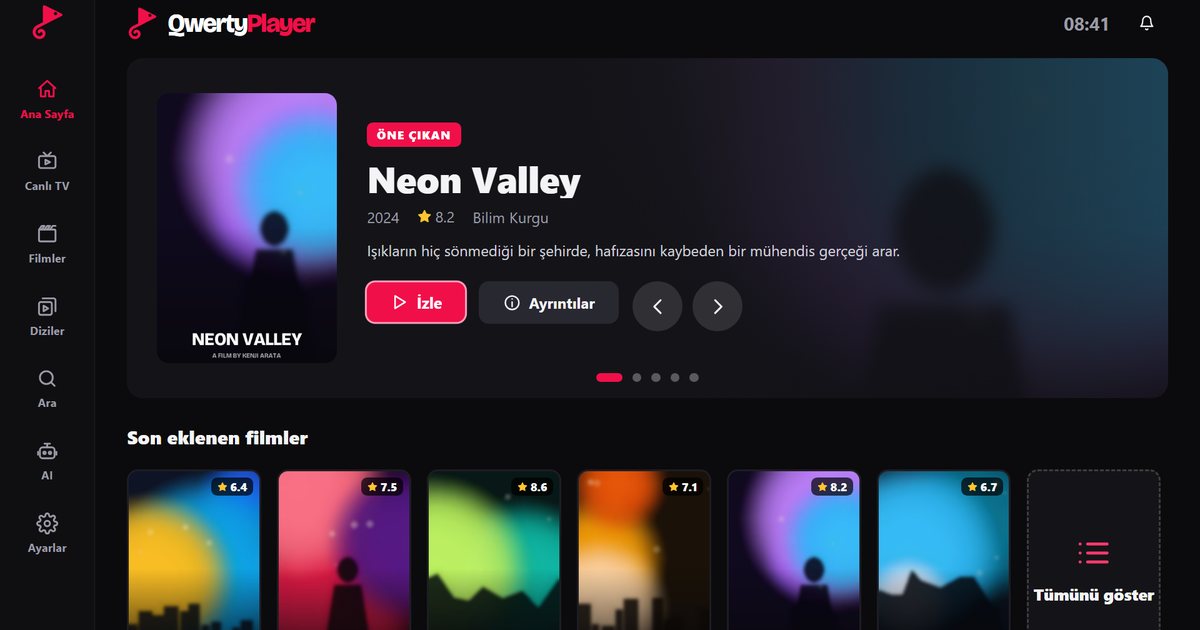
QwertyPlayer is an AI-assisted IPTV player for Android, Android TV, Fire TV, Huawei and Windows. It supports M3U and Xtream Codes, and its Live TV screen shows categories on the left, channels in the middle and a live preview on the right. In movies and series you can resume where you left off, save favourites and hide adult content with one setting.
No need to type your playlist with a remote: enter the code shown on your TV on the connect your TV page and add the playlist from your PC or phone.
Setup by device
- IPTV player for Smart TV: Android TV, Samsung and LG
- Installing an IPTV player on Fire TV Stick
- IPTV player for Windows
Please note
An IPTV player is only a player. Use streams you have the right to watch; QwertyPlayer does not provide or sell any channels, movies or playlists.
Try it with QwertyPlayer
Download with a free trial for Android, Android TV, Fire TV, Huawei and Windows.