Smooth IPTV depends on a connection that can deliver the stream steadily, not just quickly. If it cannot, you get buffering, blocky pictures or a stream that drops to a lower quality. This article explains how many Mbps IPTV needs, how to measure what you really have in the room where you watch, and how to plan when several screens run at the same time.
Recommended speed per stream
| Quality | Approximate speed for one stream |
|---|---|
| SD | 3 to 5 Mbps |
| HD (720p) | 5 to 8 Mbps |
| Full HD (1080p) | 8 to 12 Mbps |
| 4K | 25 Mbps or more |
These are working figures, not guarantees. The bit rate of a channel depends on the provider and on how the content was encoded, and live sport often needs more headroom than a drama series. Treat the table as the minimum that should be available to that stream alone.
Planning for the whole household
Needs add up. If one person streams a Full HD channel (about 10 Mbps), another watches an HD film (about 7 Mbps) and a third is on a video call, your connection should comfortably exceed the total plus a margin of around 25 percent. Advertised line speeds are often peak values, so the number you actually receive on a busy evening can be lower.
How to test your speed properly
- Test on the device you use for watching, in the place where you sit. A test on a laptop beside the router says little about a TV in another room.
- Look at the download figure. Upload speed does not matter for watching.
- Pause large downloads and updates on other devices during the test.
- Repeat at different times, including your usual evening viewing time.
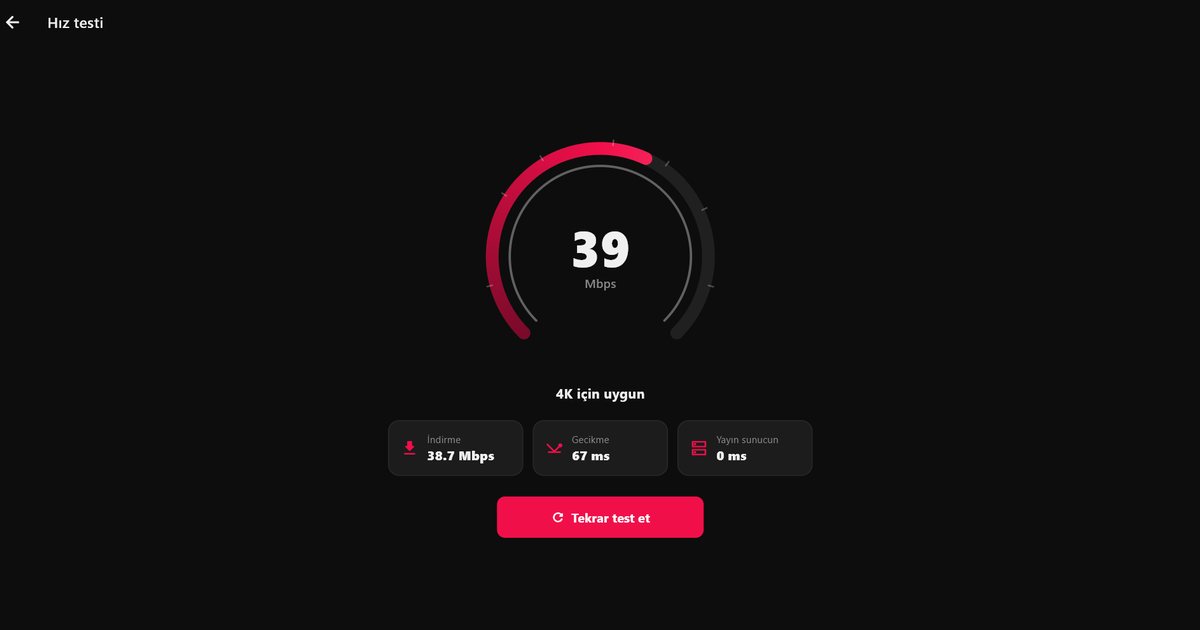
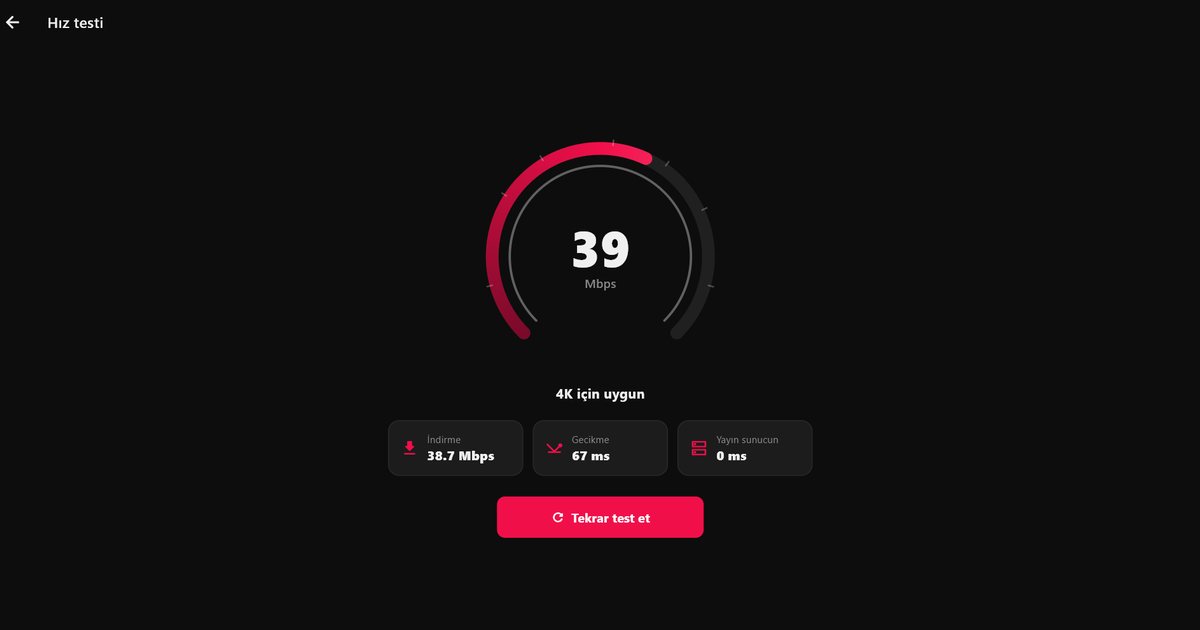
QwertyPlayer includes a speed test, so you can run this check without leaving the app. It is the first thing to try when playback has problems.
Wi-Fi or Ethernet?
- Ethernet is the most stable choice, especially for 4K and live sport. Many TVs, boxes and sticks accept a cable or an adapter.
- 5 GHz Wi-Fi is faster than 2.4 GHz but loses strength through walls and over distance. Use it when you are in the same room or one room away from the router.
- 2.4 GHz Wi-Fi reaches further and is more crowded. It can be adequate for SD and HD, but is less reliable for higher quality.
- A mesh system or a powerline adapter can help when the router and television are far apart.
Quick ways to free up bandwidth
- Pause cloud backups, game downloads and system updates while you watch.
- Close streams you are not watching. A second screen left running in another room still uses its share.
- Restart the router if it has been on for weeks, and keep it off the floor and away from metal shelves.
- If the television is far from the router, wire it. Even a short Ethernet run usually beats the best Wi-Fi.
The speed is fine but it still buffers
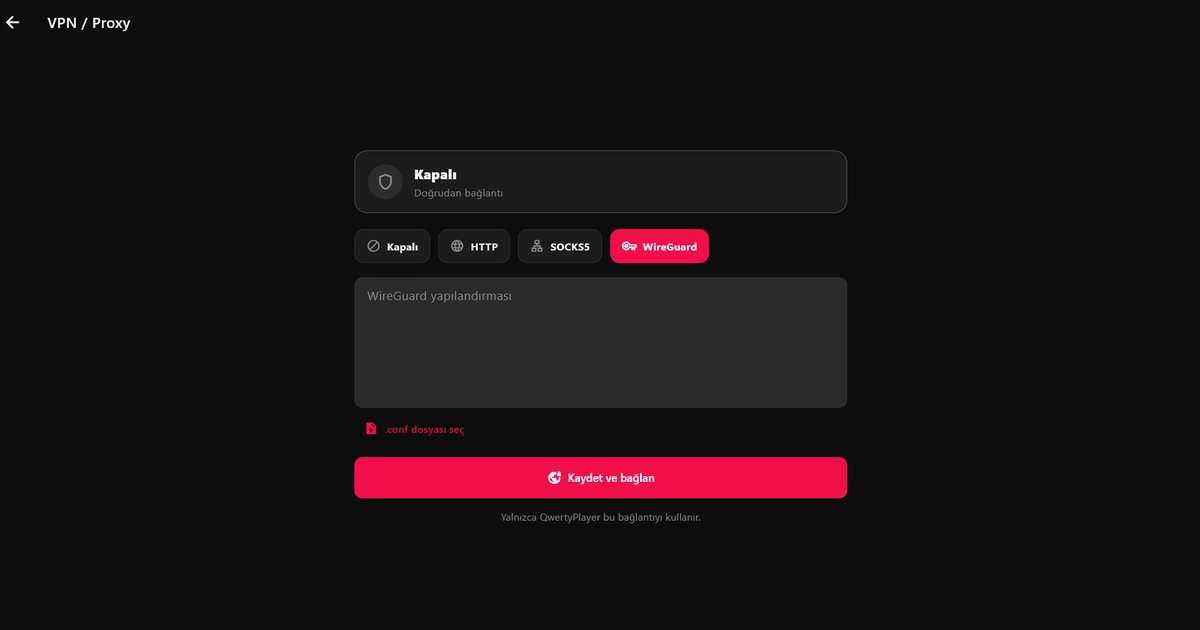
The bottleneck may be elsewhere: the provider's server, a congested route between your internet provider and that server, or a busy home network. Walk through the IPTV buffering fixes and, if the path is the problem, read about the VPN and proxy options in QwertyPlayer.
Device-specific advice
Hardware matters too. Cheaper boxes and sticks may struggle with high bit rates even on a good line. See the guides for Fire TV, Android TV boxes and smart TVs for tips on each.
Frequently asked questions
How many Mbps do I need for IPTV?
Roughly 3 to 5 Mbps for SD, 5 to 8 for HD, 8 to 12 for Full HD and 25 or more for 4K, per stream.
Is Ethernet better than Wi-Fi for IPTV?
Ethernet is more stable. If you use Wi-Fi, prefer the 5 GHz band and stay close to the router.
How do I test my speed for IPTV?
Run a download speed test on the device you watch on, in its normal location, while other devices are idle. QwertyPlayer also has an in-app speed test.
Why does IPTV buffer when my speed test is good?
The cause can be the provider's server, the route to it, a congested home network or a weak device rather than your line speed.
Try it with QwertyPlayer
Download with a free trial for Android, Android TV, Fire TV, Huawei and Windows.