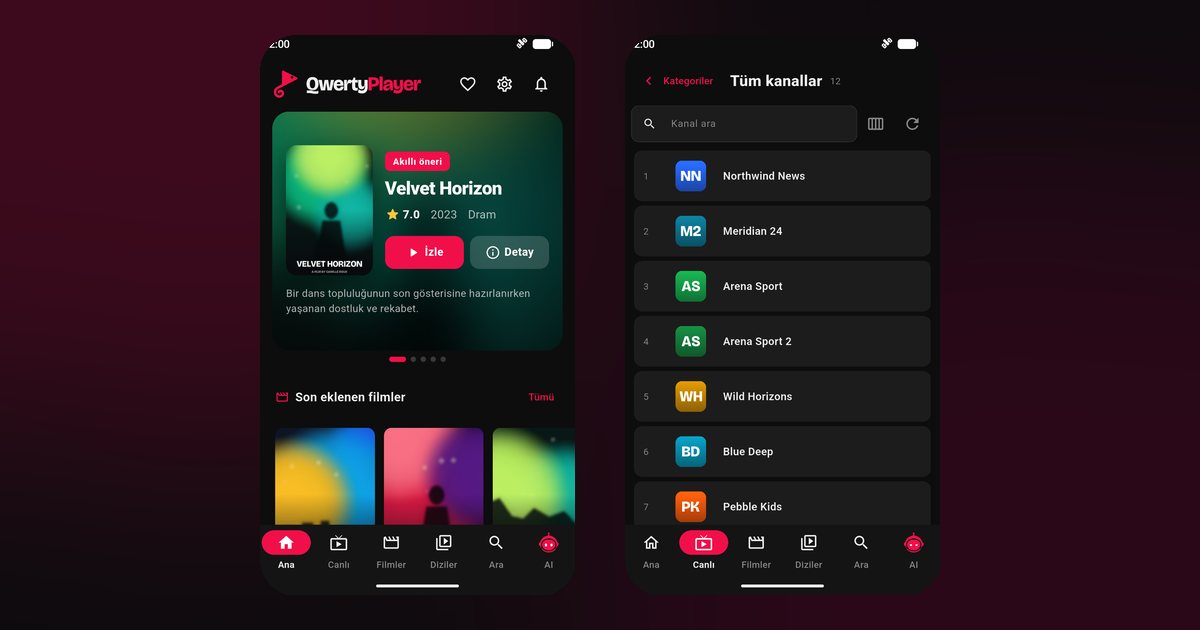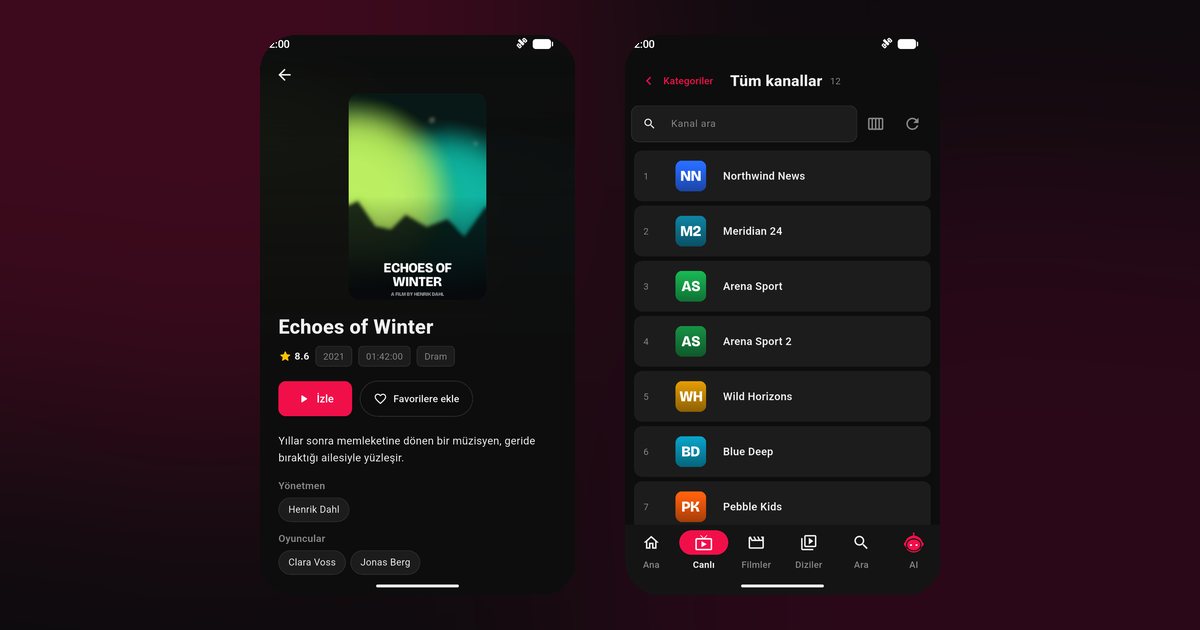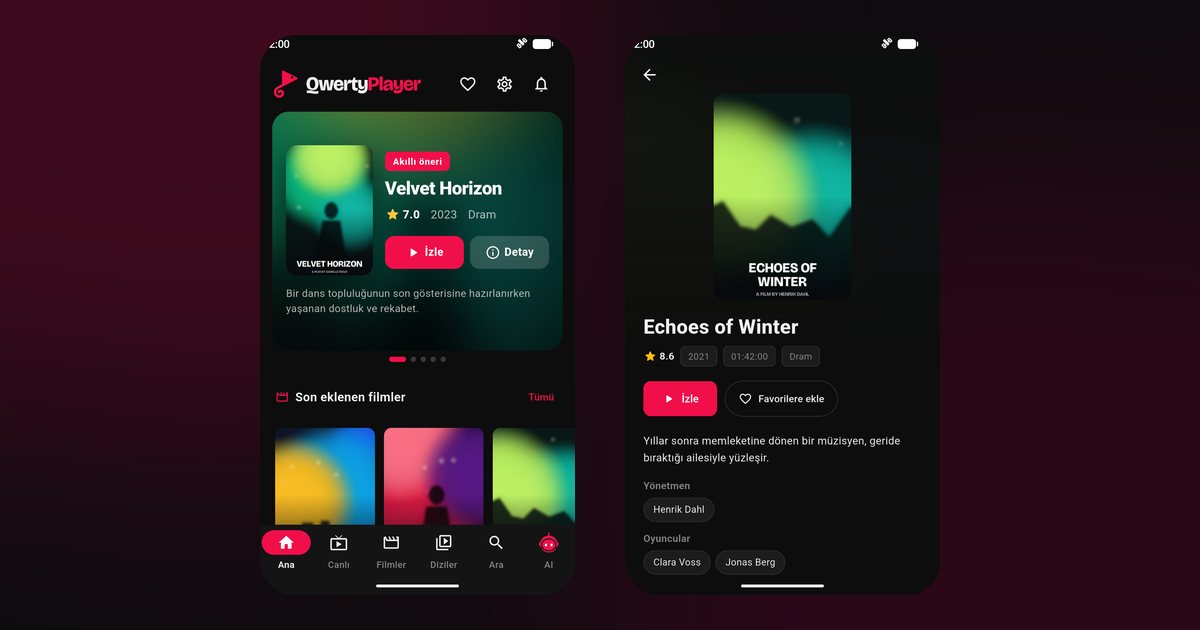
Nokia phones have a long history, and that history is exactly why a question about an IPTV player for Nokia phones needs a careful answer. Under the Nokia name, now made by HMD, you will find three quite different kinds of device: modern Android smartphones, KaiOS flip and bar phones, and basic feature phones. Only the first group can run QwertyPlayer. This guide helps you identify which kind you own and then, if it is Android, sets it up.
Three kinds of Nokia phone
| Type | Examples | Can it run the app? |
|---|---|---|
| Android smartphone | Nokia G42, Nokia G22, Nokia C32, Nokia X30, Nokia G60 | Yes, via Google Play |
| KaiOS phone | Nokia 8110 4G, Nokia 6300 4G | No, this system has no app for it |
| Basic feature phone | Simple keypad phones without app stores | No |
To check, open Settings > About phone. A line reading Android, with a version number, means you are in the first group. If your phone has a small app store with only a handful of apps, or no touch screen at all, it is almost certainly KaiOS or a feature phone. Please do not try to install files from unknown websites on these; they will not work and can cause harm.
Android One and what it means
Many Nokia smartphones were sold as Android One devices, which means a nearly unmodified Android with a promise of regular updates. That makes them simple to configure for streaming. There is no heavy manufacturer layer interfering with background apps, and Google Play is the one and only store you need.
Install on a Nokia smartphone
- Open Google Play and search for QwertyPlayer.
- Tap Install, then open the app.
- Select M3U or Xtream Codes and enter your provider details.
- Wait for the lists, then open Live TV, Movies or Series.
If the difference between M3U and Xtream is unclear, the guide to both formats explains it.
Smart choices for modest hardware
Some Nokia models are entry-level phones, such as the C series, with limited memory. A big playlist can feel slow on such hardware. A few habits help:
- Close other apps before starting playback.
- Keep at least a few gigabytes of storage free so the cache works.
- Use favourites to reach your most used channels without scrolling through thousands.
- Install system updates when offered, because they improve stability.
Keeping playback alive
On Android One phones there is usually little to do beyond one check: Settings > Apps > QwertyPlayer > Battery, then choose the unrestricted option. Leave Adaptive Battery on unless you notice that a regular stream stops, and see the background playback guide for comparison with other brands.
If you really want to watch on a Nokia that cannot run the app
People with a KaiOS phone sometimes look for a trick. There isn't a dependable one for this player. A better route is a different screen: a television with a compatible platform, a Fire TV Stick or a spare Android phone. For television setup, see the Fire TV guide and the Google TV and Chromecast guide. Nokia also sells televisions through licensed partners, covered in the Nokia and Motorola TV guide.
Quick fixes
- Stutter: test another network and see the buffering fix guide.
- App not found in the store: your phone may not be an Android model, or it may lack Google Play.
Related reading: Motorola phones use a similar near-stock system, and Android phone brands lists the rest.
Reminder
The player brings no channels of its own and is free at present.
Frequently asked questions
Can a Nokia G42 run an IPTV player?
Yes. It is an Android smartphone, so QwertyPlayer installs from Google Play.
Does the app work on a Nokia 8110 4G or 6300 4G?
No. Those phones use KaiOS, and there is no QwertyPlayer app for that system.
How do I know whether my Nokia is Android?
Open Settings > About phone and look for an Android version. Touch screen and Google Play are further signs.
What is Android One?
It is a near-stock version of Android that some Nokia phones use, with few manufacturer additions.
What can I use instead on a KaiOS phone?
Use another device, such as a compatible TV, a Fire TV Stick or an Android phone.
Try it with QwertyPlayer
Download with a free trial for Android, Android TV, Fire TV, Huawei and Windows.