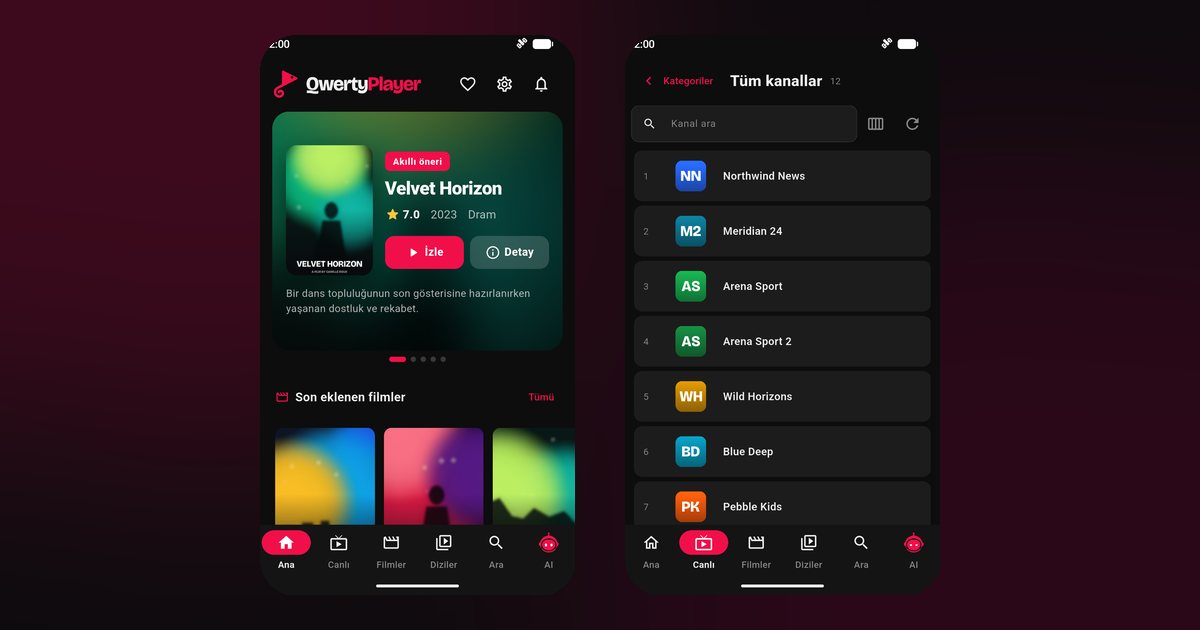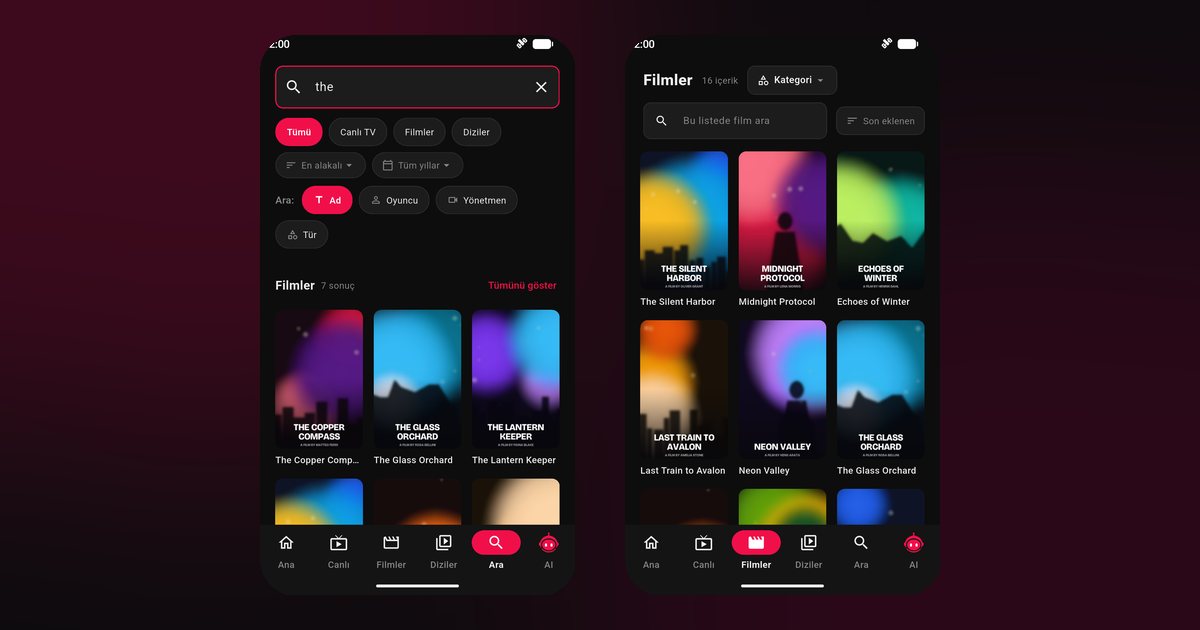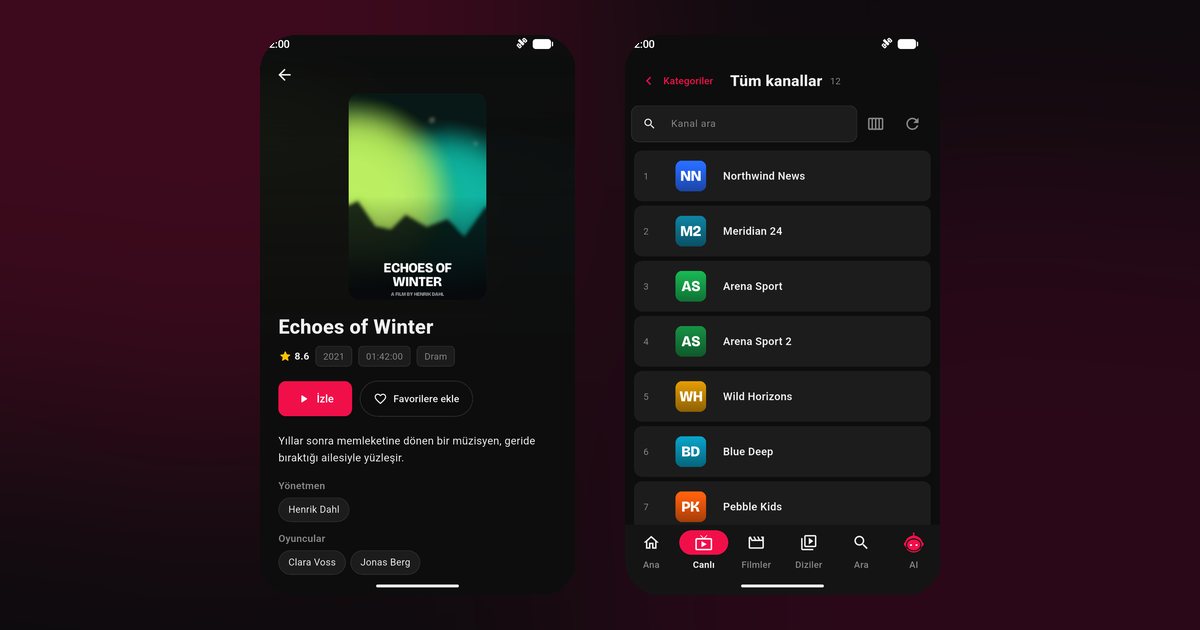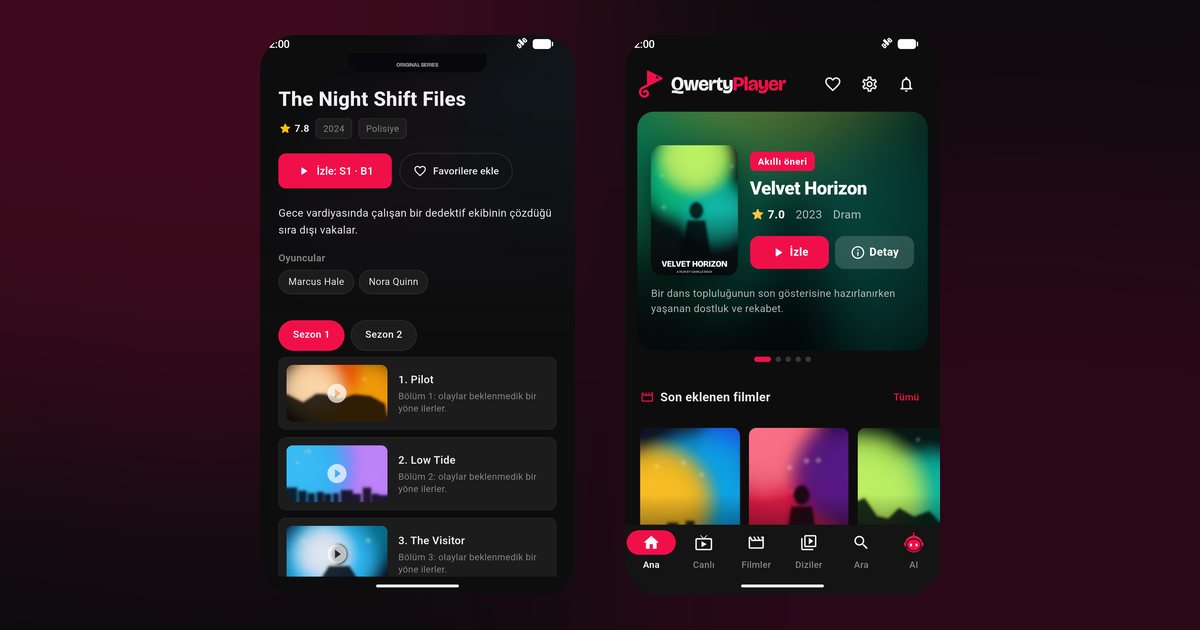
Not everyone carries a Samsung or a Pixel. If your phone is a Nothing Phone (2), an Asus Zenfone 11 Ultra, an ROG Phone 8 or a ZTE Blade, you still need an IPTV player that runs on Android, and the brand barely matters: any handset with Google Play can install QwertyPlayer. What does change is how aggressively each maker manages battery and background apps, which is where this guide spends most of its time.
Quick install on any of these phones
- Find QwertyPlayer in Google Play and install it.
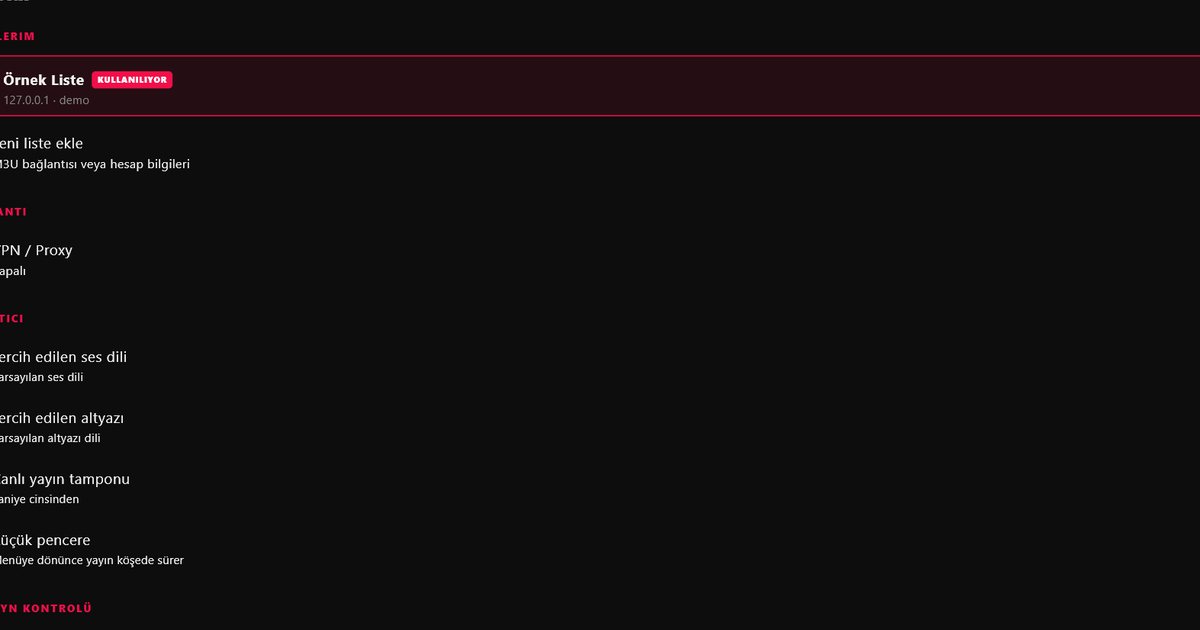
- Open it and tap the option for adding a playlist.
- Type your Xtream Codes server, username and password, or paste the M3U link your provider sent.
- Save, then wait while the channel list builds.
A copied link that has lost its last characters, or gained a trailing space, is the classic cause of an empty list. See the explainers on the M3U8 file and the Xtream login fields if you want to check each part.
What each maker's software does
| Phone line | Software feel | Where to look if playback stops |
|---|---|---|
| Nothing Phone (1), (2), (2a) and CMF Phone 1 | Near-stock Android with extras | Per-app battery page |
| Asus Zenfone 11 Ultra and ROG Phone 8 | Light skin; gaming phones add performance modes | Power mode, then background activity |
| ZTE Blade, ZTE Axon, nubia and Red Magic | Own skin, game mode on gaming models | Autostart and any game or cooling mode |
| Lenovo Legion and other Lenovo phones | Close to stock on many models | Battery optimisation list |
| TCL 30 and TCL 40 series | Own interface on Android | Battery saver and app protection lists |
| Fairphone 5 | Near-stock Android | Standard battery settings only |
Menus move around between software versions, so read this as a map of where to search. The search bar at the top of Settings is quicker: type "battery" and open the page for apps.
Gaming phones: modes that steal resources
An ROG Phone or a Red Magic can give all its power to one app and hold back the rest. Left in such a mode, video may stutter or the player may be paused after a while. A balanced mode is plenty for streaming. Heat is the other factor: a hot phone throttles itself, so remove a thick case and avoid fast charging during a film.
Budget handsets from any brand
Keep a few gigabytes free, close apps you are not using, restart now and again and clear the app cache when the interface slows down. If a large playlist is slow to open, build a short favourites list for daily channels.
Lenovo also owns Motorola, so if your Lenovo-branded phone behaves like a Motorola, the page on Motorola Moto G and Edge phones is a useful second reference. Phones with near-stock Android, such as the Nothing line, usually need nothing beyond the standard per-app battery option.
Four checks when the picture stops
- Power saving is off while you watch.
- The battery page lets the app run in the background.
- Data saver is not blocking it when you are away from Wi-Fi.
- The same link works on another device, which proves the link is sound.
A fuller brand table lives in the guide to Android background playback, and network causes are in the buffering article.
Where to go next
If your brand is missing, start from the Android phone brand overview. Tecno, Infinix and itel have their own page: IPTV on Tecno and Infinix. Want it on a TV? The Connect to TV page sends the playlist across without remote-control typing.
This is a player only; the streams come from a provider you choose, and watching them lawfully is your responsibility.
Frequently asked questions
Does the app run on a Nothing Phone (2)?
Yes. Nothing Phone models run Android with Google Play, so you install the app from the store and add your playlist.
Is there a special build for Asus ROG Phone or Red Magic?
No. The same app runs on gaming phones. If playback is affected, switch from an aggressive performance mode to a balanced one.
Which phones does this guide cover?
Nothing, Asus Zenfone and ROG Phone, ZTE and nubia, Lenovo, TCL and Fairphone, plus any other Android phone with Google Play.
My phone has no Google Play. What now?
Use the installation file on the download page or the store supplied with your phone, and install only from trusted sources.
Try it with QwertyPlayer
Download with a free trial for Android, Android TV, Fire TV, Huawei and Windows.