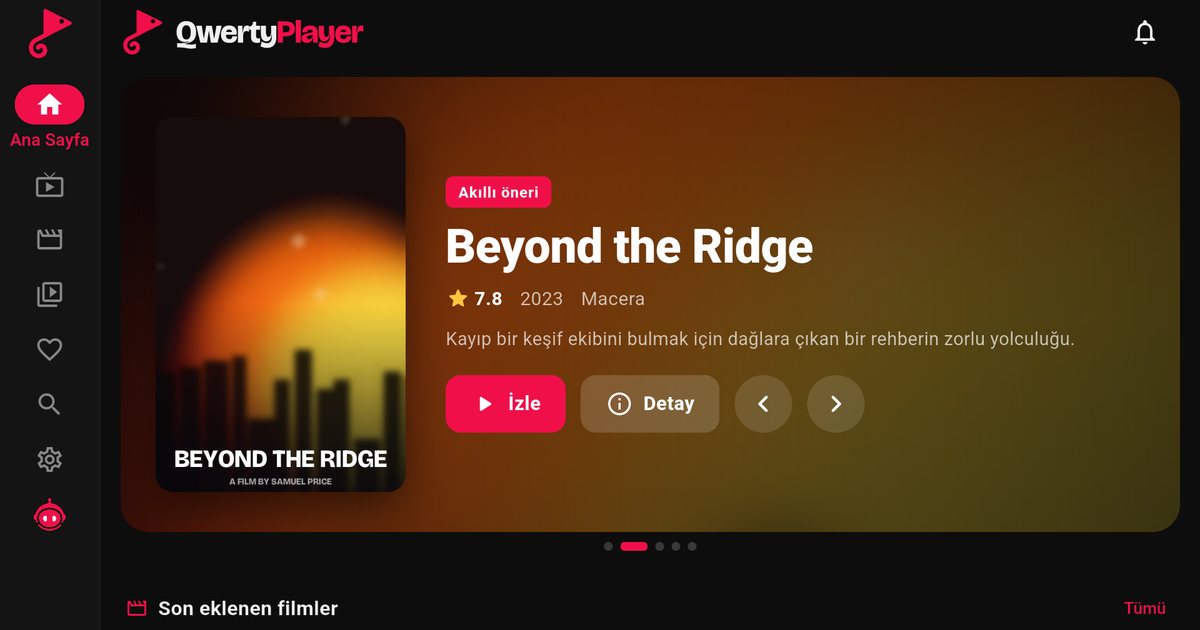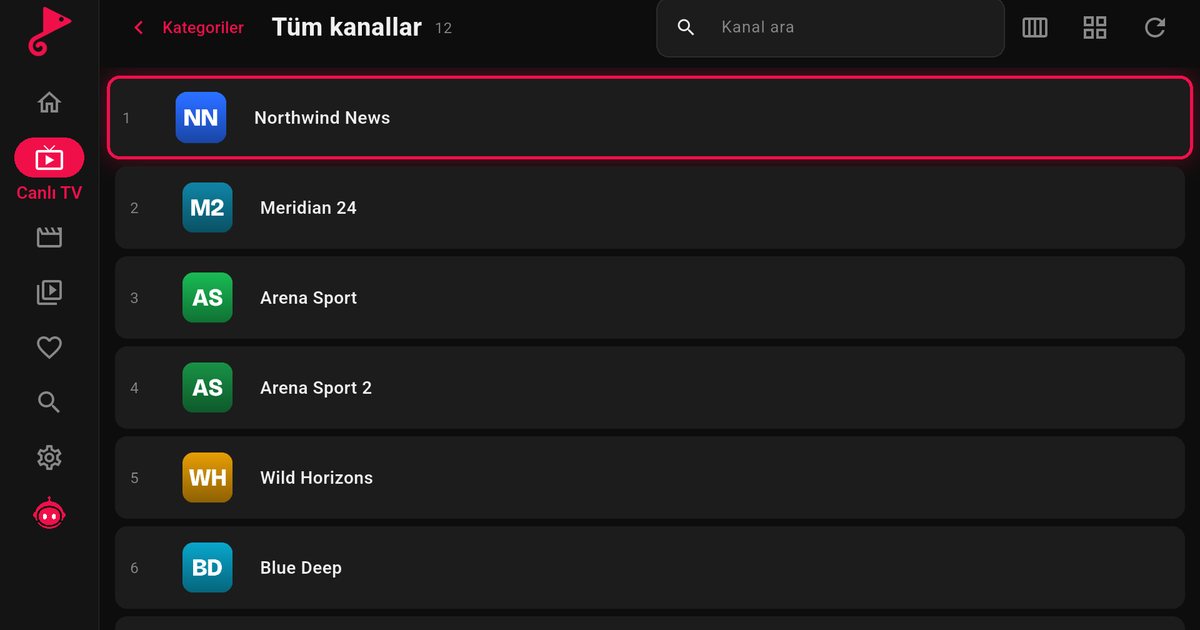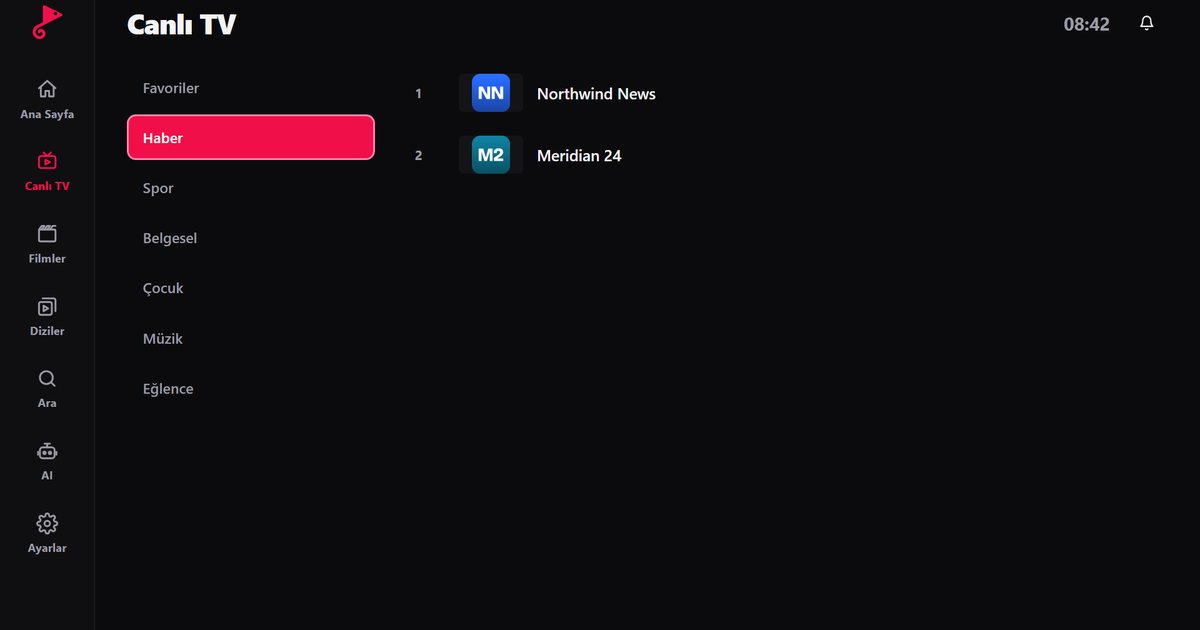
Anyone searching for an IPTV player for Panasonic TV runs into the same issue: Panasonic has not used a single smart platform across its range. Depending on the model and year, a Panasonic set can run Android TV or Google TV, Amazon Fire TV, or the company's own My Home Screen system. Each leads to a different answer, and this guide covers all three.
Find your system
Press the Home button and look at the screen. A Google TV or Android TV set shows an Apps section and a Google Play store. A Fire TV set shows the Amazon Fire TV layout with its own row of apps and the Amazon Appstore. A set with My Home Screen shows a launcher with panels for channels, apps and devices, and no Google or Amazon account sign-in. You can also open the settings and look for system or device information. The information leaflet that came with the TV and the model sticker usually name the platform too.
Panasonic with Android TV or Google TV
- Open Apps and select Google Play.
- Search for QwertyPlayer and install it. If it appears in the store, the model is supported.
- Open the app, choose M3U or Xtream Codes, and enter your provider details.
The steps match those in the Android TV box guide, and the comparison of Google TV and Android TV explains how the home screens differ.
Panasonic with Fire TV
On a Fire TV Panasonic, open the Amazon Appstore, search for the app and install it. Our Fire TV guide has the full procedure, and the M3U playlist guide for Fire TV shows how to add your list. If the app does not show up in the store on your set, check for a system update first.
Panasonic with My Home Screen
QwertyPlayer does not offer a version for My Home Screen. This is not a fault in your TV; the platform simply is not one of the supported ones. The solution is to add a streaming device to an HDMI input:
- A Fire TV Stick, which is a small, low-cost option.
- A Chromecast with Google TV or another Google TV streamer, covered in the Google TV and Chromecast guide.
- An Android TV box if you want an Ethernet connection and more ports.
Switch the TV to that HDMI source with the input button and keep using the Panasonic as the screen. Many owners also keep the TV on its built-in system for broadcast channels and use the external device only for IPTV.
Entering the playlist easily
On any of these devices, the on-screen keyboard is slow. The Connect to TV page lets you send the playlist from your phone or computer. The TV displays an address and a short-lived, single-use code. You type that code on the page, add your M3U link or Xtream Codes details and the playlist is delivered to the TV.
Panasonic picture tips
IPTV picture quality starts at the stream, not at the TV. If motion looks unnatural, try the TV's motion settings on a live sports channel and compare. For films, a cinema-style picture mode usually looks more natural. If a stream has a different aspect ratio than the screen, use the aspect or zoom setting instead of stretching the picture.
Troubleshooting
- Buffering: use Ethernet or a stronger Wi-Fi signal. See fixing IPTV buffering.
- App freezes: restart the TV, clear the app cache in the app settings, and install pending software updates.
- Different brands: if you also need advice for another TV, the Smart TV IPTV player guide covers the general approach, and the Android TV brands overview compares makers.
QwertyPlayer is only a player and does not include channels. You add content from a provider you are entitled to use and you are responsible for having the right to watch it.
Frequently asked questions
Which system does my Panasonic TV use?
It depends on the model and year. Some use Android TV or Google TV, some use Fire TV and some use My Home Screen. Check the home screen and the settings.
Can I install QwertyPlayer on My Home Screen?
No. There is no version for that platform. Use a Fire TV Stick, a Google TV device or an Android TV box on an HDMI input.
Where is the app on a Panasonic Fire TV?
Search for it in the Amazon Appstore on the TV.
Do I need to type my link with the remote?
No. Send the playlist from your phone or computer on the Connect to TV page at qwertypro.xyz.
Is there a fee for the app?
It is currently free to download and use. The playlist comes from your own provider.
Try it with QwertyPlayer
Download with a free trial for Android, Android TV, Fire TV, Huawei and Windows.