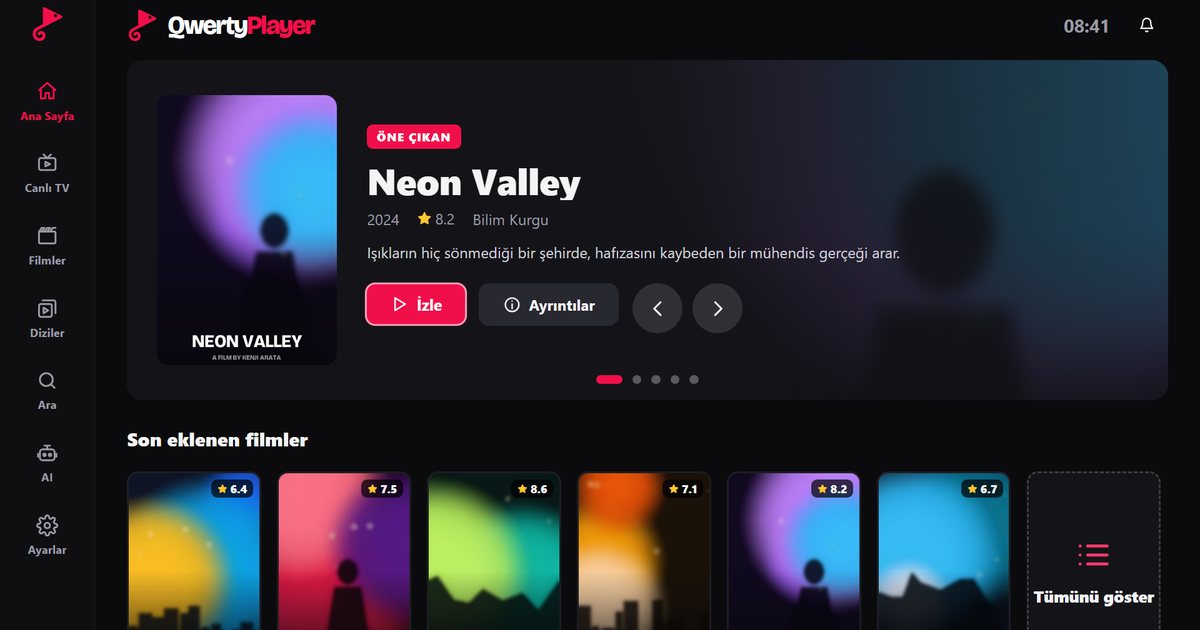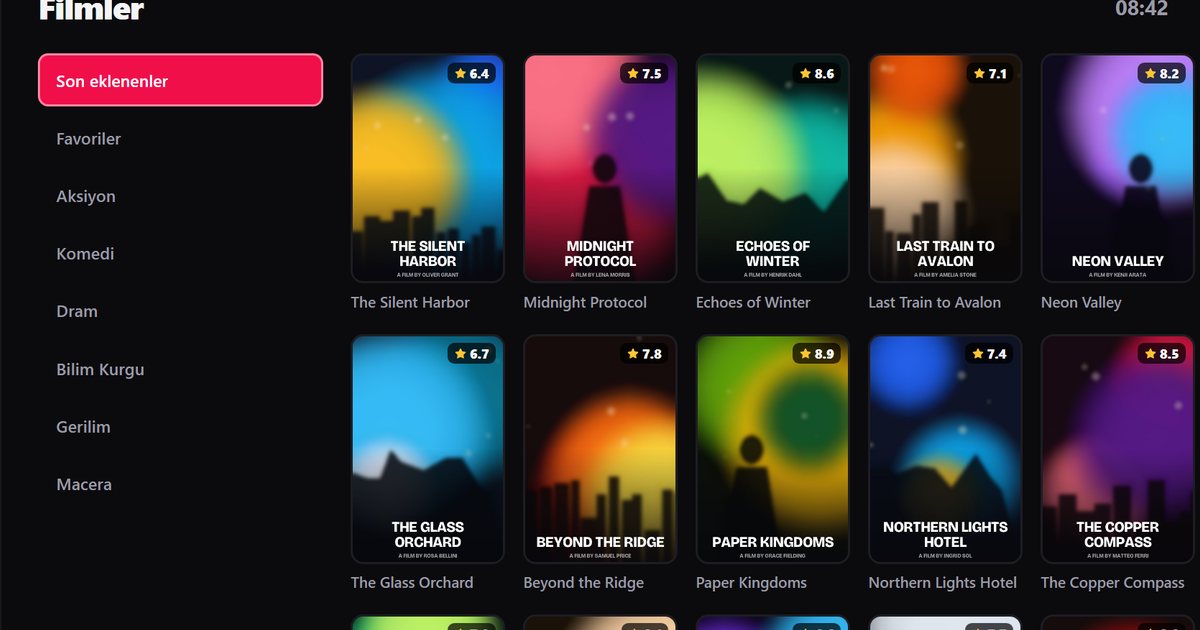
Crystal UHD is Samsung's mainstream 4K range, and it is the most common Samsung series in living rooms. Searching for a Samsung Crystal UHD IPTV player usually comes down to two practical questions: how do I get the app on this television, and why does the menu sometimes feel slow? Both have straightforward answers.
Reading a Crystal UHD model code
European Crystal UHD codes start with UE, then the screen size, then letters and a series number. Take UE55AU8000 as an example: 55 is the diagonal in inches, the A after the size is the year letter for 2021, U stands for UHD and 8000 is the series. The families that follow the same pattern are AU for 2021, BU for 2022, CU for 2023 and DU for 2024. Earlier years used other letters: T for 2020 and R for 2019. The full table is in the guide to Samsung model years and Tizen versions.
The year tells you the Tizen release: 2021 sets run Tizen 6.0, 2022 sets Tizen 6.5, 2023 sets Tizen 7.0 and 2024 sets Tizen 8.0. For codes from other regions, such as the UN prefix in North America, rely on Settings, Support, About This TV instead.
Install the player
- Press Home and open Apps in Smart Hub.
- Use the search icon and type "QwertyPlayer".
- If it is listed, install it. Seeing the app means your model is supported.
- Open the app, then enter the displayed single-use code on the Connect to TV page from a phone or computer.
- Add your M3U link or Xtream Codes details there. The playlist reaches the TV without any typing on the remote.
Search for QwertyPlayer in Apps and install it. If the app is missing, update the software and search again. The overview of Samsung Tizen series shows how Crystal UHD relates to the other lines.
If the interface feels slow
Entry-level and mainstream televisions have less processing power and memory than premium series, so a very large playlist can take longer to load or scroll. That is a normal trade-off, and these steps help:
- Restart properly. Turn the set off, remove the power plug for about thirty seconds and plug it in again. This clears memory better than standby.
- Remove unused apps. Delete what you do not open, to free storage and memory.
- Update the software. Open Settings, Support, Software Update, and install any available version. Menu names vary slightly between years.
- Use favourites. Instead of moving through thousands of channels with the arrow keys, build a short list of the channels you watch and open that.
- Use search. Typing is easier from a phone, and the search function narrows a big list quickly.
Network checks
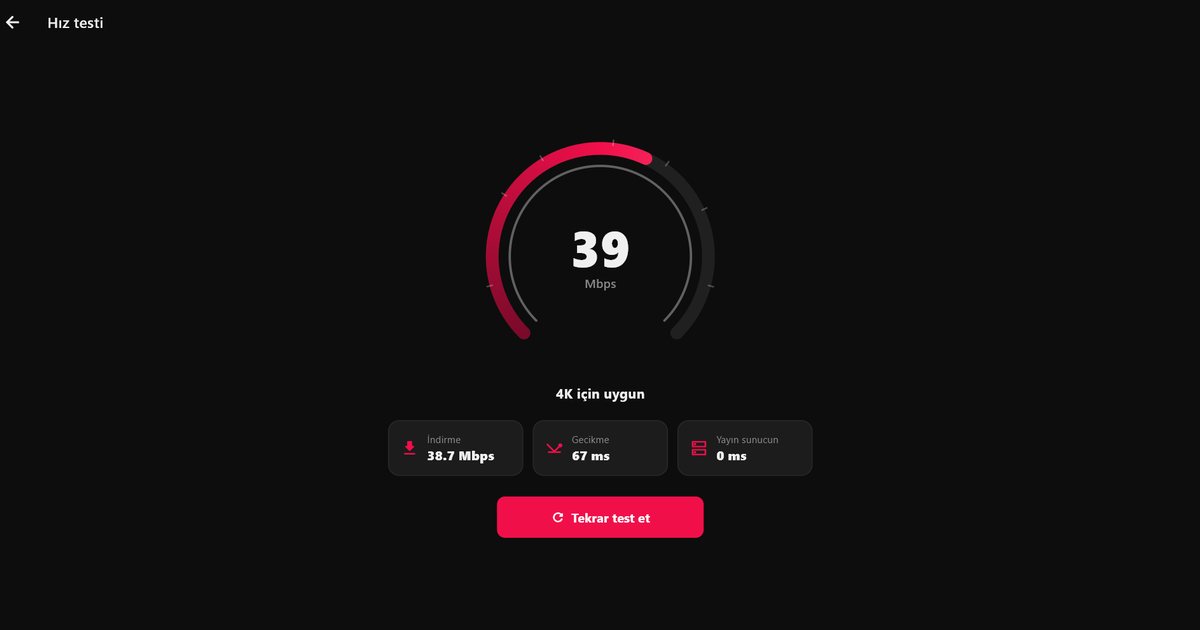
Many Crystal UHD models have modest Wi-Fi antennas. If the TV is far from the router, the picture may freeze even when a phone in the same room works well. Use Ethernet where possible, or place the router or an access point closer. The in-app speed test shows the speed the player actually receives, and the Mbps guide helps you interpret it. For stubborn cases, the buffering guide orders the likely causes.
If the app is not offered on your set
Some older Crystal UHD sets are not offered every app. A Fire TV Stick or a TV box in an HDMI port solves this and often feels faster than the television's own system. See the Fire TV guide. Owners who want a single walkthrough can use the general Samsung TV guide.
Note: QwertyPlayer is only a player and does not provide, sell or recommend channels or playlists.
Frequently asked questions
What does the model code on a Crystal UHD TV mean?
In UE55AU8000, UE is the European LED range, 55 the screen size, A the year letter for 2021, U means UHD and 8000 is the series.
Which Tizen version does a Crystal UHD TV have?
It depends on the year: 2021 sets run Tizen 6.0, 2022 sets Tizen 6.5, 2023 sets Tizen 7.0 and 2024 sets Tizen 8.0.
Why is my Samsung Crystal UHD interface slow?
Mainstream sets have less memory and processing power. Restart the TV from the power, remove unused apps, update the software and use favourites for big playlists.
Can I install an IPTV player on any Crystal UHD TV?
If the app appears in Apps in Smart Hub, your model is supported. If not, use a Fire TV Stick or a TV box.
Try it with QwertyPlayer
Download with a free trial for Android, Android TV, Fire TV, Huawei and Windows.