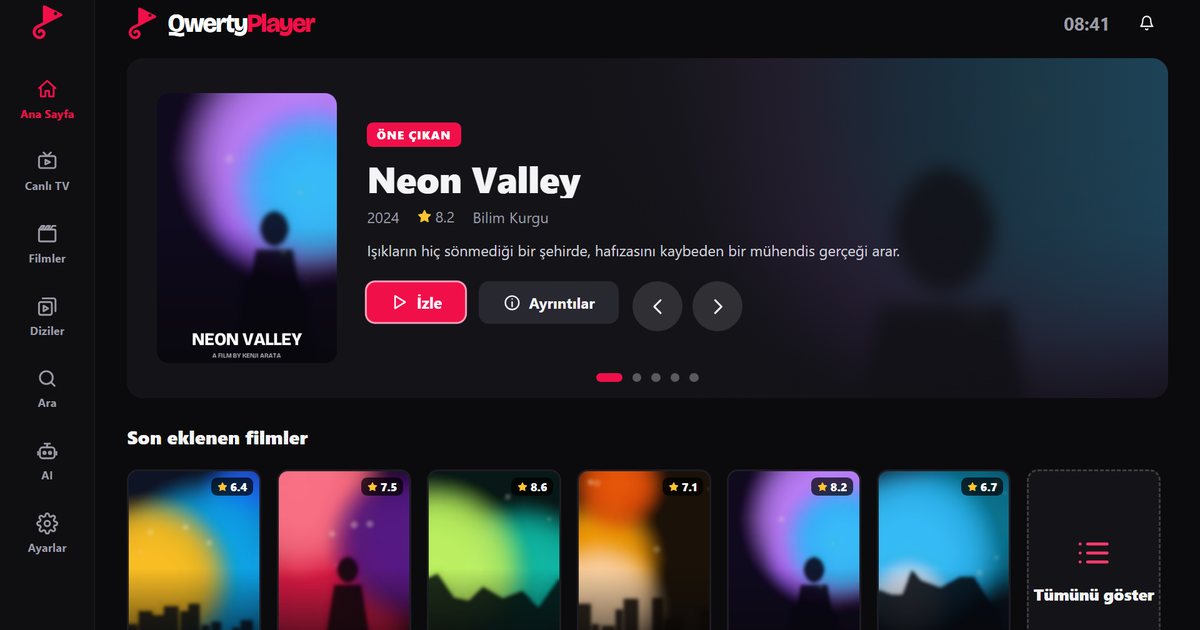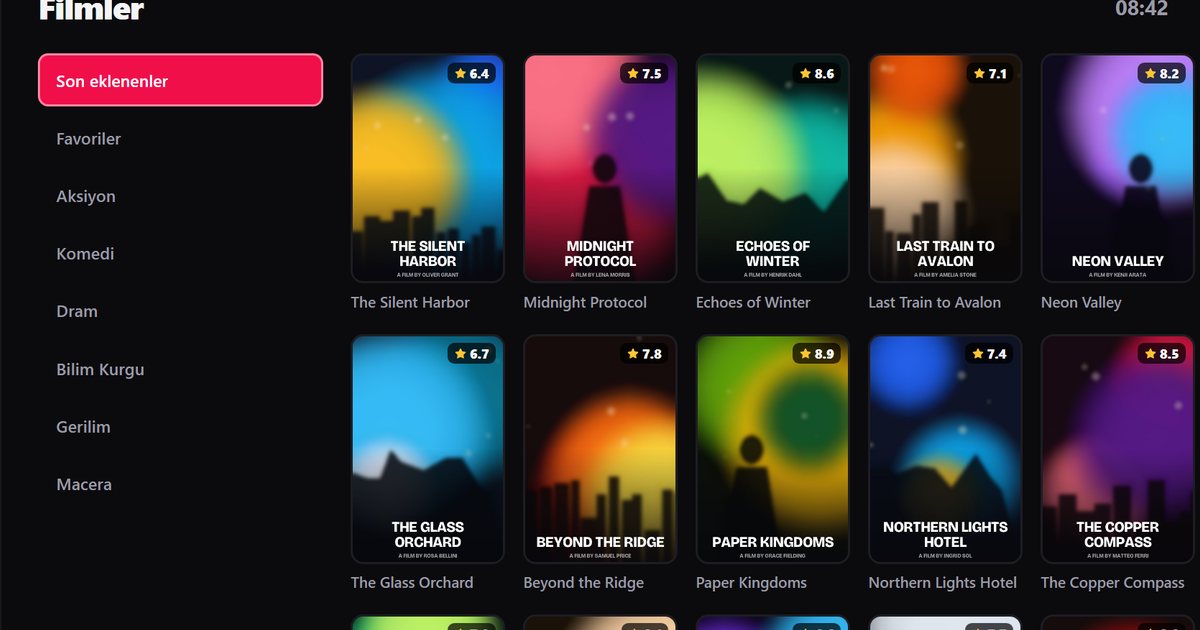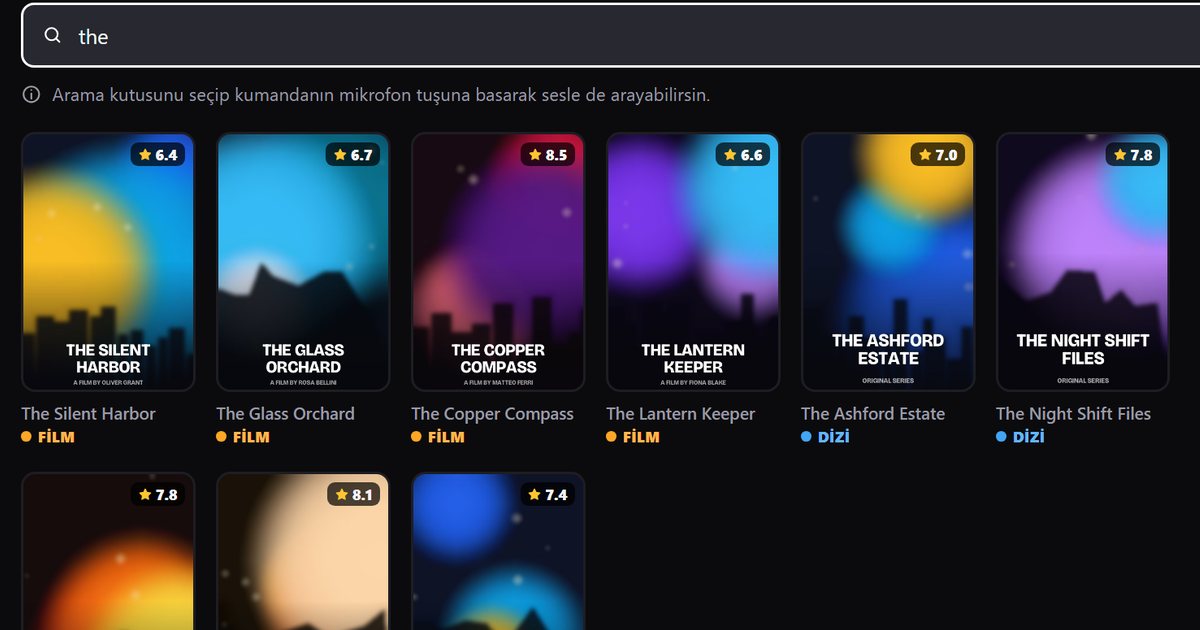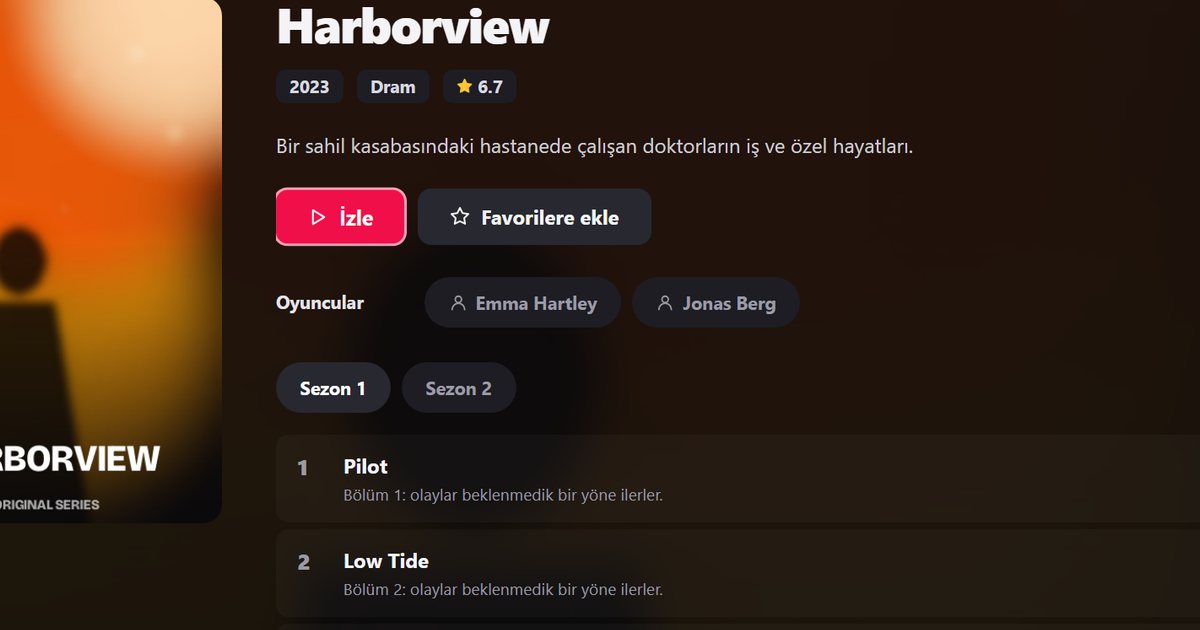
Samsung sells its televisions under many series names, which makes it hard to know what applies to your set when you are searching for a Samsung Tizen IPTV player. The reassuring part is that nearly all current Samsung Smart TVs run the same operating system, Tizen. What differs from set to set is the Tizen version, and that depends on the year of manufacture rather than on the series name.
The main Samsung series at a glance
| Series | What it is | Detailed guide |
|---|---|---|
| Crystal UHD | Mainstream 4K LED sets | Crystal UHD IPTV player |
| QLED and Neo QLED | Quantum dot sets, Neo QLED with mini LED backlighting | QLED and Neo QLED IPTV player |
| The Frame, The Serif, The Sero, The Terrace | Lifestyle designs: art display, sculpted frame, rotating screen, outdoor use | Lifestyle series IPTV player |
| OLED | Samsung's OLED line | Same steps as the other series |
Samsung changes the exact names and numbers from year to year, so this table describes families rather than individual models. Nothing here depends on a specific model number.
Why the year matters more than the series
Every Samsung model year ships with a particular Tizen release. This is the rough mapping:
| Model year | Tizen version |
|---|---|
| 2017 | Tizen 3.0 |
| 2018 | Tizen 4.0 |
| 2019 | Tizen 5.0 |
| 2020 | Tizen 5.5 |
| 2021 | Tizen 6.0 |
| 2022 | Tizen 6.5 |
| 2023 | Tizen 7.0 |
| 2024 | Tizen 8.0 |
| 2025 | Tizen 9.0 |
A Crystal UHD from 2022 and a Neo QLED from 2022 therefore share the same platform. To work out the year of your own set, read how to find your Samsung model year and Tizen version.
Choosing the right guide for your set
If you know the series name, go straight to its page: the QLED and Neo QLED guide deals with wired connections and high-resolution streams, the Crystal UHD guide concentrates on a slow interface, and the lifestyle series guide covers placement problems such as a weak wireless signal. If you only know the model code, begin with the year. A television that is several years old can still work well with the player, but it will have received fewer software updates, which is why updating before searching is worth the few minutes it takes.
Finding the app in Smart Hub
- Press the Home button on the remote and open Apps in Smart Hub.
- Select the search icon and type "QwertyPlayer".
- If the app is listed, install it and open it. The screen shows an address and a short-lived, single-use code.
- Enter that code on the Connect to TV page from a phone or computer and add your M3U link or Xtream Codes details there.
If you can see the app in Apps, your model is supported. Search for QwertyPlayer in Apps and install it. If the app is not listed, update the television software first, restart, and search again.
What to do if your model does not show the app
An older set may be too far behind on Tizen to be offered the app. That does not make the television useless. A streaming stick or a box in an HDMI port runs the player independently of Tizen: compare the Fire TV guide and the Android TV box guide.
Tips that apply to every Samsung series
- A cable connection removes most stuttering. Use Ethernet if the TV has a port or if you can run a cable from the router.
- Check what your line can sustain before you blame the player: see how many Mbps IPTV needs.
- If a playlist is very large, create favourites early. A big list is slower to move through with arrow keys, whatever the series.
- Keep automatic software updates enabled when the set offers the option.
The general Samsung TV guide covers the basic setup in one place.
Note: QwertyPlayer is only a player and does not supply channels, films or playlists. Use it with content you have the right to watch.
Frequently asked questions
Do all Samsung Smart TV series run Tizen?
Current Samsung Smart TVs, including Crystal UHD, QLED, Neo QLED, The Frame and OLED models, run Tizen. The Tizen version depends on the model year.
Does the series name affect whether an IPTV player works?
Not by itself. The model year and software version matter more. If the app is listed in Apps in Smart Hub, your set is supported.
Where do I find IPTV apps on a Samsung TV?
Press Home, open Apps in Smart Hub and use the search icon.
Which Tizen version does a 2021 Samsung TV have?
Samsung sets from 2021 ship with Tizen 6.0, and 2022 sets with Tizen 6.5.
What if my Samsung TV is too old for the app?
Plug a Fire TV Stick, an Android TV box or a Chromecast with Google TV into an HDMI port and use the player there.
Try it with QwertyPlayer
Download with a free trial for Android, Android TV, Fire TV, Huawei and Windows.