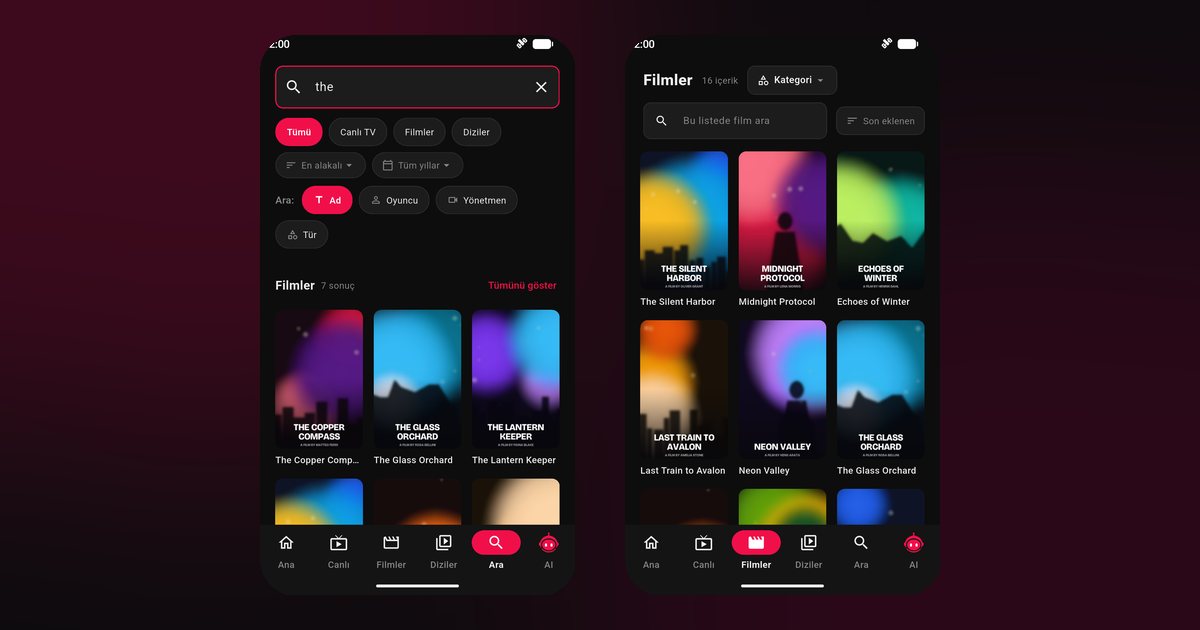
Tecno, Infinix and itel phones sell in enormous numbers across Africa, South Asia and the Middle East, so it is no surprise that owners of a Tecno Spark or an Infinix Hot go looking for an IPTV player for Tecno and Infinix phones. Installing one takes a minute. The real trouble starts later: a stream plays fine for a while, then the phone quietly shuts the app down. Most of this page is about stopping that from happening.
Phones this applies to
The advice fits the whole Transsion family of Android phones: Tecno Camon, Spark, Pova and Phantom, Infinix Note, Hot, Smart and Zero, and itel's A and P series. Software versions differ even within one series, so menu names below are described by what they do rather than by an exact path.
Getting the app onto the phone
- Search for "QwertyPlayer" in Google Play and tap Install.
- No Google Play on your phone, or it refuses to open? Take the installation file from the download page, and allow your browser or file manager to install it when the phone asks.
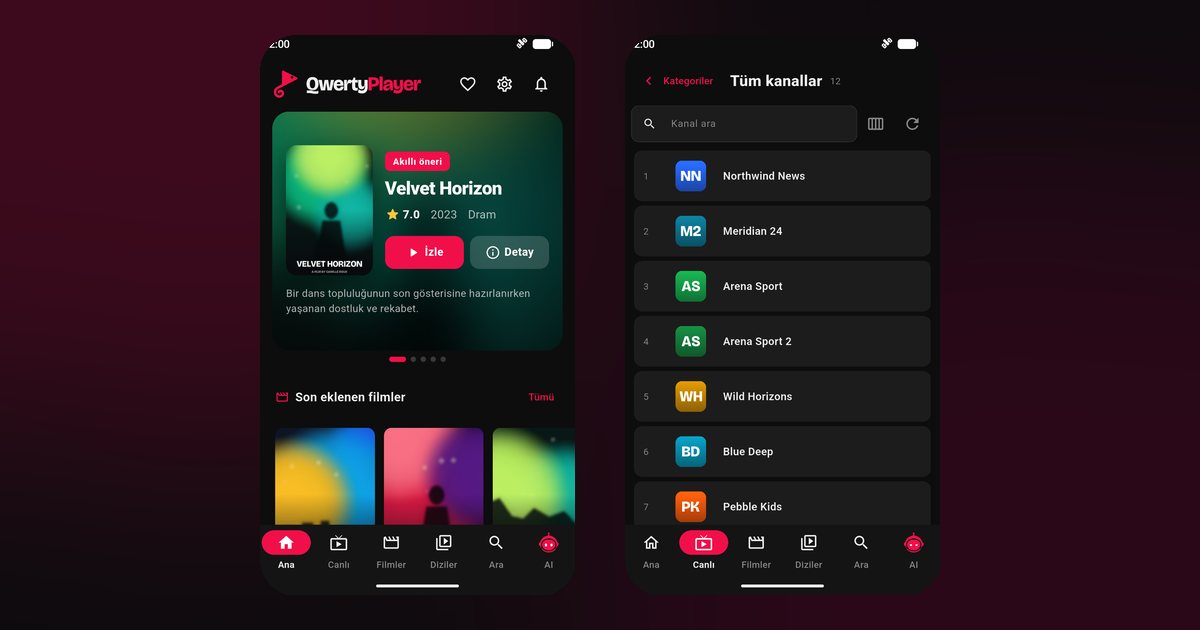
- Launch the app, choose the add-playlist option and fill in either an M3U link or the Xtream Codes server address, username and password.
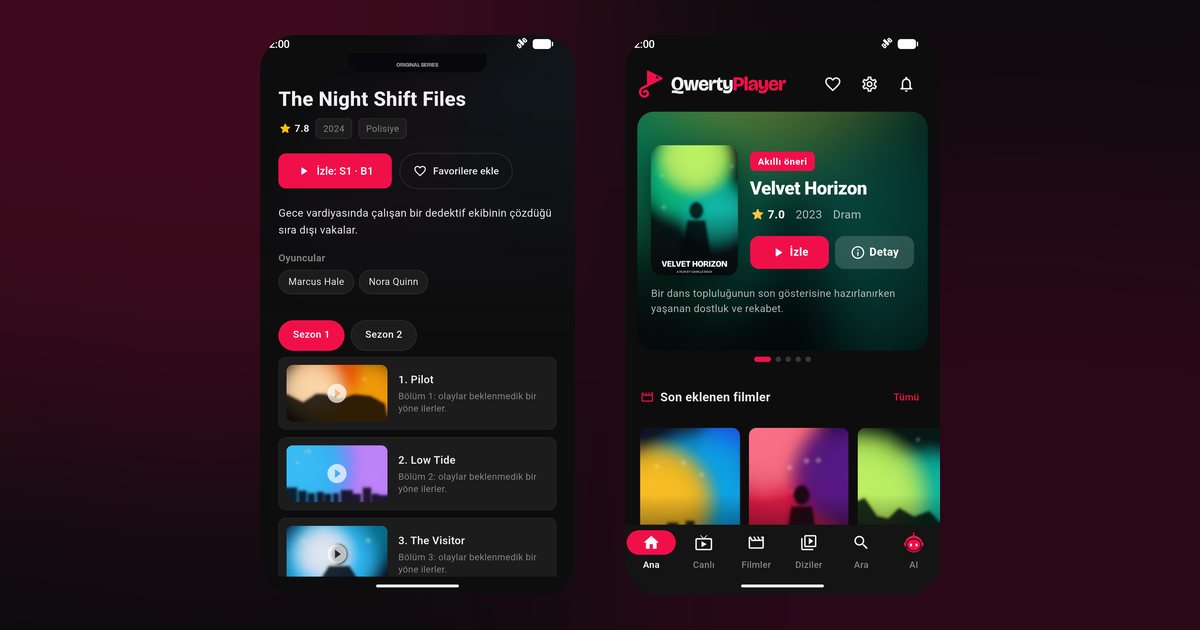
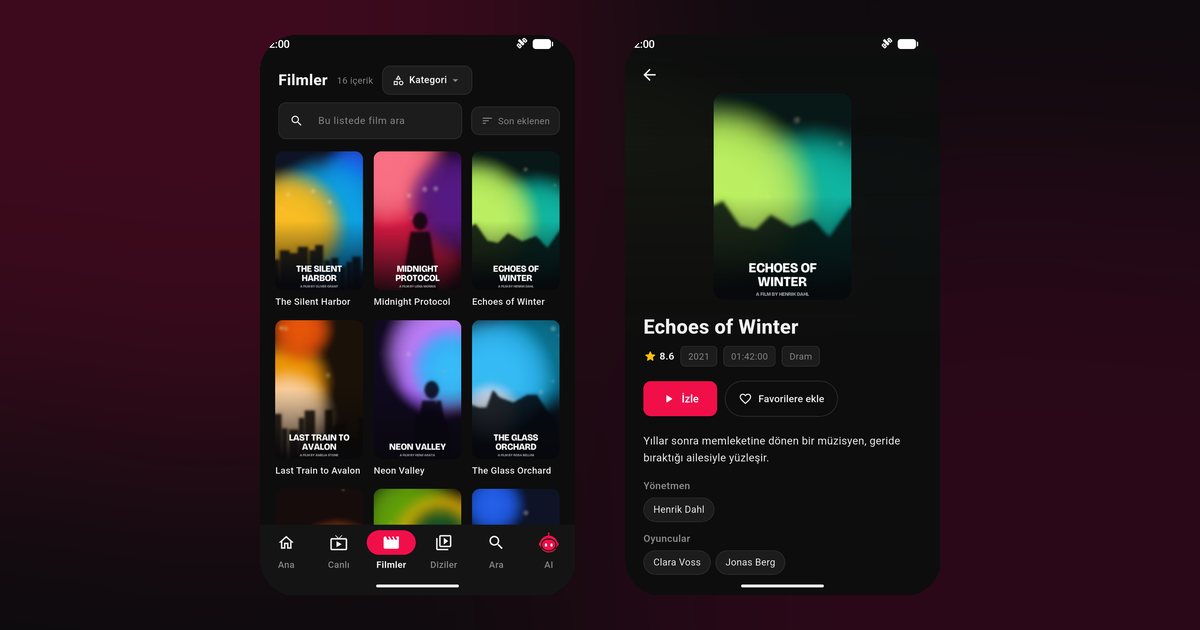
- Press save and give the first load a moment. Channels, films and series then show up in their own tabs.
Not sure which kind of details you were given? The comparison of M3U and Xtream Codes shows how to tell them apart.
Why Tecno and Infinix phones close apps
HiOS on Tecno and XOS on Infinix come with a manager app, often named Phone Master or Phone Manager, which includes a memory cleaner and power saving. On budget models with little RAM the cleaner steps in often, and a video player running behind another app is an easy target. The stream appears to freeze, although your internet is perfectly fine.
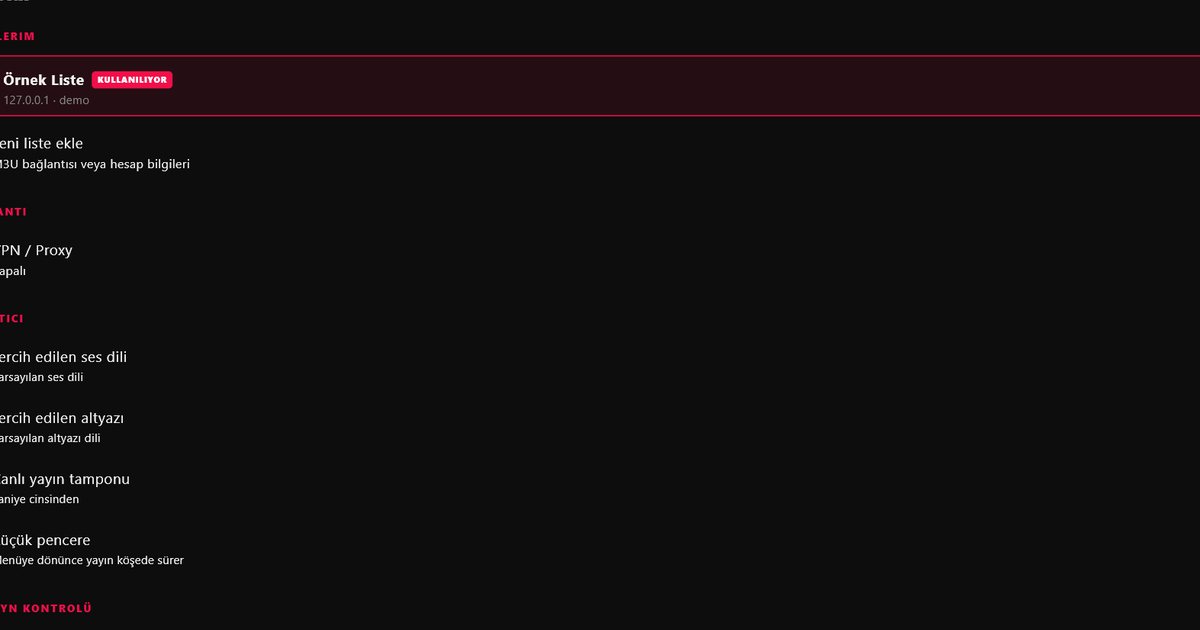
- Power saving: switch it off while you watch, and in the per-app battery page set QwertyPlayer to no restrictions.
- Memory cleaner: add the app to the protected list or turn automatic cleaning off.
- Recent apps card: many versions let you lock the card so a "clear all" tap leaves it alone.
- Background activity: allow it if the phone offers a switch for it.
- Notifications: recent Android versions ask for permission first, so say yes when prompted.
The matching steps for other brands sit in the article on stopping Android from closing IPTV apps.
Low-memory habits that pay off
- Leave a few gigabytes of storage free and clear old downloads before loading a long playlist.
- Close games and social apps before starting a film.
- Prefer Wi-Fi over prepaid mobile data. Rough bandwidth needs are in how many Mbps IPTV needs.
- Keep a short favourites list. Scrolling a category with thousands of entries is slow on small phones.
Still stuttering?
Try a second channel. If only one misbehaves, the fault lies with that stream at the provider. If all of them stall, run the in-app speed test, sit nearer the router and go through the buffering checklist.
Moving to a bigger screen
Once the playlist works on the phone, the Connect to TV page can send it to a television, so you do not type the link with a remote. Related reading: Nothing, Asus, ZTE and other brands, the brand-by-brand overview and the general Android guide.
QwertyPlayer plays what you add and supplies no channels of its own, so use only streams you may legally watch.
Frequently asked questions
Does it run on a Tecno Spark or Camon?
Yes. Spark, Camon, Pova and Phantom phones all run Android, so you install from Google Play and add your own playlist.
Is there a version for the Infinix Hot, Note and Zero?
It is the same app on every Infinix model. If playback stops in the background, adjust the battery and memory cleaner settings.
Why does the picture freeze when I open another app?
The built-in memory cleaner may be ending the player. Exclude QwertyPlayer from auto-clean and remove its battery restriction.
Can I install without Google Play?
Yes, the download page offers an installation file. Install only from sources you trust.
What does the app cost?
It is currently free to download and use.
Try it with QwertyPlayer
Download with a free trial for Android, Android TV, Fire TV, Huawei and Windows.