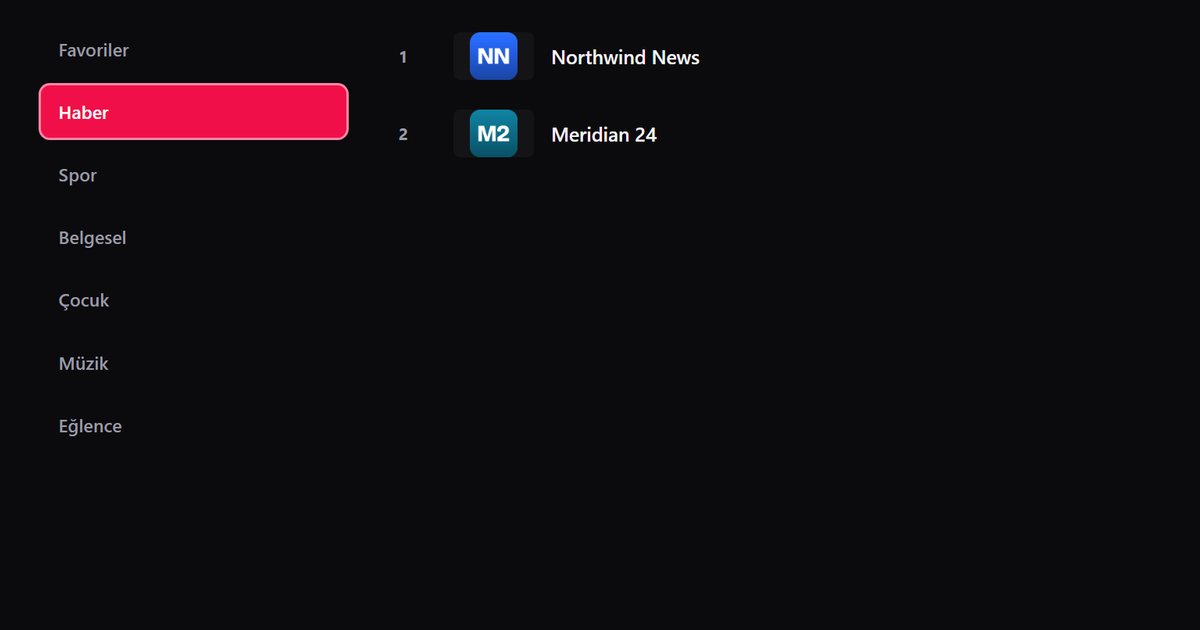
Walk into an electronics shop in Turkey and the wall of televisions carries names that are unfamiliar elsewhere: Vestel, Arçelik, Beko, Regal, Dijitsu, Axen, Awox, Woon, Finlux, Seg, Next, Altus, Profilo, Onvo and Sunny. Many of these sets are exported too, so people from Germany to the Gulf end up asking the same question about an IPTV player for Turkish TV brands. The answer is not a single yes or no. It depends on the system inside the particular model, and this page shows you how to find out and what to do next.
Brand does not equal system
A Regal and a Dijitsu can look alike and still differ inside. Most of these makers sell some models with Android TV or Google TV, and others with a simpler manufacturer system that cannot install extra apps. A few, such as Sunny, have had models running LG's webOS. We therefore avoid naming a system for any brand, and ask you to check your own screen.
| Brand | Where to look | Likely paths |
|---|---|---|
| Vestel, Arçelik, Beko | Settings, then device information | Android TV or Google TV on many models; see the dedicated Vestel, Arçelik and Beko page |
| Regal, Dijitsu, Axen | Home screen and the about page | Play Store present: install; absent: external device |
| Awox, Woon, Finlux | Home screen and the about page | Same check |
| Seg, Next, Altus | Home screen and the about page | Same check |
| Profilo, Onvo | Home screen and the about page | Same check |
| Sunny | Look for webOS branding | webOS: LG Content Store; otherwise as above; see the Sunny TV page |
The three-minute system check
- Press Home. Is there an icon labelled Google Play Store, or an app row with a store tile?
- Open Settings and find the entry about the TV or device information. Note the system name.
- Look at the remote. A microphone button with a Google logo usually means Android TV or Google TV.
- Search the store, if you have one, for QwertyPlayer. If it shows up, your set can run it.
If you have Android TV or Google TV
Install the app from the Play Store, open it and add an M3U link or Xtream Codes account. Typing on a remote is slow, so open the Connect to TV page on your phone, enter the code shown on the TV and send the playlist across. The difference between the two Google names is covered in Google TV and Android TV compared.
If your TV is a closed system
Plenty of entry-level sets of all these makers lack an app store. They can show streaming from their built-in menu but cannot take new apps. Do not look for a hidden setting. Buy or borrow a small streaming device instead:
- A Fire TV Stick, described in IPTV on Fire TV.
- An Android TV box, see the Android TV box guide.
- A Chromecast with Google TV, see its own guide.
The comparison in which device is best for IPTV on a TV helps you choose.
Interface language
QwertyPlayer's interface comes in Turkish, English, German and French, so a Turkish TV does not require any language workaround. You select the language inside the app.
Typical problems on these sets
- Slow menus: clear the app cache and free some storage.
- Weak Wi-Fi: use Ethernet; see fixes for buffering.
- App not in the store: check country, updates and system; read what to do when the store has no IPTV app.
Related brand pages
Similar logic applies to Grundig, Telefunken and Thomson. Phone owners should read about Turkish phone brands.
The player brings no content; use only streams you have the right to watch.
Frequently asked questions
Do Vestel and Arçelik TVs run Android TV?
Many models do, but not all. Check the home screen and the device information page of your own TV.
Can a Regal, Dijitsu or Axen TV install an IPTV player?
If the set has the Google Play Store, yes. If it has a closed system, use a Fire TV Stick or a Google TV device.
Which of these brands might use webOS?
Sunny has had webOS models. Look for webOS branding and the LG Content Store.
Is the app available in Turkish?
Yes. The interface supports Turkish, English, German and French.
Try it with QwertyPlayer
Download with a free trial for Android, Android TV, Fire TV, Huawei and Windows.