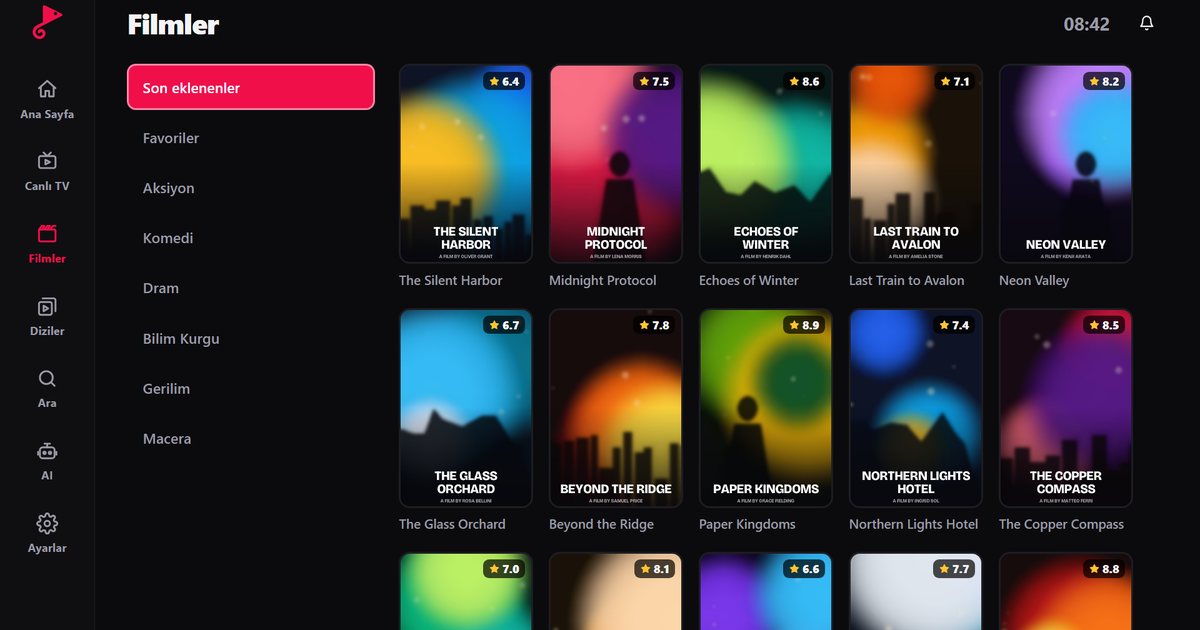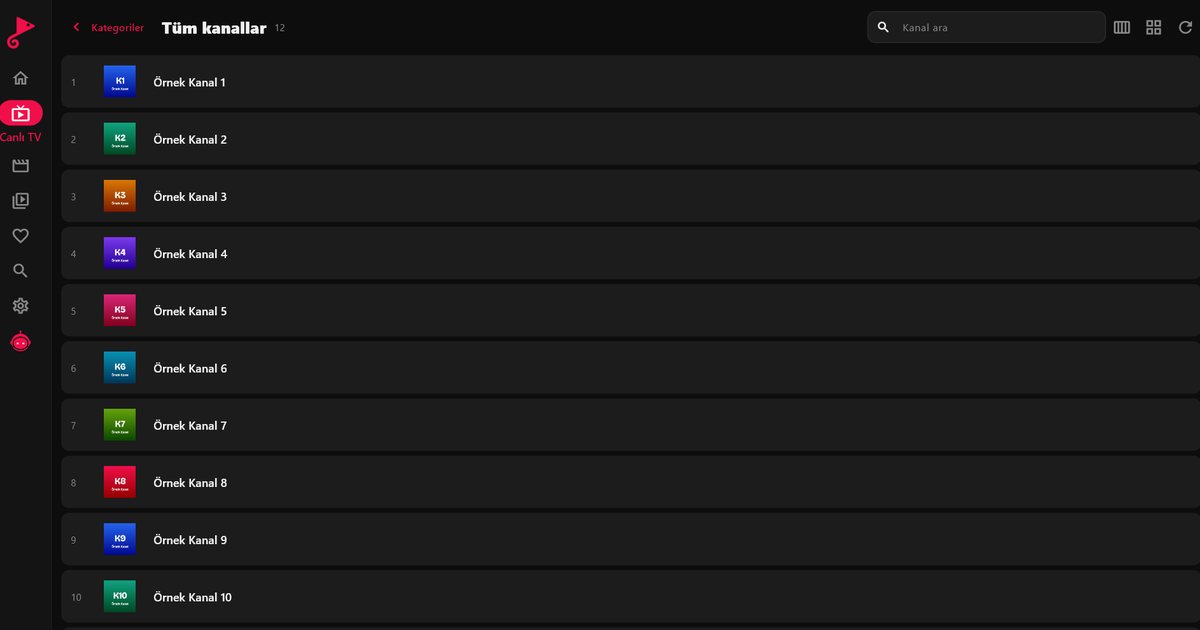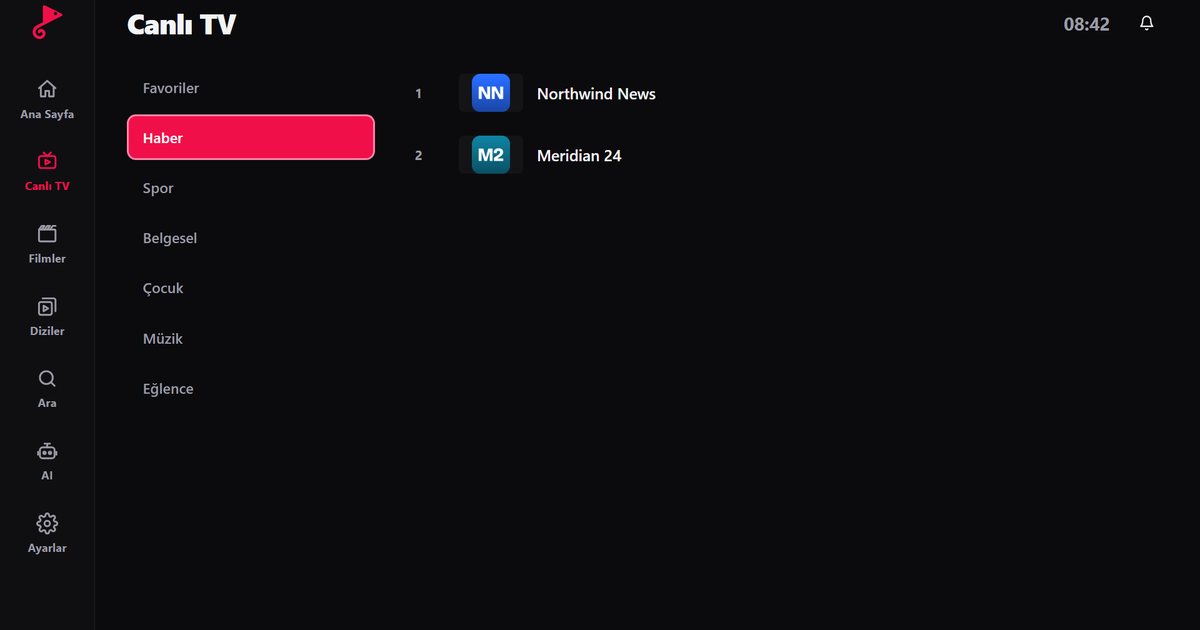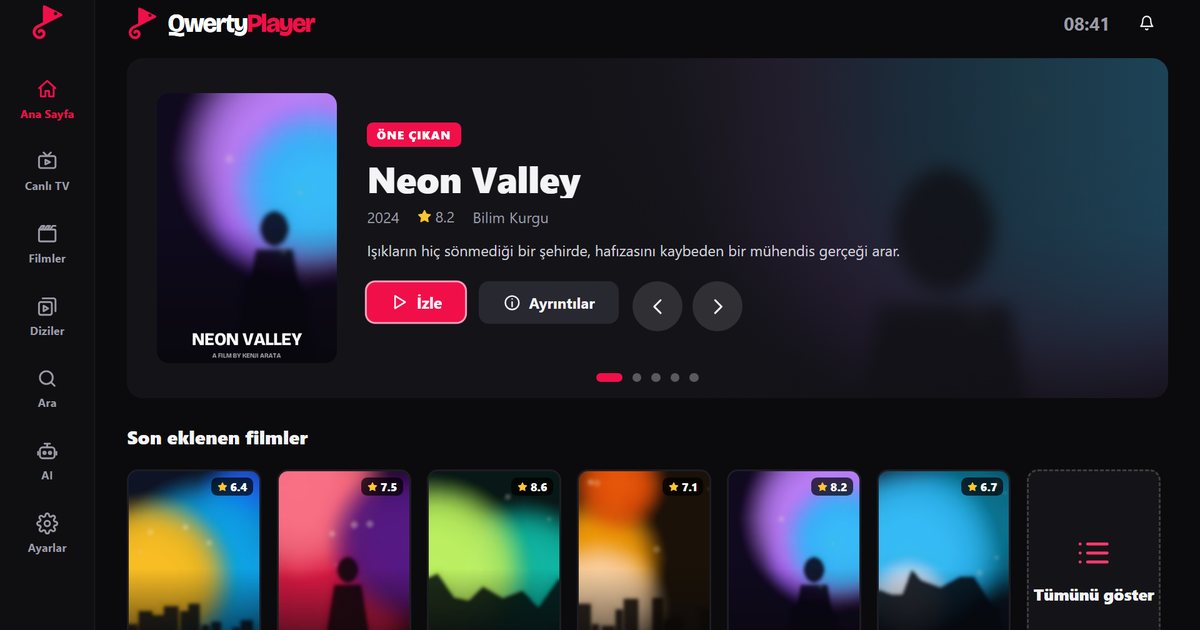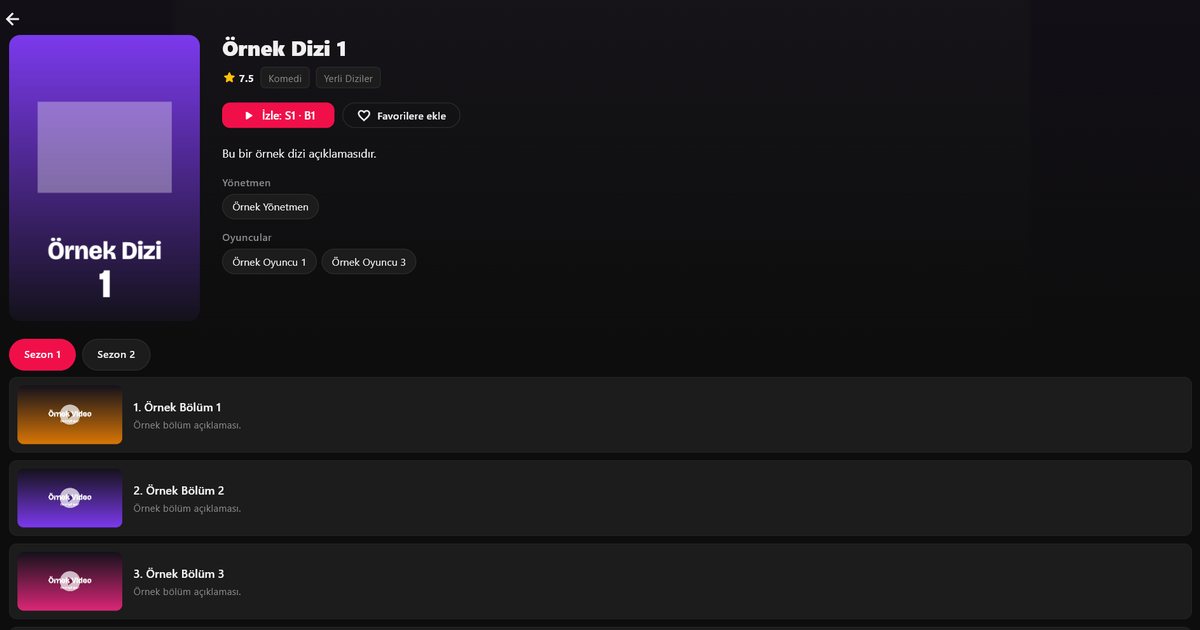
Xtream Codes is a login method used by many IPTV services. Instead of one long M3U link, your provider gives you three pieces of information: a server address, a username and a password. The player uses them to fetch live channels, movies and series as separate sections, usually with cleaner categories. This guide explains what each field means, how to enter it in QwertyPlayer and how to fix the errors people run into most often.
The three details you need
- Server address: A web address such as
http://example.com:8080. Include thehttp://orhttps://at the start and the port number after the colon, if your provider lists one. - Username: The account name issued by your provider.
- Password: The account password. Copy it exactly, including capital letters and symbols.
All three come from your service provider, usually in a welcome message or account page. QwertyPlayer does not issue accounts and does not provide content.
Entering the account in QwertyPlayer
- Open the app and choose Xtream Codes on the screen for adding a list.
- Type the server address in full, with the protocol and port.
- Enter the username and password.
- Save. When the categories finish loading, live TV, movies and series appear in their own sections.
Typing a long address and password with a TV remote is tedious. Use the Connect to TV page instead: it shows an address on the television, and you enter a short-lived, single-use code from a phone or computer to send the details across. Passwords are stored encrypted and the connection uses HTTPS.
Fixing common errors
- Login failed: Check the username and password for typing mistakes and for letters that look alike, such as a capital I and a lower-case l. Pasting the details is safer than retyping them.
- Cannot reach the server: A missing port number or a stray space in the address is the usual cause. Compare the address with what your provider sent.
- Account expired or disabled: Ask your provider to confirm the subscription status.
- Too many connections: Many accounts allow only a set number of simultaneous streams. Close playback on other devices and try again.
- Very slow first load: Large catalogues take time to download the first time. If it never finishes, test your line with the in-app speed test and read how many Mbps IPTV needs.
Why use Xtream Codes instead of M3U?
An M3U link delivers one flat file. Xtream Codes lets the player request channels, movies and series separately, which is why posters, summaries and season and episode lists appear in organised sections. Programme data is also usually available automatically, which is covered in the EPG guide. For a side-by-side view, read M3U versus Xtream Codes. If your provider only sent a link, see what M3U8 is and how playlists work.
Before you contact your provider
If login still fails, gather a few facts so the conversation is short: the exact error message, whether the same details work on another device, the time it started, and whether you recently changed your password or renewed the subscription. Providers can see account status, connection counts and expiry dates on their side, so these facts usually lead to a quick answer. Do not send your password in full in a message; a screenshot of the error with the password hidden is enough.
Keep your credentials private
Your username and password identify your subscription. Do not post them in forums or screenshots, and do not share them with people outside your household. Sharing can lead to the connection limit being hit or the account being suspended. For setup on specific hardware, the device guide links to each platform.
Frequently asked questions
What is Xtream Codes?
A login method that uses a server address, username and password to load live channels, movies and series into separate sections of a player.
Where do I find my Xtream Codes details?
Your service provider supplies them. QwertyPlayer does not issue accounts or login details.
What does "login failed" mean?
Usually the username, password or server address is wrong, or the account has expired. Re-enter the details carefully or check the status with your provider.
Is Xtream Codes better than M3U?
It often gives better organised categories and automatic programme data, while M3U is a simpler, single-link option. Use whichever your provider supports.
Why does the server address need a port?
Many servers listen on a specific port, such as 8080. If the port is missing, the player cannot reach the service.
Try it with QwertyPlayer
Download with a free trial for Android, Android TV, Fire TV, Huawei and Windows.