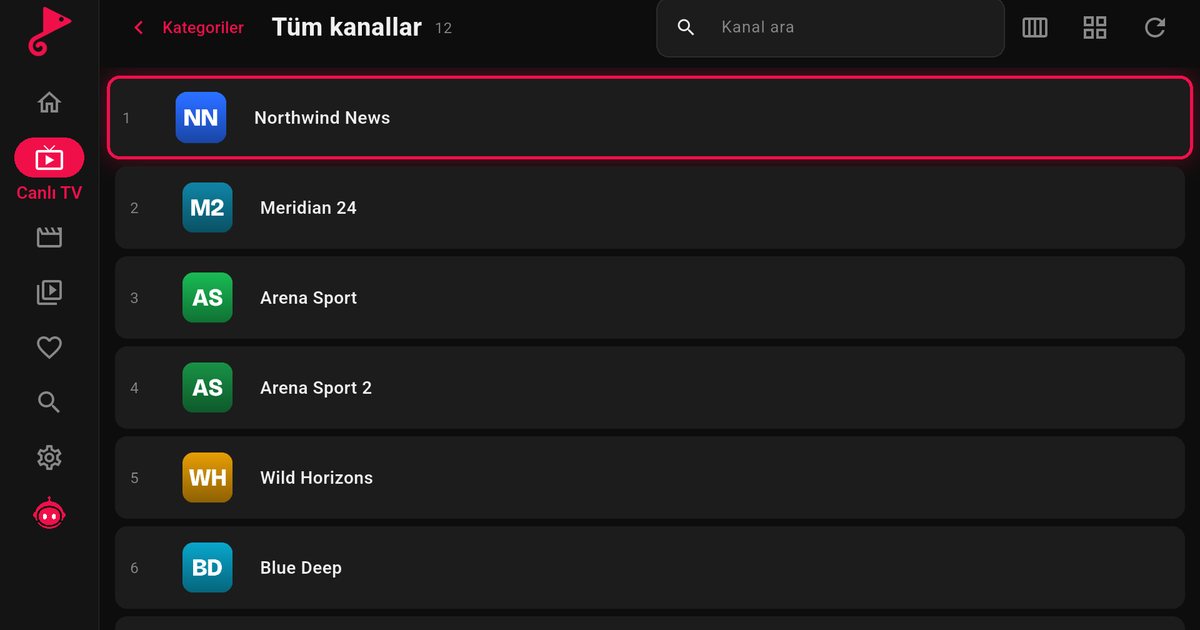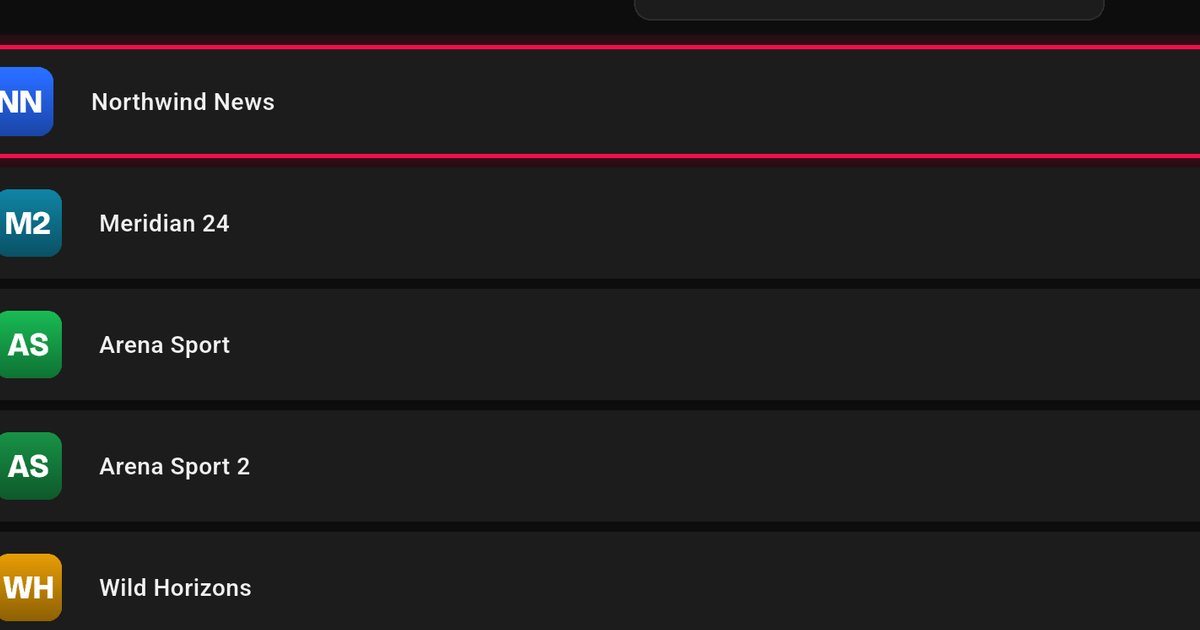
A Fire TV Edition television has Amazon's Fire TV software built in, so you do not need a separate stick. The same apps run on it, which is good news if you are looking for an IPTV player for a Fire TV Edition TV. Models include Amazon's own Omni and 4-Series sets and televisions from partner brands such as Insignia, Toshiba, Panasonic and Grundig, depending on the country.
How you know it is Fire TV Edition
- The home screen shows the Fire TV layout, with a top menu and a row of recent apps.
- The remote has an Alexa button and shortcuts to streaming services.
- The settings menu has an entry called My Fire TV.
If your TV has a Google Play Store instead, you are on a different system. See the Android TV brand overview.
Installing from the Amazon Appstore
- On the home screen choose Find, then Search.
- Say or type "QwertyPlayer".
- Select the app in the results and choose Get or Download.
- When it finishes, open the app and select the add-playlist option.
- Fill in an M3U address or the Xtream Codes details from your provider.
The process matches the one on a stick, which is described in detail in the Fire TV IPTV guide. If your Fire TV Edition set does not list the app, the download page offers an installation file, and the Fire TV setting for installing apps from other sources has to be switched on first. Only install from sources you trust.
Skip the remote-control typing
Alexa voice search helps with the app name but not with a playlist link. The Connect to TV page solves this: open the page, enter the short-lived code shown on the TV and send your playlist from a phone or computer. The M3U steps are also in adding an M3U playlist on Fire TV.
Brand notes
| Brand | Good to know |
|---|---|
| Amazon Omni and 4-Series | Amazon's own sets; Fire TV is the only system |
| Insignia, Toshiba | Fire TV models exist alongside other systems; check the box |
| Panasonic | Some models use Fire TV, others use different software; see the Panasonic page |
| TCL | Some markets sell Fire TV models; see the TCL page |
| Grundig | Fire TV sets have been sold in some markets; see the Grundig page |
Programme guide and family settings
If your provider supplies programme data, the guide appears inside the app; the EPG article shows how it works. For a shared living room, adult categories are hidden by default and open only with the PIN set in the app, as described in parental controls.
Performance on a built-in Fire TV
- Use Ethernet where the TV has a port, and keep the router out of cabinets.
- Remove unused apps from My Fire TV settings to free storage.
- Restart from Settings if the interface slows after days of standby.
- Check the speed against the targets in how many Mbps IPTV needs.
Updating the TV software
Open Settings, then My Fire TV, then About, and choose the option to check for system updates. Amazon updates the system automatically in most cases, but a manual check is worth doing if the Appstore is slow or the app refuses to open.
Stick or built-in?
The app is identical either way. A built-in system saves an HDMI port and one remote, while a stick is easy to replace if the set ever becomes too slow. See which device is best for IPTV on a TV if you are still deciding.
QwertyPlayer supplies no channels. You are responsible for adding only streams you have the right to watch.
Frequently asked questions
What is a Fire TV Edition TV?
A television with Amazon Fire TV software built in, so no separate stick is needed.
Where do I find the app on a Fire TV Edition TV?
Search for QwertyPlayer in the Amazon Appstore from the home screen.
Which brands make Fire TV Edition televisions?
Amazon itself, plus partner brands such as Insignia, Toshiba, Panasonic and Grundig, depending on the country.
Can I add the playlist without the remote?
Yes. Use the Connect to TV page with the code displayed on the TV.
Is it free?
QwertyPlayer is currently free to download and use.
Try it with QwertyPlayer
Download with a free trial for Android, Android TV, Fire TV, Huawei and Windows.