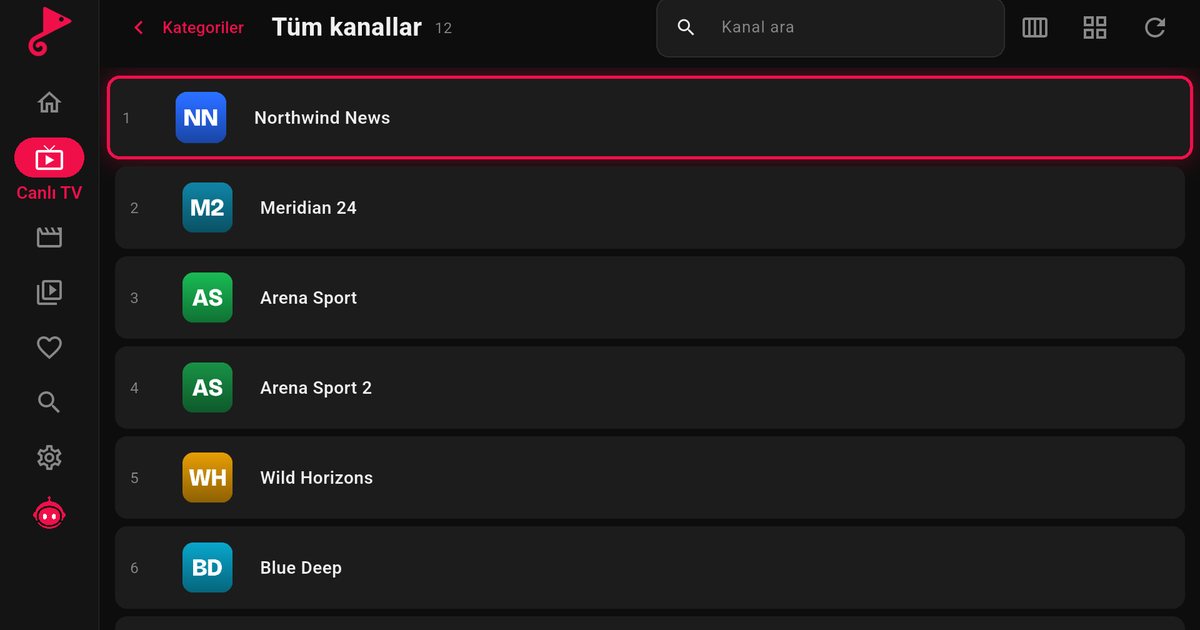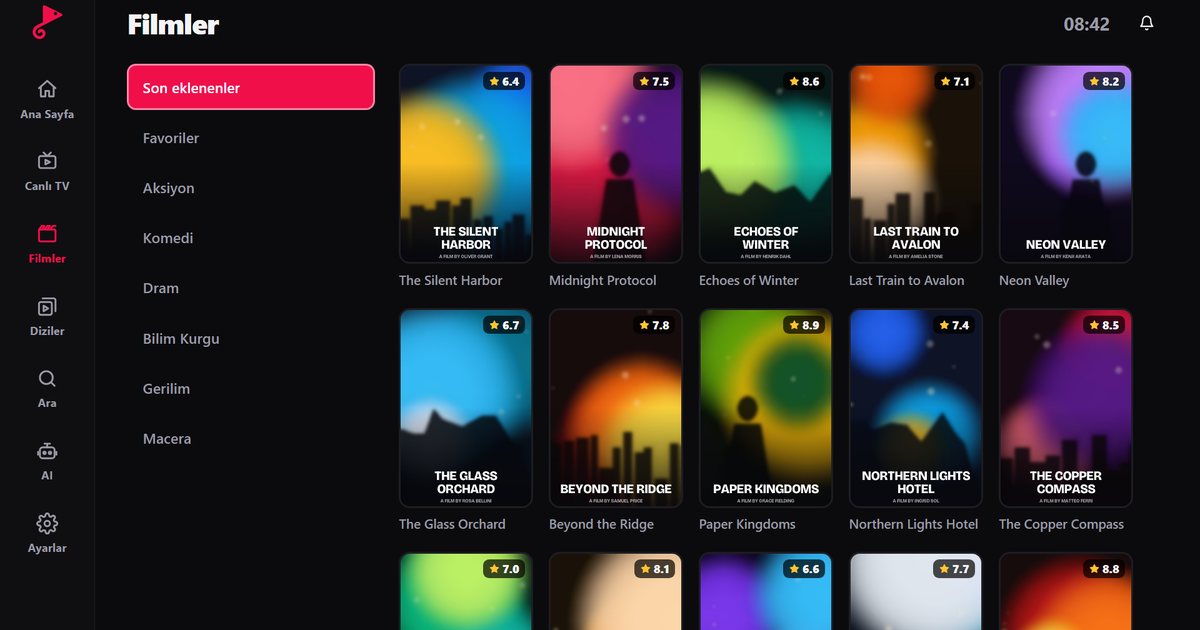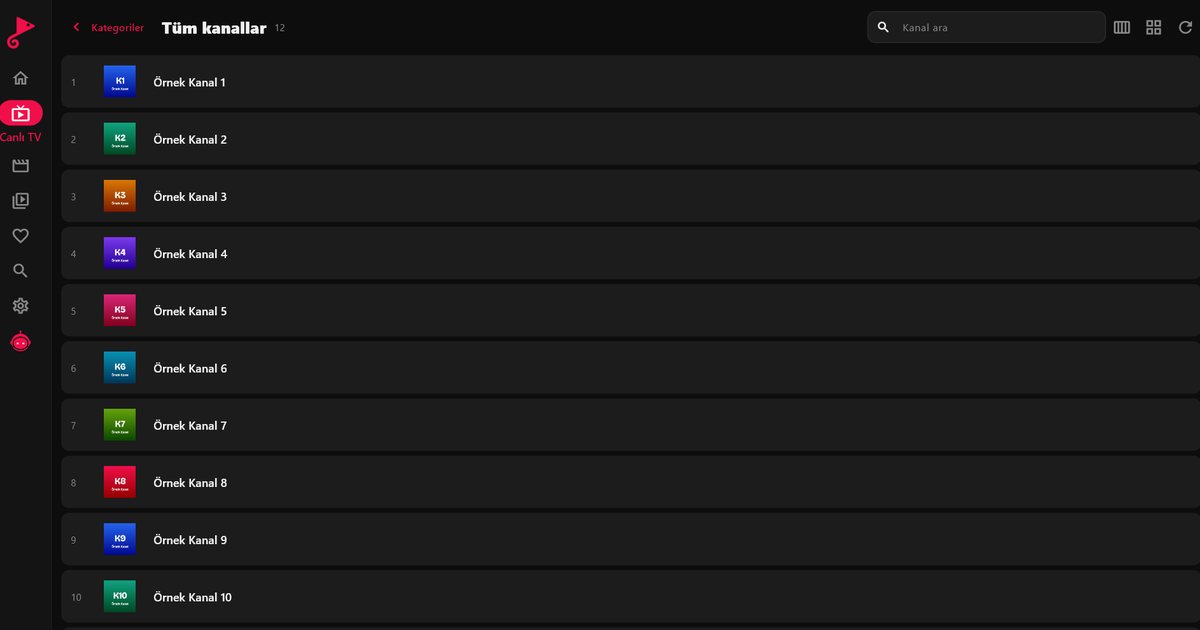
Typing a long M3U link with a Fire TV remote is the hardest part of setting up an IPTV player for Fire TV Stick. This guide explains three ways to add an M3U playlist, and whichever one you choose the result is the same: live TV, films and series on your television. If you have not installed the app yet, start with the Fire TV IPTV player guide.
Method 1: Send the playlist from your phone (recommended)
- Open QwertyPlayer on the Fire TV Stick. An address and a short code appear on screen.
- On your phone or computer, open the Connect to TV page and enter the code.
- Paste your M3U link or Xtream Codes details there and send them. The playlist appears on the television.
You type nothing with the Fire TV remote, and the code is short-lived and works only once.
Method 2: Type with the on-screen keyboard
You can enter the link directly with the on-screen keyboard, which is acceptable for a short URL. For a long link with many parameters the risk of a typing mistake is high, and the keyboard offers no way to compare what you typed with the original. Use Method 1 whenever the link is longer than a short line.
Method 3: Add it as Xtream Codes
If your provider also gives you Xtream Codes details (server address, username, password), use those instead of an M3U link. The library is then split into live, film and series categories with artwork, and programme data is usually included. The M3U versus Xtream Codes guide compares the two formats, the Xtream Codes guide walks through the fields, and the M3U8 explainer describes what is inside a playlist file.
Common mistakes and how to fix them
| Problem | What to check |
|---|---|
| Playlist will not load | Remove spaces at the beginning or end of the link; confirm that the whole link was copied |
| Empty list or error | The link may have expired; ask your provider for a current one |
| Letters look right but fail | Check upper and lower case, and confusable characters such as a lowercase L, a capital I and the number 1 |
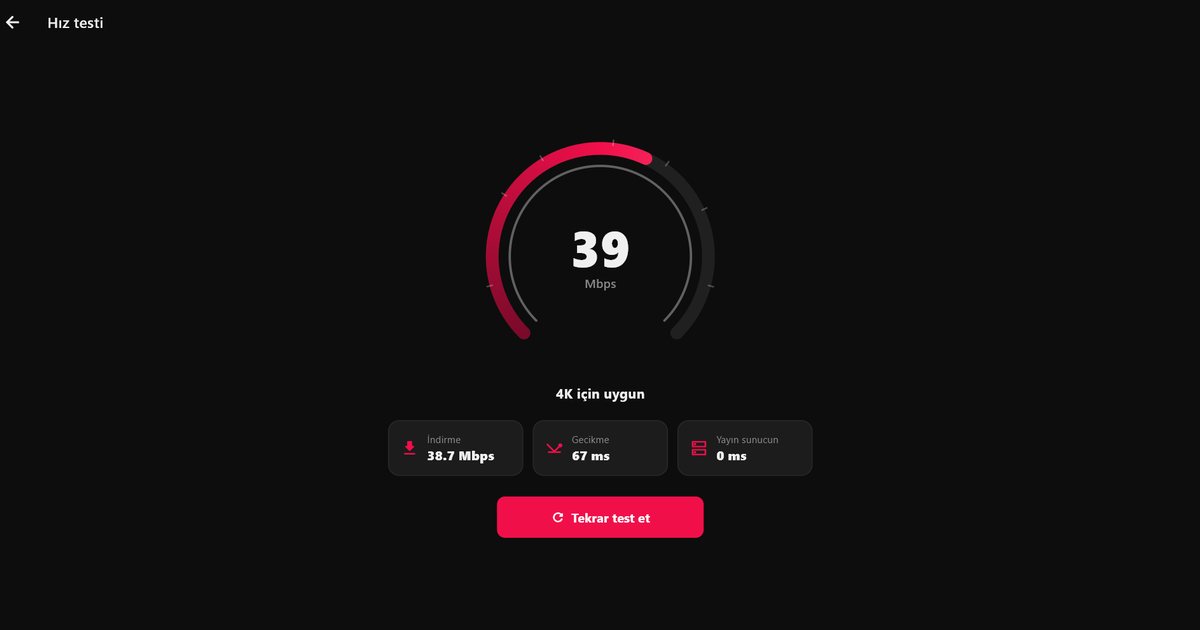
| Loads slowly or stops | The connection may be too slow: run a speed test |
Check the link before you send it
Open the link in a browser on your computer if your provider allows it. A working M3U link either downloads a text file or shows a long list of entries, while an error page means the link is wrong or has expired. Doing this check on the computer is much quicker than discovering the problem on the television. Keep the original link in a safe place, for example in a note on your phone, so that you can send it again after a factory reset or if you replace the stick.
Wired or wireless?
A Fire TV Stick is small and its Wi-Fi antenna sits behind the television, where the signal is often weakest. If you can, use an Ethernet adapter, or put the router within sight of the TV. When neither is possible, pick the 5 GHz network, and avoid running other large downloads at the same time. These changes cost very little and often matter more than any app setting.
After the playlist loads
After the playlist loads
Add your regular channels to favourites so you do not need to scroll through a huge list. If your provider supplies an XMLTV address, the programme guide can be added as described in the EPG guide. For slow loading, check how many Mbps IPTV needs, and for freezing during playback follow the buffering fixes. A Fire TV Stick on a crowded Wi-Fi channel is a frequent cause, so moving the router or using an Ethernet adapter often helps.
All other devices are covered in the all-devices overview.
Note: QwertyPlayer provides no content; use it only with streams you have the right to watch.
Frequently asked questions
How do I add an M3U playlist to a Fire TV Stick?
Open the app, enter the on-screen code at the Connect to TV page and send your M3U link from a phone or computer. You can also type it with the on-screen keyboard.
Why will my M3U link not load?
There may be a trailing space, the link may be incomplete or expired, or the connection may be too slow. Ask your provider for a current link.
Should I choose M3U or Xtream Codes?
If your provider offers Xtream Codes details, choose them, because the categories are usually better organised.
Can I enter the playlist with voice?
No. Use the on-screen keyboard or send the playlist through the Connect to TV page.
Try it with QwertyPlayer
Download with a free trial for Android, Android TV, Fire TV, Huawei and Windows.