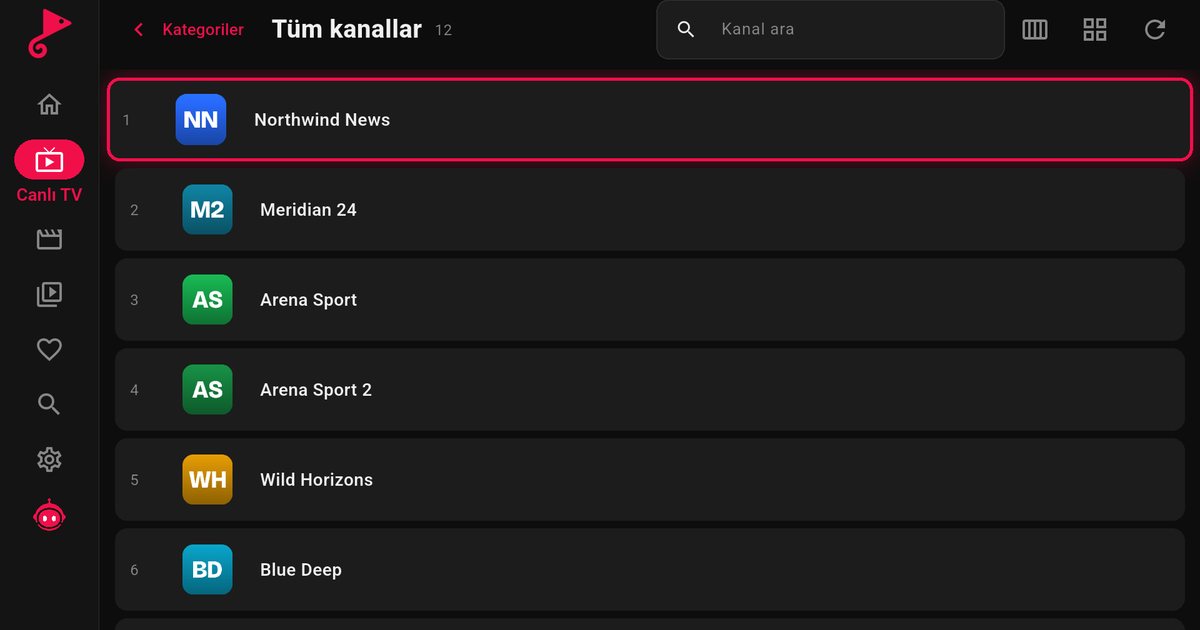
AOC is better known for monitors, but its televisions are made and sold by TP Vision, the same group that makes Philips TVs, and many current AOC smart TVs run Titan OS. If you are searching for an IPTV player for an AOC TV, the main task is to confirm which system your set uses and then follow the matching route to the app store.
Step 1: check which system your AOC runs
AOC sells several lines in different markets, and the platform can differ between them. Do not assume from the brand alone. These checks settle it quickly:
- Read the box, the manual or the shop page for the words Titan OS, Google TV or Android TV.
- Look at the home screen. If you see Google Play, you have Google TV or Android TV. If you see an app store with the Titan OS name, you have Titan OS.
- Open the settings and find the system or software information. The wording varies by model.
If your AOC runs Google TV or Android TV, follow the Google TV versus Android TV guide. It uses Google Play, and the installation is the same as on any other Android-based television. The rest of this page assumes Titan OS.
Step 2: install the player
- Press the home button on the remote and open the app store.
- Use the search field and type "QwertyPlayer".
- Install the app and open it. It shows an address and a short-lived, single-use code.
- On your phone or computer, open the Connect to TV page, enter the code and add your M3U link or Xtream Codes details. The playlist is sent to the television.
Titan OS apps are listed in a public catalogue at partners.titanos.tv/appstore. Search for QwertyPlayer in the store and install it. Store search on a television can be limited, and what you see may depend on the region and the software version. If the app does not appear, update the television software, restart and search again.
Using the player day to day
- The arrow keys and OK button move through every menu.
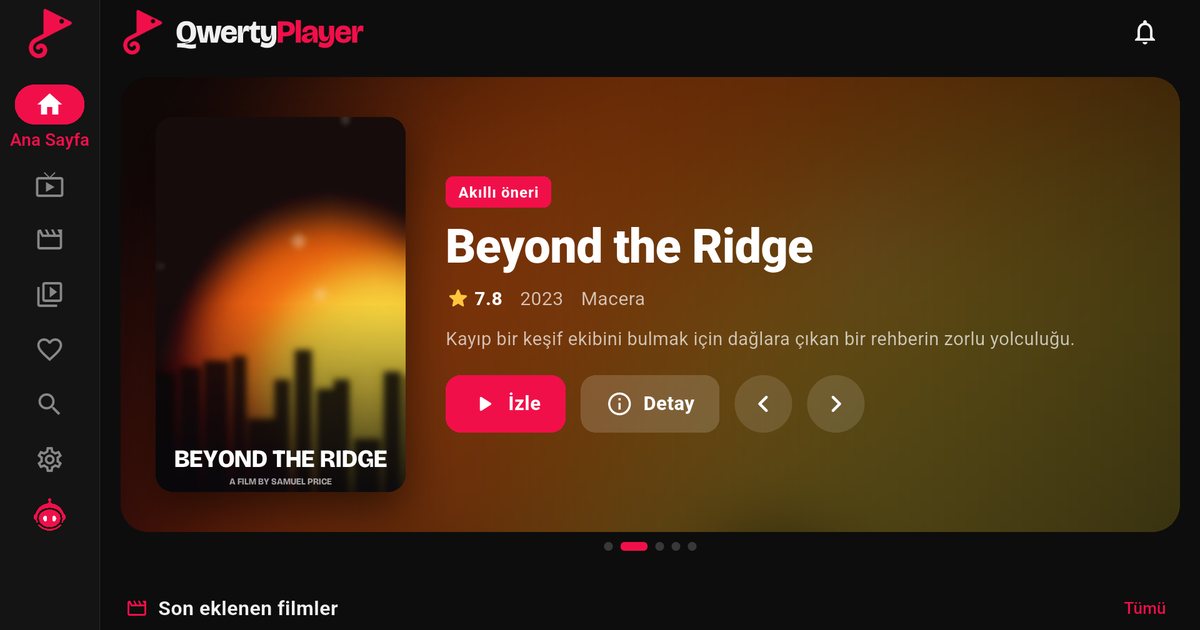
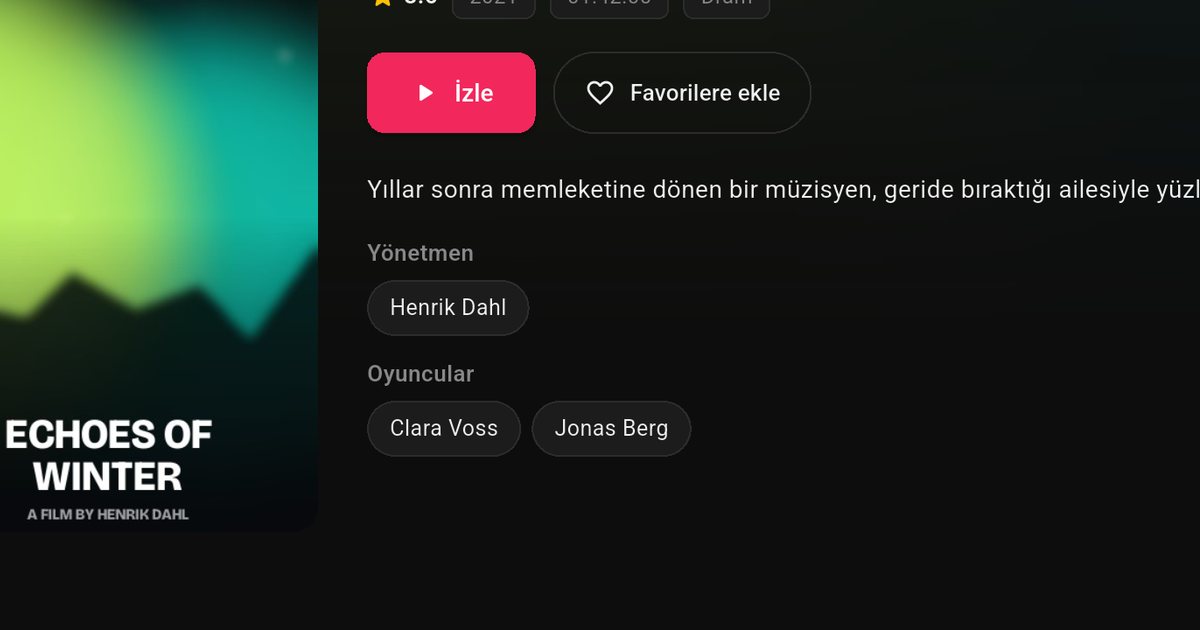
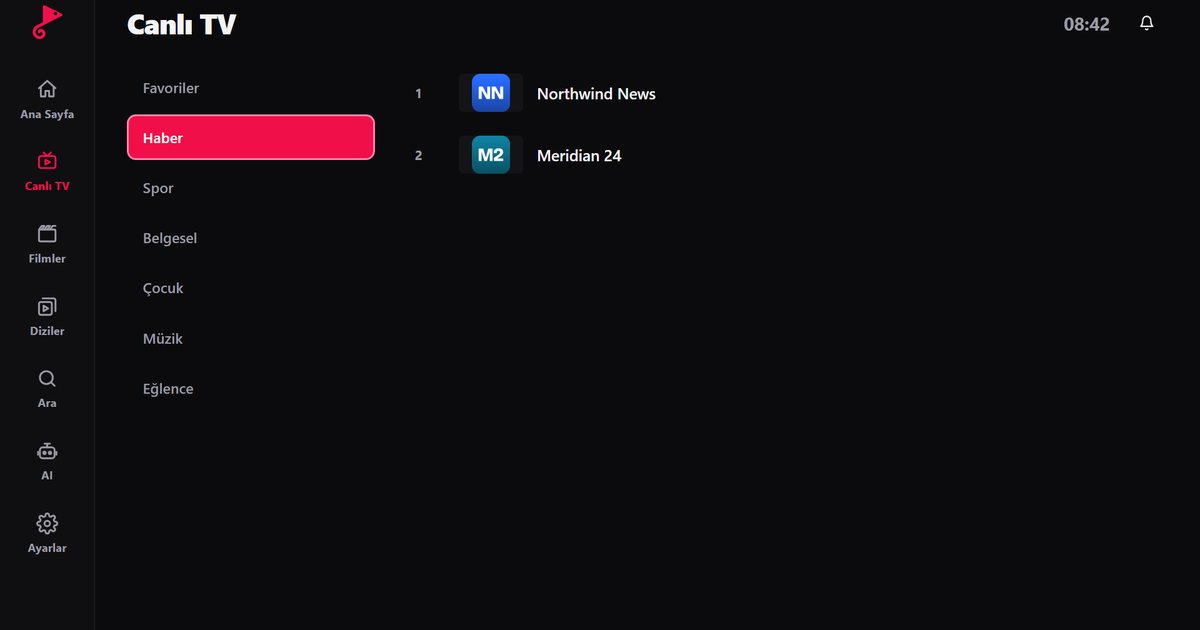
- Live TV, films and series are in separate sections, with posters, summaries and season and episode lists.
- Search and favourites help on large playlists. Build a short favourites list on the first day.
- The programme guide needs EPG data from your provider. Xtream Codes accounts usually have it ready, while an M3U list may need an XMLTV address. Read the EPG guide for the details.
- Audio and subtitle languages can be switched when the stream carries more than one: audio and subtitle settings.
Fixing freezing and slow loading
Lower-priced televisions have modest hardware, and a very large playlist can take a little while to open. A few measures help in practice:
- Use Ethernet if the set has a port. If not, place the router closer and use the 5 GHz network when available.
- Test the connection with the in-app speed test, and compare the result with the Mbps guide.
- Switch the television off at the power for about half a minute and start again.
- Try another channel. If only one fails, the stream is the problem and not the TV.
- Work through the buffering troubleshooting guide for the remaining causes.
When your AOC does not offer the app
If the store does not list the app for your model, the television can still be used as a screen. A Fire TV Stick, an Android TV box or a Chromecast with Google TV in an HDMI port runs the player on its own and does not depend on the system inside the TV. The Fire TV guide is the least expensive route, and the Android TV box guide suits people who want a more powerful device.
Related guides
The overview of Titan OS TV brands compares AOC, Philips and JVC, and the Philips TV guide is useful because the two brands share parts of their software. For a wider view, see IPTV players for Smart TVs.
Note: QwertyPlayer is only a player and does not provide, sell or recommend channels, films or playlists. Use it with content you are entitled to watch.
Frequently asked questions
Do AOC TVs run Titan OS?
Many current AOC smart TVs do, since AOC televisions are made by TP Vision, the group behind Philips TVs. Some models may use Google TV or Android TV, so check your own set.
Where do I find the app on an AOC TV?
On Titan OS, open the app store from the home screen and search for the app. On Google TV or Android TV, use Google Play.
Can I add my playlist without typing it on the remote?
Yes. Open the app, note the code on screen and enter it on the Connect to TV page from a phone or computer.
What if my AOC TV does not show the app?
Update the software and search again. If it is still missing, connect a Fire TV Stick, an Android TV box or a Chromecast with Google TV to an HDMI port.
Try it with QwertyPlayer
Download with a free trial for Android, Android TV, Fire TV, Huawei and Windows.