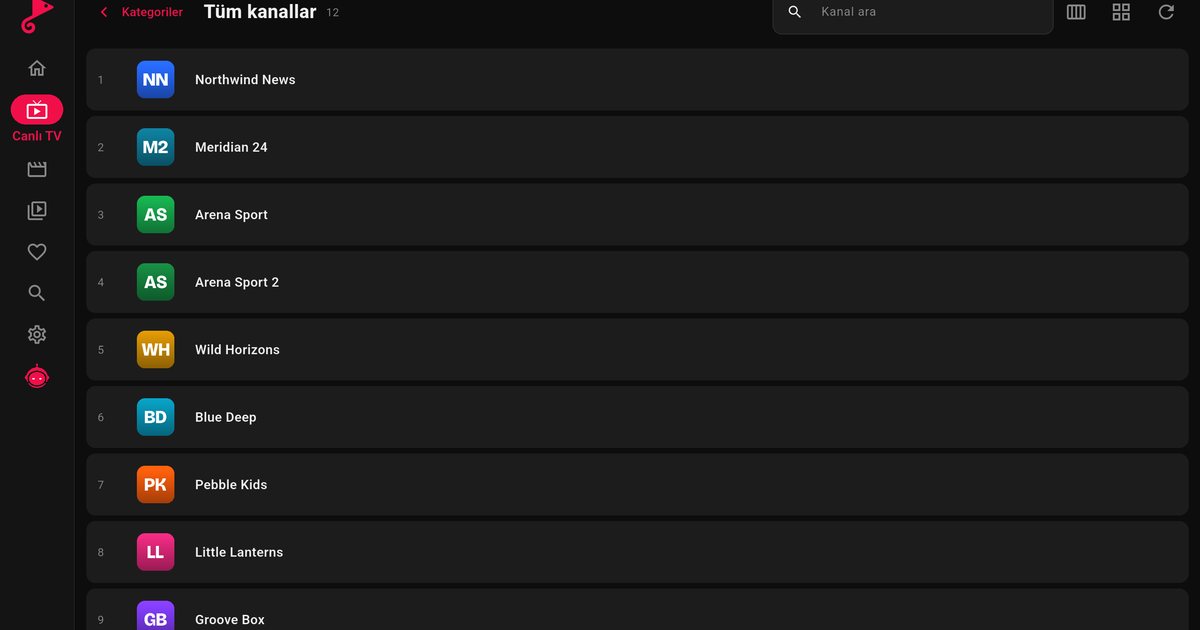
If you are shopping for a TV or a streaming stick and want to use an IPTV player on Google TV, the naming is confusing. Some shops say Android TV, some say Google TV, and the box may say both. For an IPTV player the practical answer is short: both use the same app store, both run the same Android TV apps, and the QwertyPlayer setup is identical. What differs is the home screen around the apps.
What the two names mean
Android TV is the platform that television makers and streaming devices have used for years. Google TV is the newer interface that Google puts on top of that platform. Newer sets and devices tend to ship with Google TV, while older sets and many TV boxes still show the classic Android TV launcher. Both install apps from Google Play, and an app built for Android TV works on both. In short, Google TV is the new face of Android TV rather than a separate system.
How to tell which one you have
- Google TV: the home screen is organised in tabs such as For you, Apps and Library, with large rows of recommended titles at the top.
- Android TV (classic): the home screen is a series of horizontal rows, with an apps row near the top and a Play Store tile.
- Either way: Settings > System > About, or Settings > Device preferences > About, shows the Android version and the model.
Installing an IPTV player: the same on both
- Open the Apps tab (Google TV) or the apps row (Android TV) and choose Google Play.
- Search for QwertyPlayer and select Install.
- Open the app and choose M3U or Xtream Codes. Enter the link, or the server address, username and password from your provider.
- If typing with the remote is tedious, use the Connect to TV page: the app shows an address and a short-lived, single-use code, and you send the playlist from your phone or computer.
If you are not sure which of the two formats you have, M3U and Xtream Codes explained shows how to tell them apart.
What does change on the home screen
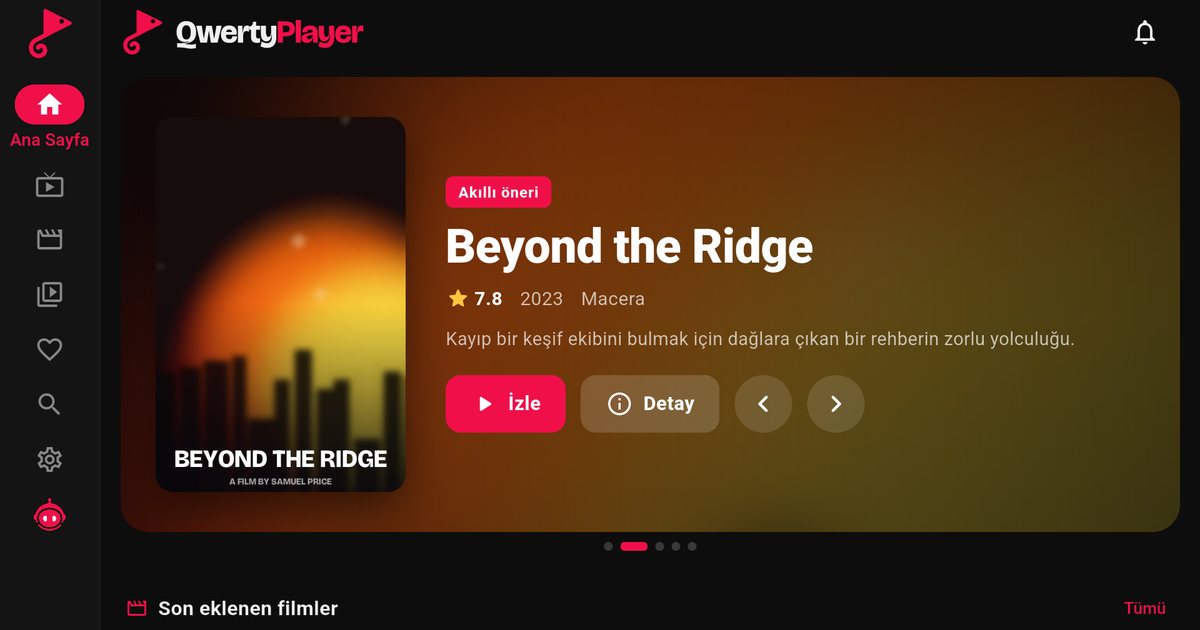
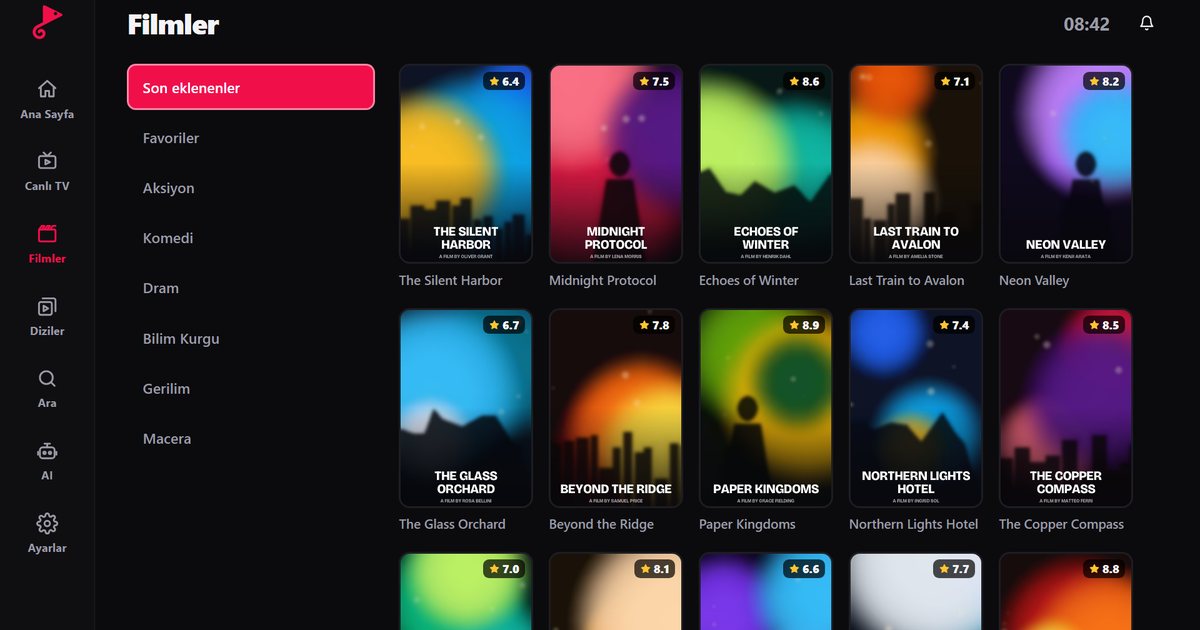
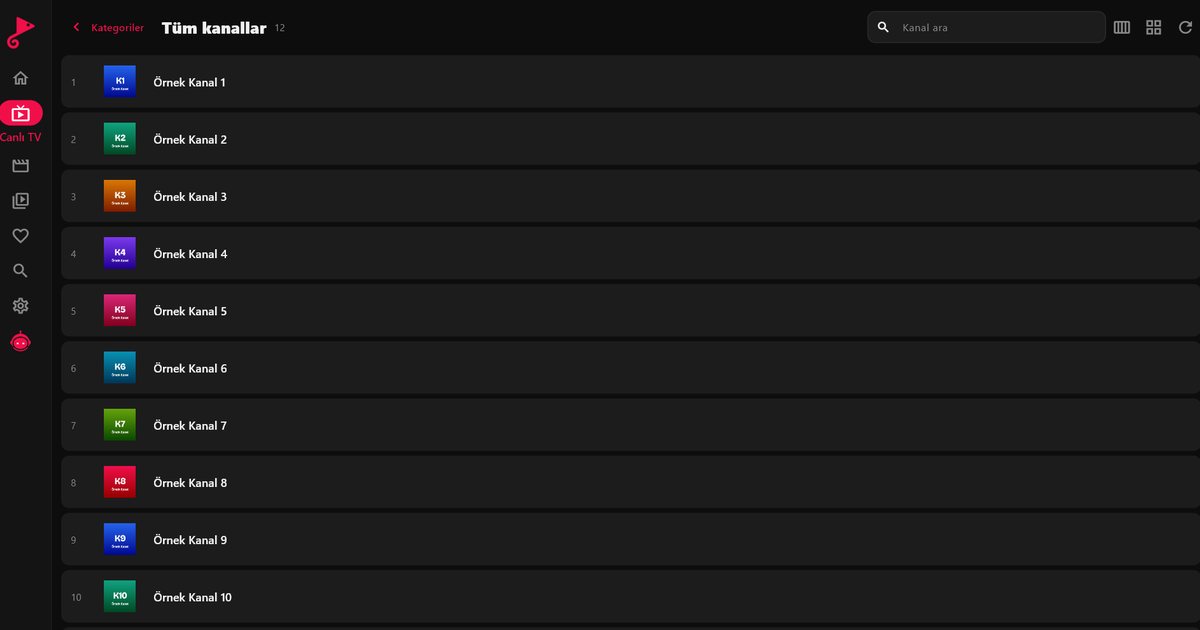
Google TV puts recommendations and content from your streaming services front and centre, and an IPTV player is one of many apps on the Apps tab. If you open it every day, move it to the front of the Apps row so you do not scroll for it; the exact menu wording differs between software versions, but long-pressing the app icon on the remote usually brings up the options. On a classic Android TV launcher you can do the same through the favourite apps row. The recommendation rows are managed by the system. Your channels, films and series appear inside QwertyPlayer, where search, favourites and resume work as usual.
Which device should you buy?
For IPTV the interface matters less than three practical things: an Ethernet port or good Wi-Fi, enough free storage for updates, and a remote that is comfortable to use. A Chromecast with Google TV or a similar streaming stick is the cheapest way to add the platform to an old television; our Google TV and Chromecast guide covers that case, and the Android TV box guide covers boxes with more ports. Note that the original Chromecast without a remote cannot run apps; it only receives casts.
Brands and models
Which of the two a particular TV carries depends on the model and the year, not just on the brand. Our overview of Android TV brands lists what Sony, TCL, Xiaomi, Hisense and others typically use, and what to do if your set runs something else. Amazon Fire TV is a separate system with its own store; see the Fire TV guide if that is your device.
Troubleshooting that applies to both
- App not found in Google Play: update the TV software, restart and search again.
- Slow loading with a large playlist: restart the TV and use a wired connection if you can.
- Storage warnings: remove apps you no longer use and clear caches from Settings > Apps.
QwertyPlayer is only a player and contains no channels. You add your own playlist from a provider you are entitled to use, and you are responsible for your right to watch it.
Frequently asked questions
Is Google TV the same as Android TV?
Google TV is the newer interface that runs on the Android TV platform. Both install apps from Google Play and both run Android TV apps.
Do I install QwertyPlayer differently on Google TV?
No. Open Google Play, search for QwertyPlayer, install it and add your M3U link or Xtream Codes account.
Can the original Chromecast run an IPTV player?
No. The older Chromecast without a remote only receives casts from a phone. Chromecast with Google TV can install apps.
Where do my channels appear on Google TV?
Inside the QwertyPlayer app. The Google TV recommendation rows are managed by the system and are separate from your playlist.
Which is better for IPTV, Google TV or Android TV?
For playback they are equal. A wired network connection and a responsive remote matter more than the interface name.
Try it with QwertyPlayer
Download with a free trial for Android, Android TV, Fire TV, Huawei and Windows.