Most LG televisions sold in living rooms are not OLEDs. They are QNED, NanoCell or plain UHD sets, and they run the same webOS system as the more expensive range. If you want an IPTV player for an LG QNED, NanoCell or UHD TV, the steps are straightforward, but the lower-priced hardware has one practical consequence: these sets can feel slower, especially after years of use. This guide covers installation and the fixes that help most.
The series in short
LG groups its LCD models into families. UHD is the standard line, NanoCell and QNED are higher steps with different panel technology, and each family is released in yearly batches. UHD codes carry the letters UQ, UR and UT, which belong to successive model years in that order. For exact specifications, use the label on the back or the manual, because we do not list per-model figures here.
What matters for IPTV is simple: all of these use webOS, and the webOS version follows the model year. The webOS version table shows the mapping from 2018 to 2025. To read the version on your own set, press the Settings button and open All Settings, General and About This TV.
Install QwertyPlayer
- Connect the TV to your router.
- Open LG Content Store from the launcher.
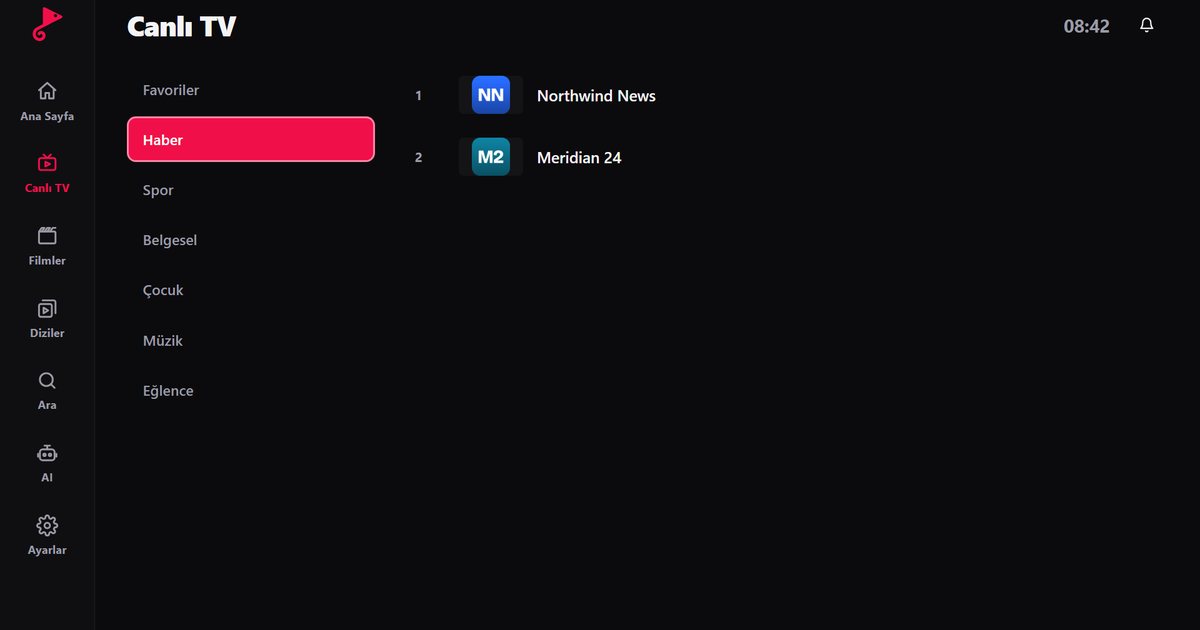
- Choose Apps, press the search icon and type "QwertyPlayer".
- If the app is in the list, press Install. If it is not, update the TV software, restart and search again.
If your model cannot install the app, an external device is a good answer on a budget television. A Fire TV Stick or an Android TV box brings its own processor and memory, and often feels faster than the TV's built-in system.
Add the playlist
With the pointer remote, typing a long link takes patience. Open the Connect to TV page on your phone, enter the code that the TV displays and send your M3U link or Xtream Codes details. The code is short-lived and works once. When your provider gave you an Xtream Codes account, read the Xtream Codes guide for typical errors with the server address.
If the TV feels slow
Budget processors take longer to load a big category list. Try these steps in order:
- Restart the TV properly. Unplug the set for a minute, or hold the power button on the remote for a few seconds. A true restart clears memory.
- Close unused apps. Several apps in the background compete for the same limited memory.
- Use a cable. If the TV has an Ethernet socket, a cable removes Wi-Fi interference from the equation.
- Update the software. Updates are available in the settings area where you found the version number.
- Use lighter lists. A playlist with tens of thousands of entries is heavier than one that is filtered by category. Your provider may offer a smaller list.
- Delete and reinstall the app if it keeps stalling. Then add the playlist again through the Connect to TV page.
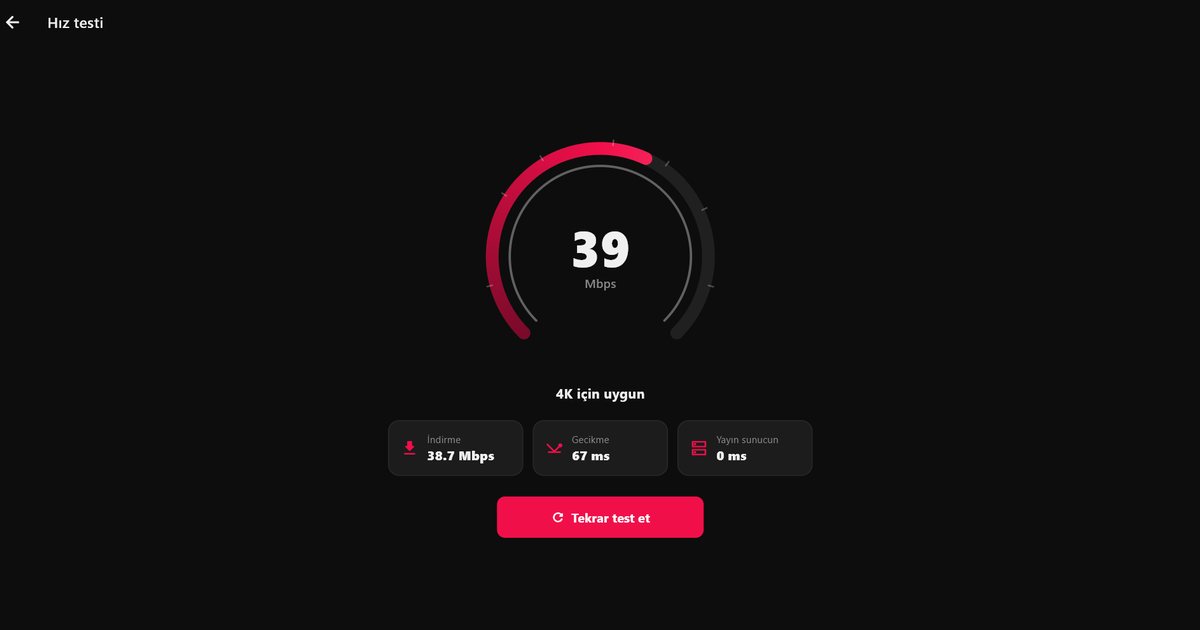
If the picture freezes while the menus stay quick, the cause is usually the connection and not the TV. The buffering fix guide explains how to separate a network problem from a provider problem.
Picture settings for IPTV
Streams come in many qualities, and picture modes that boost sharpness can make low-resolution channels look worse. Try the standard or cinema mode for films and turn off motion smoothing if faces look unnatural. These are taste settings, not requirements. The menu names vary by webOS version, so use the search inside the settings menu if you cannot find an item.
Related guides
- LG OLED guide for the premium range.
- webOS overview for LG and licensed brands.
- Samsung Crystal UHD if you compare brands.
QwertyPlayer is only a player. It does not supply content, and you are responsible for the right to watch whatever you add.
Frequently asked questions
Do QNED, NanoCell and UHD TVs run webOS?
Yes. LG smart televisions in these families use webOS, and the version follows the model year.
Where is the IPTV app on an LG UHD TV?
Open the LG Content Store, go to Apps and search for QwertyPlayer. If it is listed for your set, you can install it.
Why is my LG TV slow with large playlists?
Lower-priced models have less memory. Restart the TV, close other apps, use a network cable and ask your provider for a smaller list.
What do UQ, UR and UT mean?
They are letters in LG UHD model codes that belong to successive model years. The About This TV screen shows the exact webOS version.
Can I use a Fire TV Stick instead?
Yes. A Fire TV Stick on an HDMI port is a reliable option if your LG model does not offer the app.
Try it with QwertyPlayer
Download with a free trial for Android, Android TV, Fire TV, Huawei and Windows.