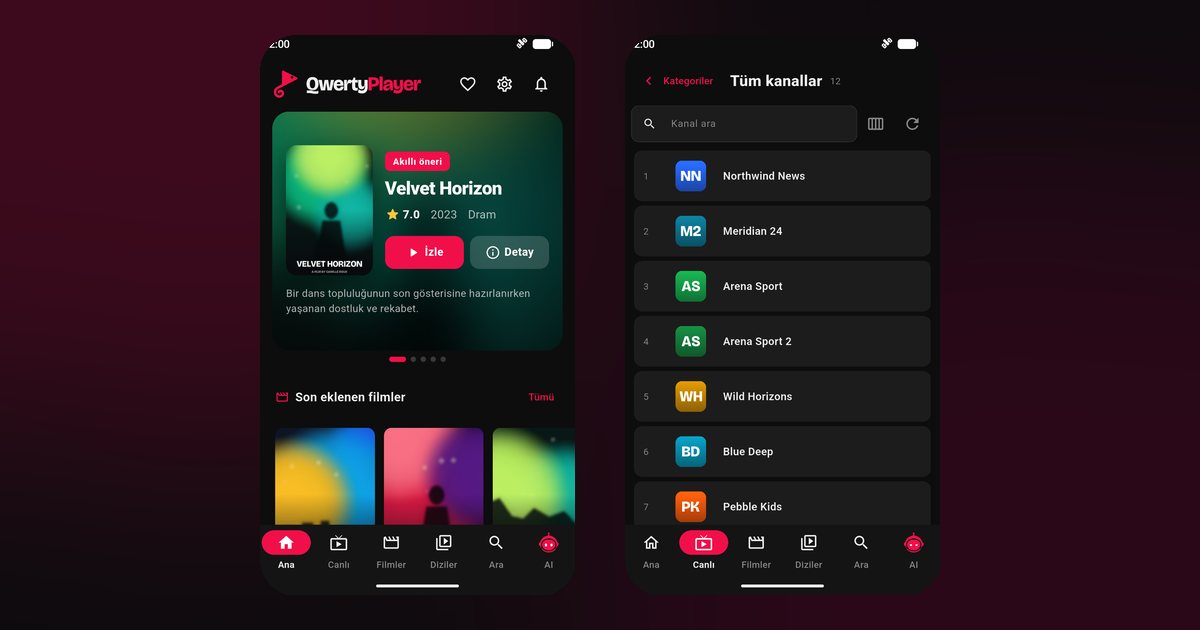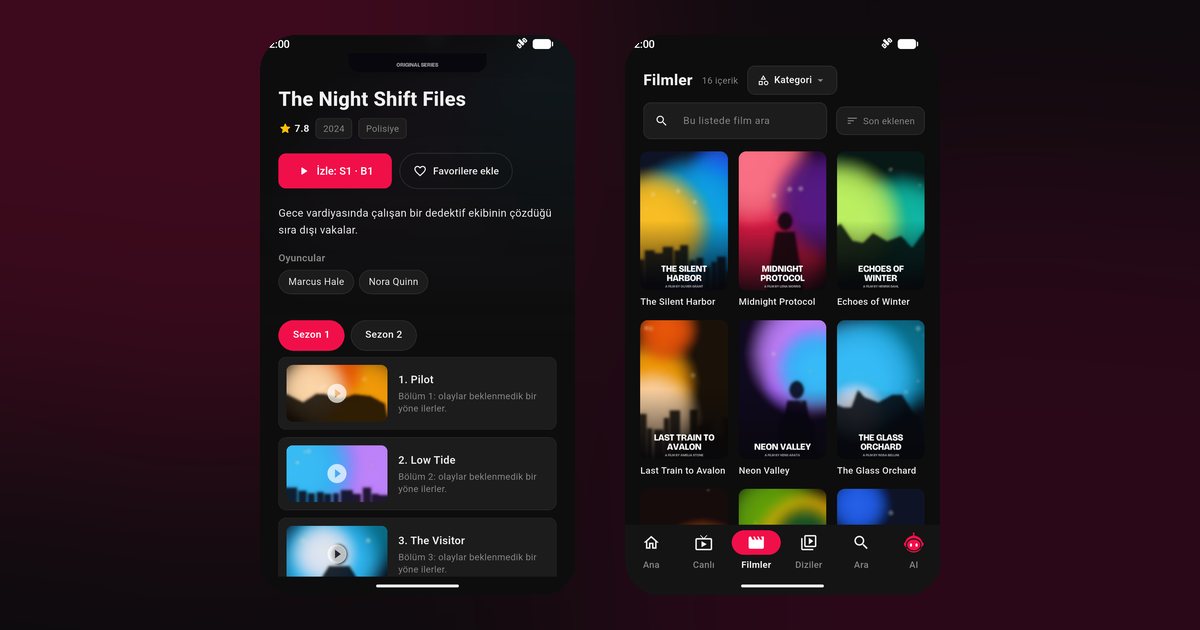
OnePlus owners tend to be particular about performance, so the question behind a search for a OnePlus IPTV player is usually not whether the phone is fast enough, but how to make streaming behave. The phones are quick, and OxygenOS is close to the standard Android feel. A few battery and network options still decide whether a live channel runs for ten minutes or for ten hours.
OnePlus models this covers
The flagship line includes the OnePlus 12, OnePlus 11, OnePlus 10 Pro and the foldable OnePlus Open. The value-minded R series has the OnePlus 12R. Under the Nord name you find the Nord 3, Nord CE 4, Nord CE 3 and Nord CE 3 Lite, and there is the OnePlus Pad tablet as well. All of them install apps from Google Play, so you can begin without checking a compatibility chart: if the store lists QwertyPlayer, go ahead.
Install and connect your source
- Search Google Play for QwertyPlayer and install it.
- Open the app and choose the type of source: M3U link or Xtream Codes account.
- Enter the details exactly as your provider supplied them, without extra spaces at the end.
- Wait for loading to finish before testing a channel.
The M3U and Xtream Codes guide clarifies which entry fields apply to which type.
OxygenOS: battery first
Settings are named slightly differently across OxygenOS versions. Searching for "battery" at the top of Settings gets you there quickly.
- Open Settings > Apps > App management > QwertyPlayer > Battery usage and choose Allow background activity.
- Go to Settings > Battery > Battery optimization and set the app to Don't optimize.
- If your version offers Advanced optimization or Sleep standby optimization, switch it off while watching long sessions.
- Lock the app card in the recent apps view.
Compare how other brands name these options in the background playback guide.
Network settings worth a look
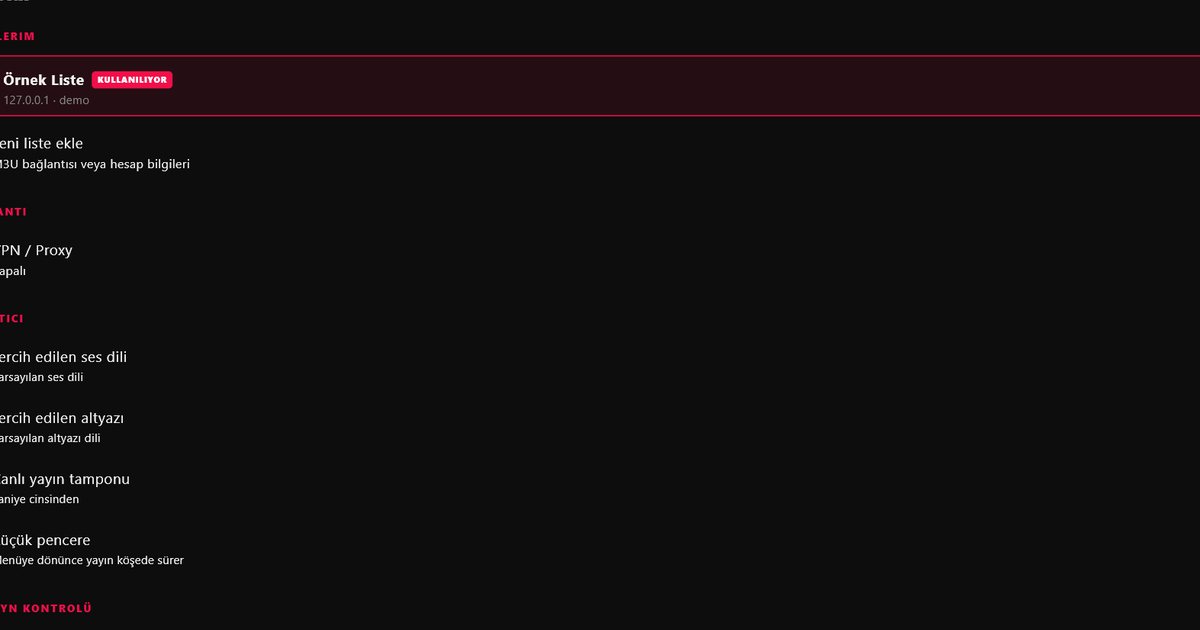
OnePlus phones switch quickly between Wi-Fi and mobile data. For streaming that is not always helpful, because a brief switch can pause a live channel. If the stream keeps hiccuping at home, turn off the smart network switching option in the Wi-Fi settings, use a 5 GHz network, and disable mobile data for QwertyPlayer if you wish to avoid accidental data use. If you are using a VPN or proxy, the app's own VPN and proxy page in Settings lets you apply it to the player alone; the proxy and VPN guide explains how it works.
Display and audio habits
High refresh rate is not needed for video; the adaptive setting is fine. For audio, OnePlus phones often have Dolby or similar sound options. Choose the profile you prefer in the system sound settings, since the player follows the system output.
OnePlus TV is a different product
If you also own a OnePlus television, installation happens through that TV's store and is explained in the Realme and OnePlus TV guide. Your phone can send a playlist to it with the Connect to TV page. Users of sibling brands may want the Oppo guide and the Realme guide.
Troubleshooting list
- Playback ends when the screen locks: recheck the first two battery steps.
- Repeated buffering: see the buffering fix guide, then test another network.
- Cannot find the app after update: search again in Google Play and reinstall.
The whole list of makers is on the Android phone brands page.
Source of content
QwertyPlayer ships without channels, so use a provider you are entitled to use. The app is free for now.
Frequently asked questions
Is there anything special about OnePlus 12 compared with a Nord CE 4?
No. Both use OxygenOS and Google Play, and the battery steps are identical.
How do I stop OxygenOS from closing the player?
Allow background activity for the app, set battery optimisation to Don't optimize and lock the app in recent apps.
Can the OnePlus Pad use the same app?
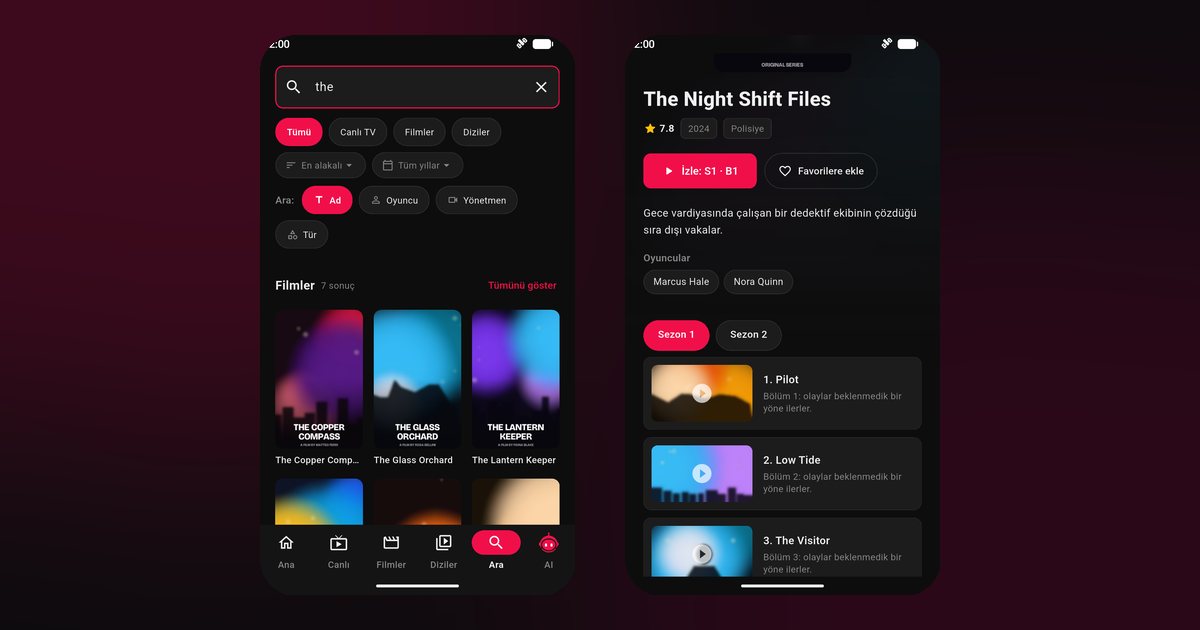
Yes. It installs from Google Play, and the larger screen shows more of the poster and guide layout.
Why does my live channel pause when I walk through the house?
The phone may be switching between Wi-Fi bands or to mobile data. Use a 5 GHz network and disable smart network switching.
Is it the same as the OnePlus TV app?
The product is the same, but a television installs from its own store; see the TV guide.
Try it with QwertyPlayer
Download with a free trial for Android, Android TV, Fire TV, Huawei and Windows.