Samsung's lifestyle televisions are bought for how they look as much as for what they show, and that raises a fair question for anyone who wants an IPTV player on The Frame, The Serif, The Sero or The Terrace. All four are Samsung Smart TVs running Tizen, so the setup is the same as on the mainstream ranges. The differences lie in how you use the screen, not in how you install the app.
The four lifestyle series
| Series | Idea | What matters for IPTV |
|---|---|---|
| The Frame | A TV that shows artwork when it is not in use | Normal TV use works as on any other set; check your Tizen version by model year |
| The Serif | A sculpted, free-standing design | Often placed away from the router, so check the wireless signal |
| The Sero | A screen that rotates between horizontal and vertical | Video is wider than tall, so use it horizontally for IPTV |
| The Terrace | A TV built for covered outdoor spaces | Outdoor Wi-Fi coverage is the main challenge |
Exact models, sizes and release years change, so this guide does not list model numbers. To place your set in time, use the guide to Samsung model years and Tizen versions.
Install the player in Smart Hub
- Press the Home button and open Apps.
- Search for "QwertyPlayer".
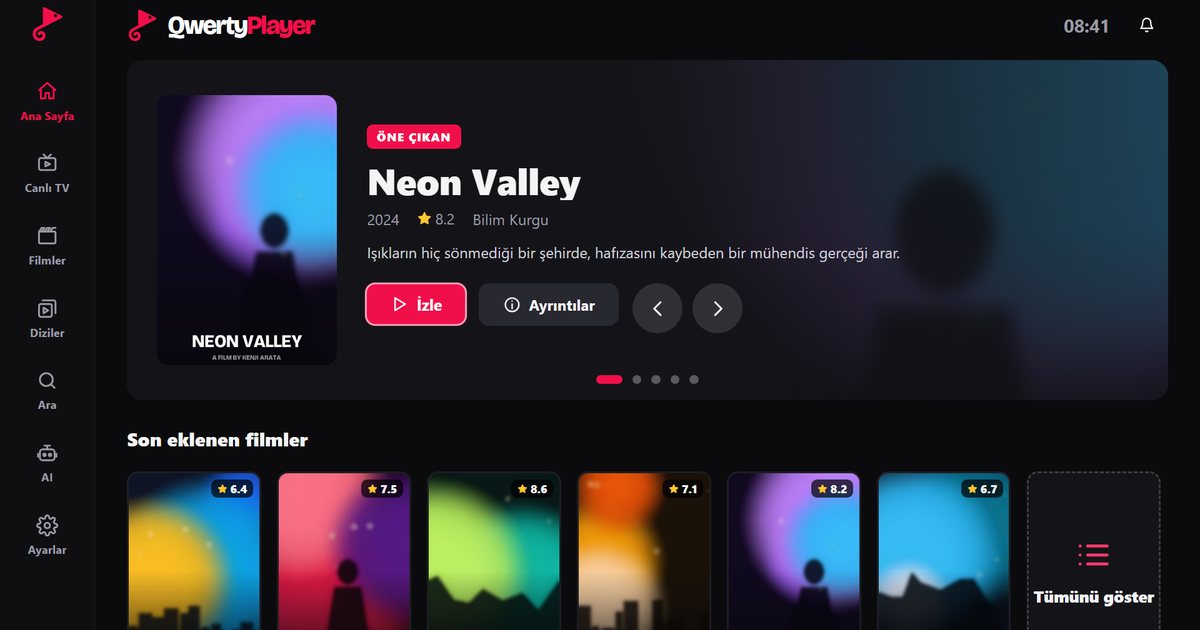
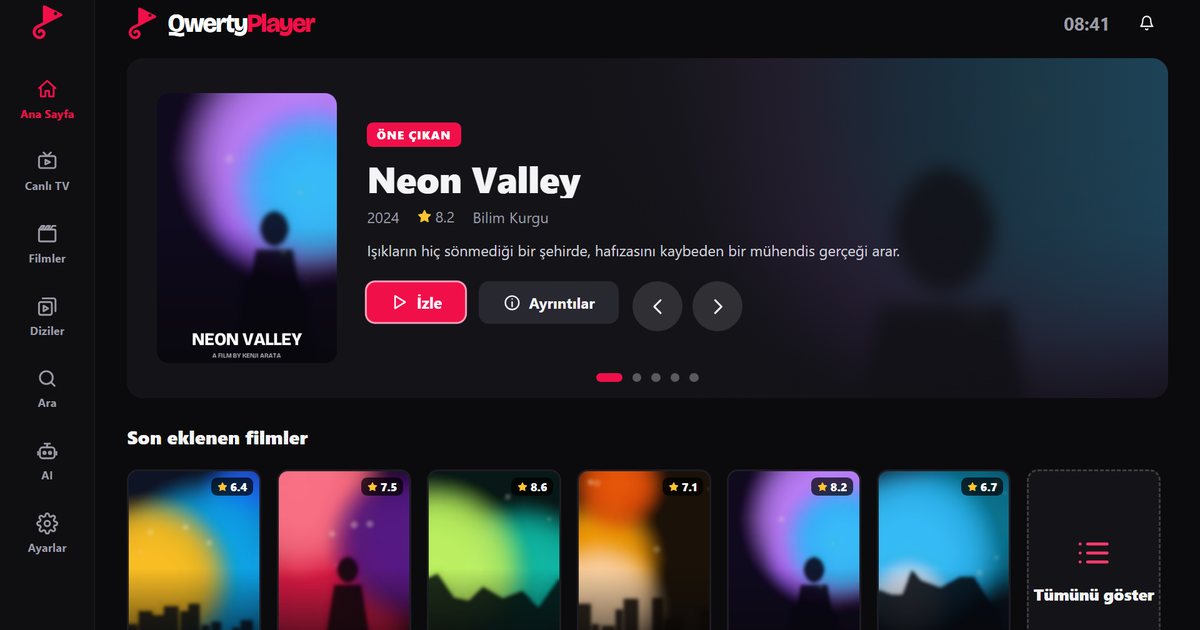
- If it appears, install it. When the app is listed, your model is supported.
- Open the app and read the address and single-use code on the screen.
- Go to the Connect to TV page on a phone or computer, enter the code and add your M3U link or Xtream Codes details.
Search for QwertyPlayer in Apps and install it. If it is not listed, update the software and search again. The overview of Samsung Tizen series helps you compare your set with the other ranges.
Notes for each series
The Frame
When you start the app, the television behaves like any other. You can leave it in your usual picture mode for films and sport. After you stop playback, the set can return to its art display according to your settings; this is controlled by the TV, not by the player.
The Serif
Because The Serif is a design piece, people often stand it in the middle of a room or against a wall away from the router. If the picture stutters, check the Wi-Fi signal strength before anything else, and consider a cable or a wireless extender. The buffering guide lists the checks in order.
The Sero
The Sero is built to rotate so that portrait content from a phone can fill the screen. Television channels, films and series are made for a horizontal frame, so for IPTV the sensible choice is the horizontal position. We do not describe a special vertical mode for the player: if you try the vertical position, expect black bars around the video.
The Terrace
An outdoor television usually sits far from the router, behind walls or glass. That makes the wireless signal the first thing to test. Run the in-app speed test while the TV is in its final position, and read how many Mbps IPTV needs to compare the result with what a stream requires. A wired connection or a nearby access point is far more reliable than a weak signal from indoors.
Everyday tips
- Create favourites for the channels you use, so you can start quickly without scrolling a long list.
- Keep parental controls on if the set is in a shared room: adult categories are hidden by default and open only with the PIN you set in Settings. See parental controls explained.
- Look at the sound settings after installing, because slim designs often rely on external speakers or a soundbar for the best audio.
If your set is too old for the app
Older lifestyle models may not be offered every app. A Fire TV Stick or an Android TV box in an HDMI port runs the same player independently of the television's own system: read the Fire TV guide or the Android TV box guide. The general Samsung TV guide covers the basics.
Note: QwertyPlayer is only a player and does not provide channels, films or playlists. Use it with content you are entitled to watch.
Frequently asked questions
Can I use an IPTV player on Samsung The Frame?
Yes, if the app is listed in Apps in Smart Hub. The Frame runs Tizen like other Samsung Smart TVs, and you add your playlist with a code from the Connect to TV page.
Does The Sero work with IPTV in vertical mode?
Television content is horizontal, so the horizontal position is the practical choice. We do not describe a special vertical mode for the player.
Is there anything special about The Terrace?
Mostly the network. Outdoor sets are often far from the router, so test the wireless signal in the final position and use a cable or access point if needed.
Do lifestyle series use a different operating system?
No. The Frame, The Serif, The Sero and The Terrace are Samsung Smart TVs that run Tizen.
Try it with QwertyPlayer
Download with a free trial for Android, Android TV, Fire TV, Huawei and Windows.