Thomson televisions are popular as sensible, affordable sets, and a good share of them run Android TV or Google TV. That makes the search for an IPTV player on a Thomson TV mostly straightforward, with one catch: budget hardware has little memory, so the focus here is on installation and then on keeping the set responsive. Check the model first, since not every Thomson set comes with an open app store.
Confirm that your model has the Play Store
- Press Home and look for a Google Play Store tile or a Google Play entry in the apps row.
- Open Settings, then the about page, and read the system name and software version.
- Check the box or manual. Ranges with Android TV or Google TV are marked as such.
If you find nothing like that, your Thomson uses a different system. See the final section for what to do. Our Android TV brand overview shows how other makers handle the same question.
Install and add a playlist
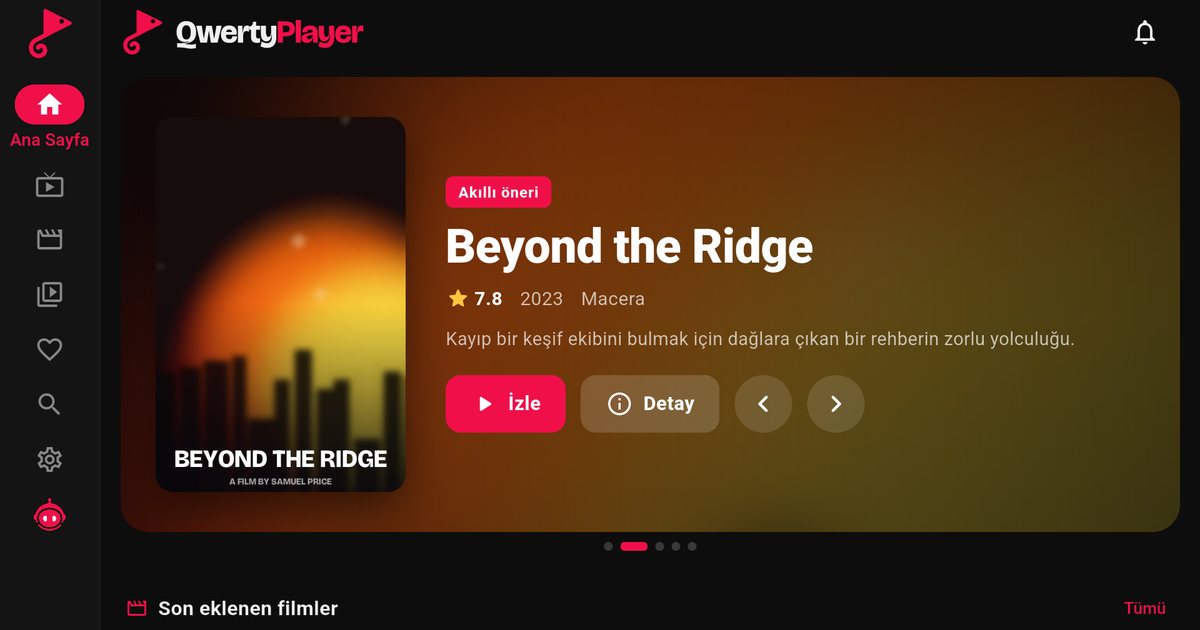
- Open the Play Store and search for QwertyPlayer.
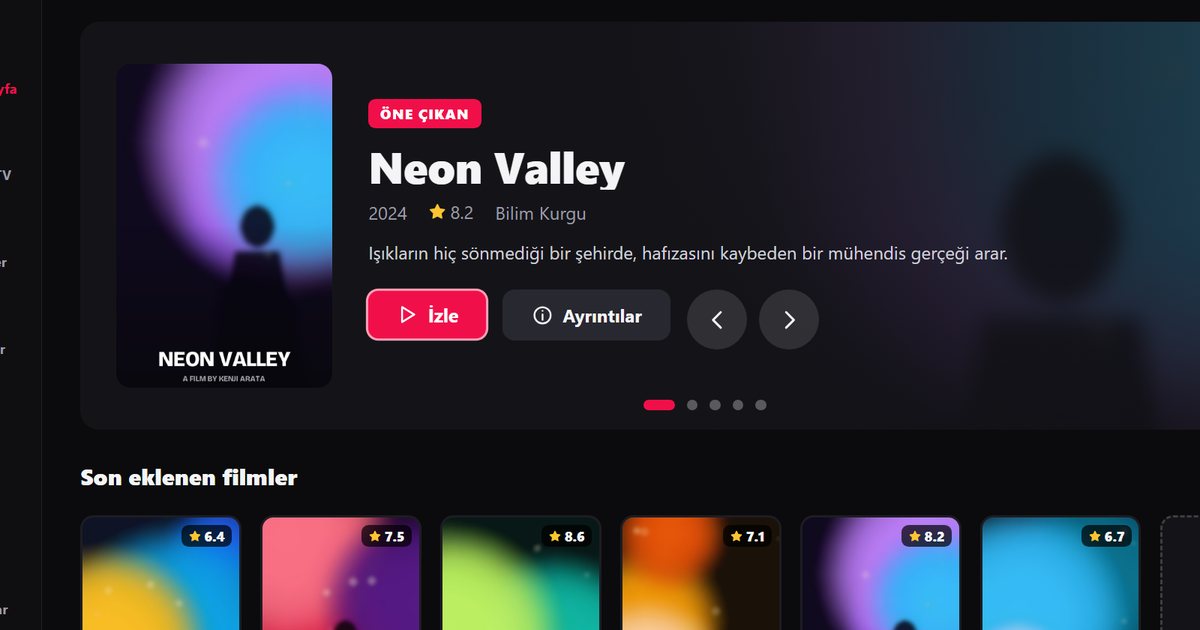
- Install, open and choose to add a playlist.
- Enter your M3U link or the Xtream Codes server, username and password.
- Prefer your phone to the remote? Use the Connect to TV page to send the playlist with a short-lived code.
The difference between M3U and Xtream Codes is explained in the Xtream Codes guide; an Xtream account usually loads categories and artwork faster on modest hardware.
Making a budget set behave
Thomson sells UHD, QLED and Full HD ranges at attractive prices, and the trade-off is a modest processor and limited storage. A few habits keep things running well:
- Free up storage. Remove apps you never open, since a full TV slows everything.
- Clear caches. In the application settings, clear the cache of the player when menus become sluggish.
- Use Ethernet. Built-in Wi-Fi on lower-priced sets can be the weakest link.
- Restart weekly. A full power-off, not standby, clears memory.
- Be modest with picture settings. Extra processing modes use resources; try a standard mode if playback stutters.
Remote and voice search
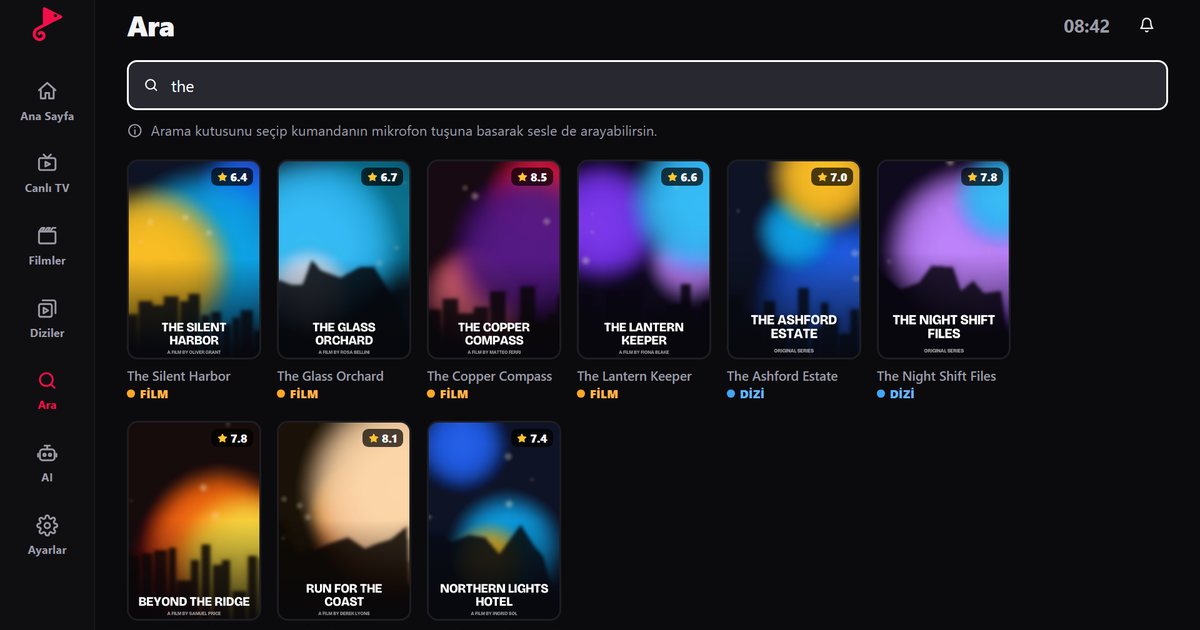
Most Android TV and Google TV remotes have a microphone button. Searching by voice for the app name saves typing in the store. Inside the player, use search and favourites so you do not scroll huge categories with the arrow keys.
If your Thomson is not Android-based
Some older Thomson models have a closed Smart TV system that cannot install new apps. The simplest answer is an external device: a Fire TV Stick (IPTV on Fire TV), a Google TV streamer or a box (Android TV box guide). The article on IPTV on older Smart TVs shows the connection steps.
Thomson in Turkey and elsewhere
If you bought your set in Turkey or from a retailer that also stocks Vestel, Regal or Dijitsu, the tips are the same, and the page on Turkish TV brands gives the wider context. For sister brands in this group of pages, see Telefunken and Grundig.
One more tip for a set that has been installed for a while: after a software update, the first launch of any app can be slow while the system rebuilds its cache. Give it a few minutes and a restart before you decide something is wrong.
Still not smooth?
Run the speed test in the app and compare it with the targets in how many Mbps IPTV needs. If one channel misbehaves, the fault is with that stream.
QwertyPlayer only plays streams you add yourself, and you are responsible for the right to watch them.
Frequently asked questions
Does Thomson TV support IPTV apps?
Models with Android TV or Google TV do, through the Play Store. Check your model first.
How do I install the player on a Thomson Android TV?
Open the Play Store, search for QwertyPlayer, install it and add your M3U or Xtream Codes details.
The app is slow on my Thomson TV. What helps?
Free storage, clear the app cache, use an Ethernet cable and restart the TV fully now and then.
What if my Thomson has no Play Store?
Use an external device such as a Fire TV Stick or a Google TV streamer.
Can I send my playlist from a phone?
Yes. Use the Connect to TV page and the code shown on the TV.
Try it with QwertyPlayer
Download with a free trial for Android, Android TV, Fire TV, Huawei and Windows.