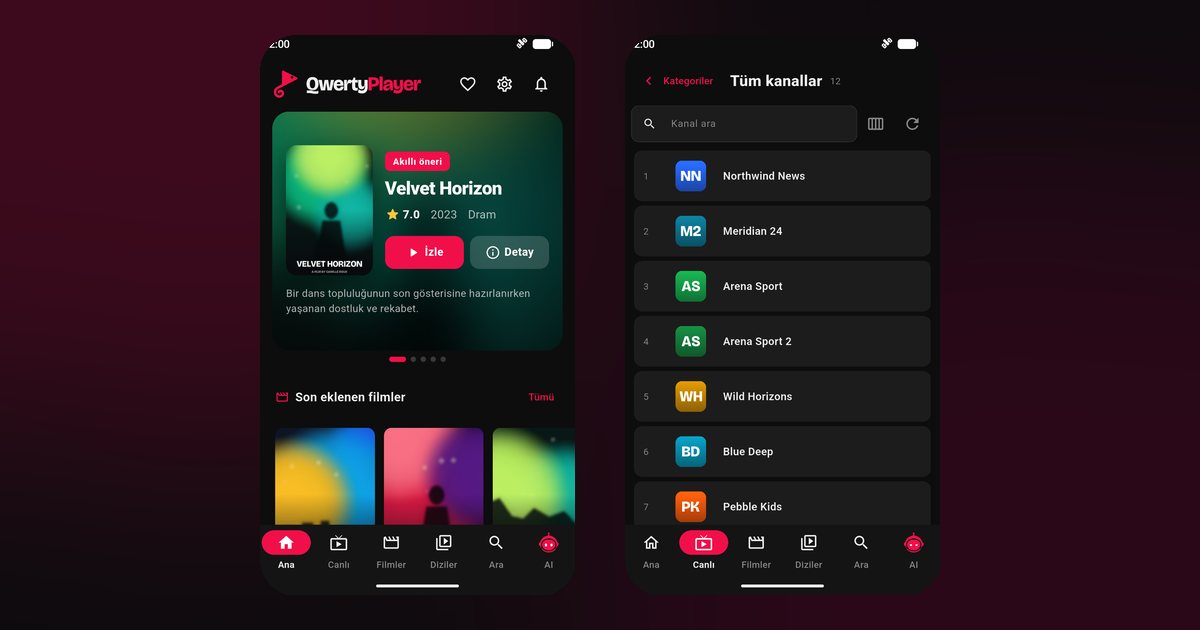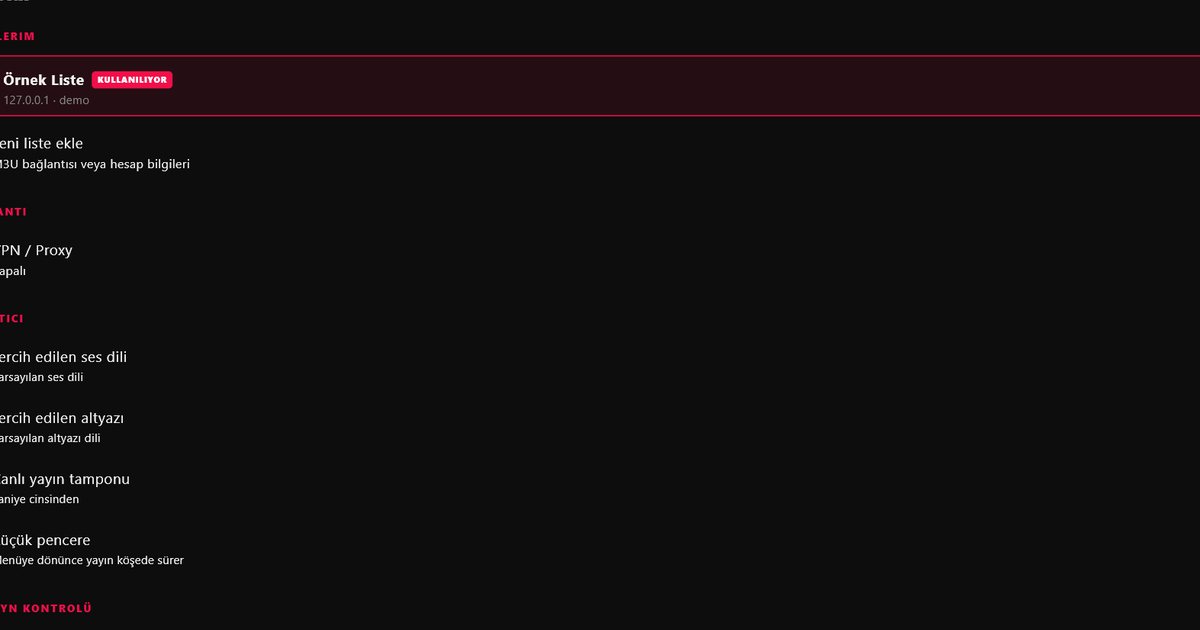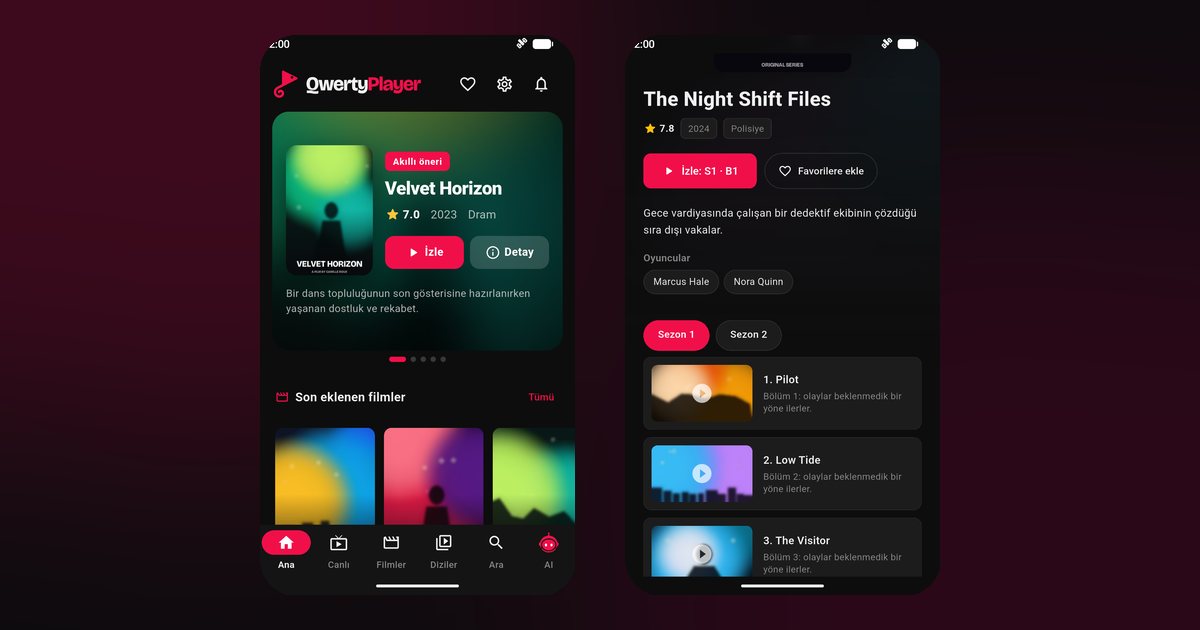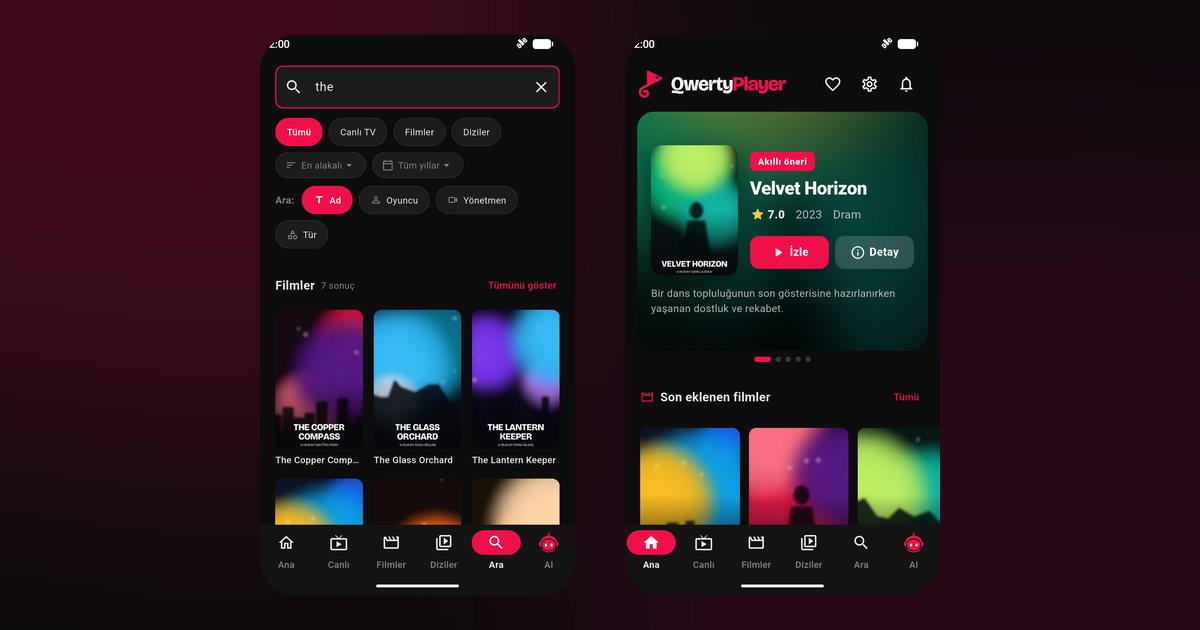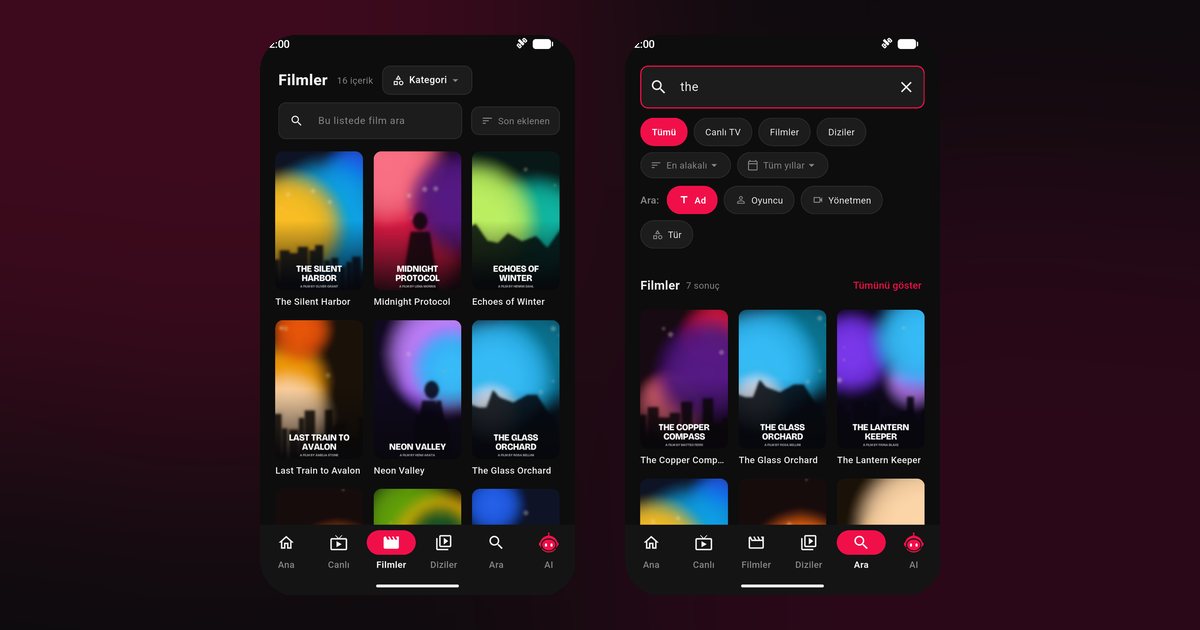
Vivo phones are popular for their cameras and slim designs, and plenty of owners also want a dependable Vivo IPTV player for live television and films. The app itself installs without drama. What trips people up is a Vivo-specific permission, usually called high background power consumption, that decides whether a video app may keep playing once you leave it or lock the screen. This article walks through the whole path, from the store to that single switch.
Start with the system on your phone
Vivo has used Funtouch OS on its international phones for years, while newer devices, and phones sold in China, use OriginOS. The two look different but share the same ideas about battery management. To see which you have, open Settings > About phone and read the software version line. The steps below name the menus used by recent versions, and the Settings search box will find them if your wording differs.
Handsets this applies to
The same approach covers the flagship X line, such as the Vivo X100, X100 Pro and X90 Pro, the style-oriented V line, including the V30, V29 and V27, and the everyday Y line with models like the Y100 and Y36. The tablet-style and entry-level T series follow it as well. In short, if Google Play lists QwertyPlayer on your Vivo, you can follow this guide.
Installation in four moves
- Open Google Play and search for QwertyPlayer. Vivo also has its own store called V-Appstore, but Google Play is the simpler choice when it is available.
- Install and open the app.
- Select M3U to paste a link, or Xtream Codes to type server, username and password.
- Let the lists load, then try a live channel.
Want to understand which format your provider uses? The M3U and Xtream Codes guide compares them side by side.
The Vivo permission that decides everything
Open Settings > Battery and look for Background power consumption management (or a similar entry that lists apps). Find QwertyPlayer and choose Allow high background power consumption. On some versions the same control sits inside Settings > Apps > QwertyPlayer > Battery. Without it, the system may stop playback soon after the screen turns off.
Two further checks help. First, in the App info page, enable Autostart if it is offered. Second, add the app to the list of locked apps in the recent apps view so that cleaning tools leave it alone. Other brands use different words for the same idea; see the background playback guide for a comparison.
Game mode and ultra power saving
Vivo includes a few extras that can interfere. Ultra game mode and Super power saving both reduce background work and can cut a video call or stream. Turn them off for IPTV sessions. If you use Do Not Disturb, check that it does not mute the media channel you rely on.
Bigger screens and sibling brands
Vivo phones are great remotes, since typing a playlist is easy. To watch on a television, use the Connect to TV page and send your list from the phone. Honor and Oppo users face similar menus; compare with the Oppo guide and the Honor guide.
If the picture or sound misbehaves
- Stream stops after locking the phone: revisit the high background power consumption permission and restart.
- Stutter on Wi-Fi: test a 5 GHz network; work through the buffering fix guide if it persists.
- Volume jumps: disable any audio enhancement effect in the sound settings.
- Black bars: change the aspect ratio inside the player rather than the system display size.
For other makers, return to Android phone brands.
Please note
You supply the playlist; QwertyPlayer supplies none, and it is free at the moment.
Frequently asked questions
What is the Vivo background power consumption setting?
It is a permission in Vivo's battery menu that lets an app keep working in the background. Allow it for QwertyPlayer so playback survives a locked screen.
Does the Vivo V30 behave like a Vivo X100?
Yes for this purpose. Both run Funtouch OS or OriginOS and use the same battery permission.
Funtouch OS or OriginOS: do the steps change?
The menus look different, but the Settings search box finds the battery and autostart options in both.
Is V-Appstore required?
No. Google Play is the preferred source when your phone has it.
Why does my Vivo mute when I switch apps?
Check Do Not Disturb and any sound enhancement option; both can affect the media channel.
Try it with QwertyPlayer
Download with a free trial for Android, Android TV, Fire TV, Huawei and Windows.