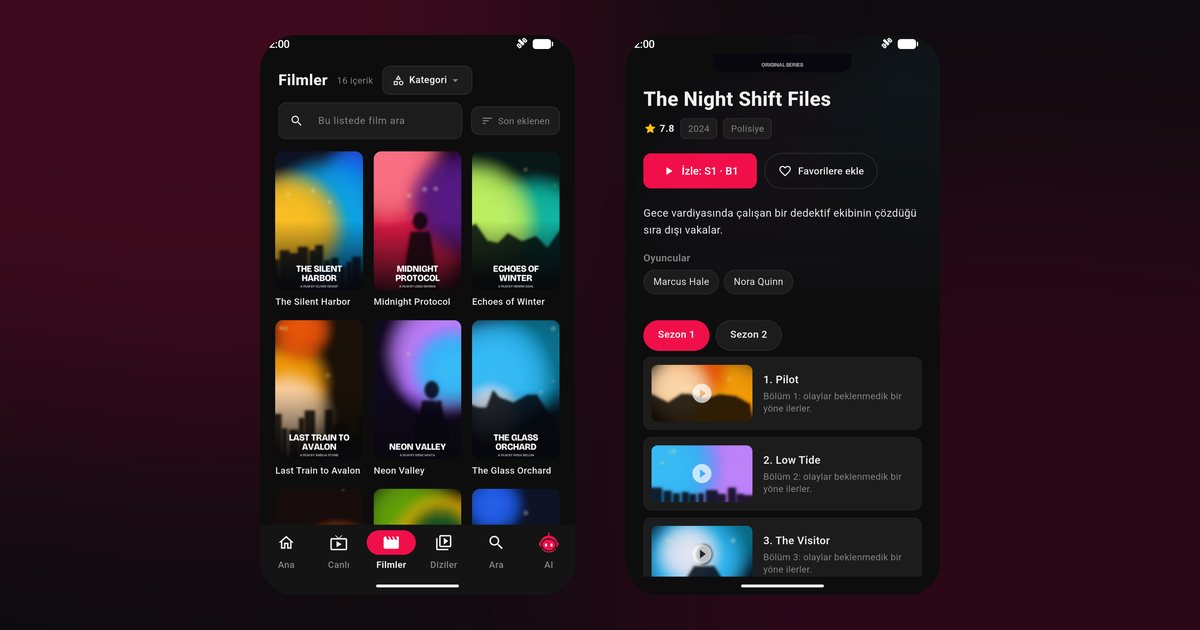
A Pixel is the reference phone for Android, so a Google Pixel IPTV player setup is the baseline against which other brands are compared. There are no brand-specific permission pages to hunt for, no autostart lists and no second app store. That does not mean there is nothing to configure, because Google adds its own power features. Here is the straightforward route from installation to a stable evening stream.
Pixel models covered
The advice applies to the Pixel 9, Pixel 9 Pro and Pixel 9 Pro XL, the Pixel 8, Pixel 8 Pro and Pixel 8a, the Pixel 7 and Pixel 7a, and the Pixel 6a, as well as the Pixel Fold and the Pixel Tablet. They all run Android with the Pixel interface and take apps from Google Play.
Install and add a source
- Search Google Play for QwertyPlayer and install it.
- When it opens, grant the notification permission so media controls can appear on the lock screen.
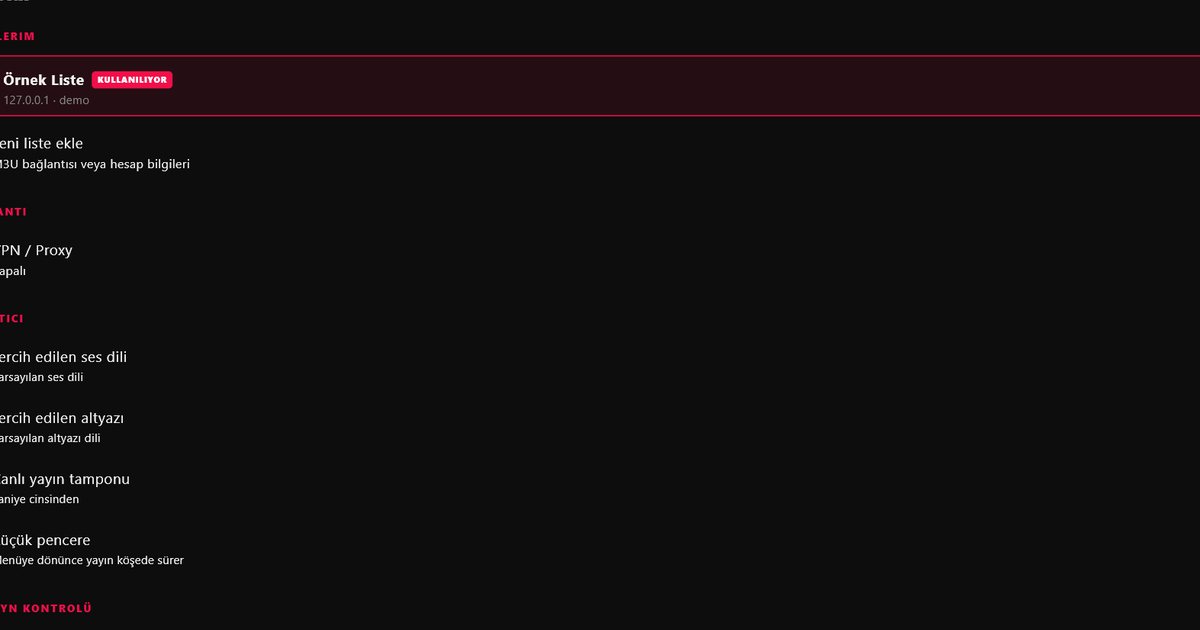
- Choose M3U to paste a link, or Xtream Codes and enter the server address, username and password.
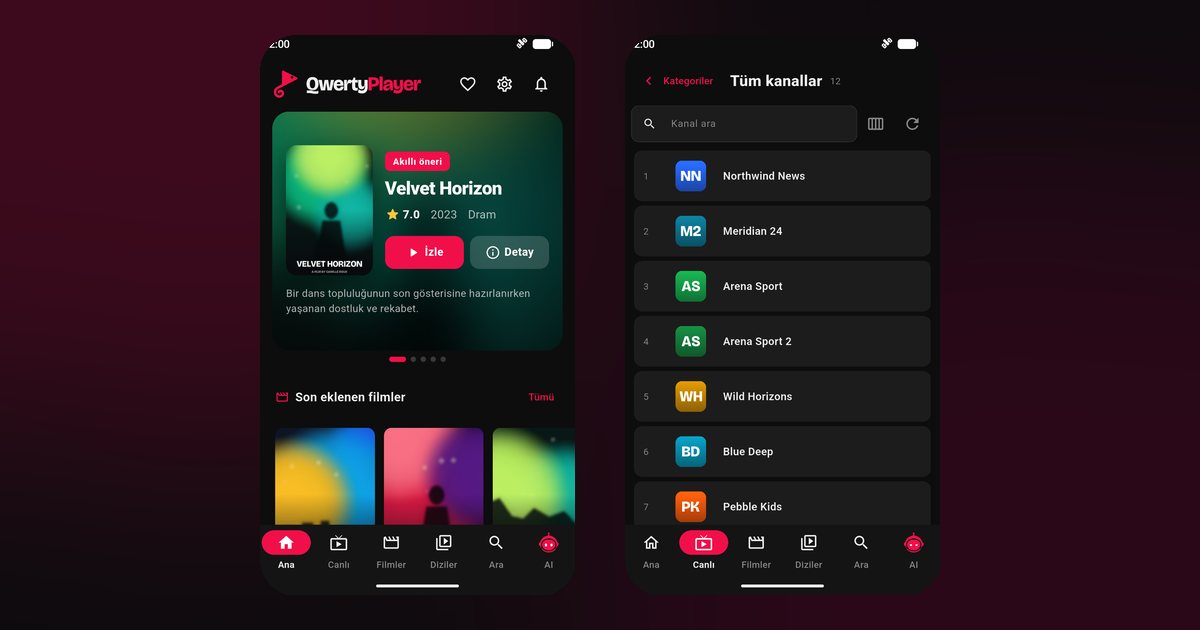
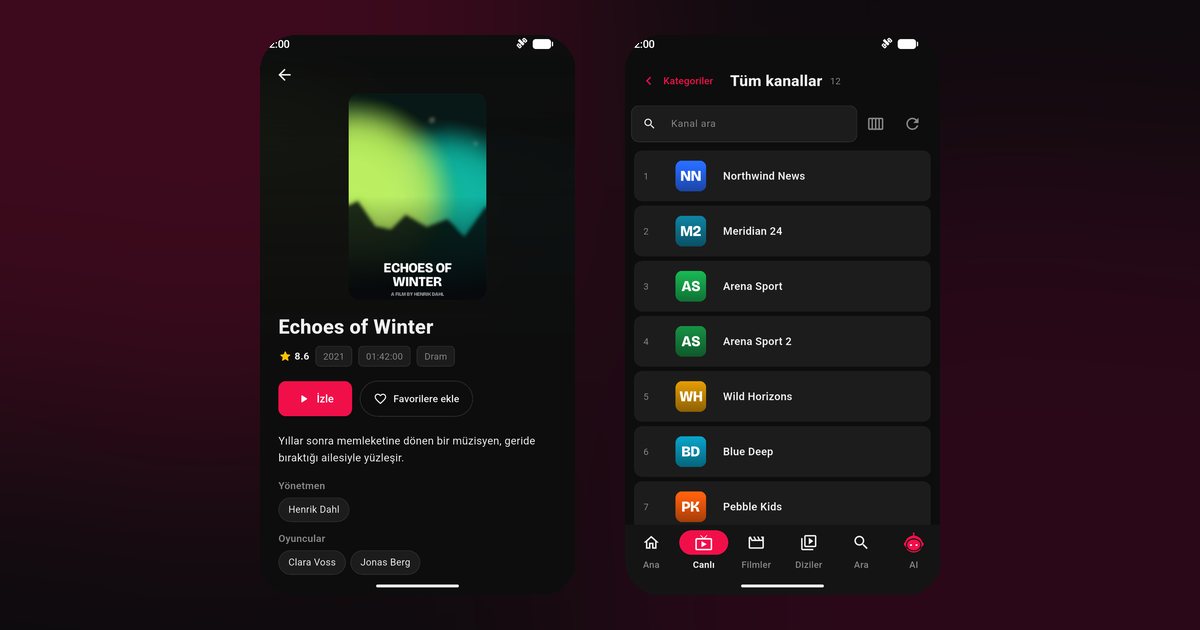
- Browse Live TV or the film and series sections.
The M3U and Xtream Codes guide helps when your provider details look confusing.
Adaptive Battery and background limits
Pixel phones use a feature called Adaptive Battery that learns which apps you rarely open and restricts them. If you only watch on weekends, the system may decide QwertyPlayer deserves less background freedom. To avoid surprises, open Settings > Apps > QwertyPlayer > App battery usage and choose Unrestricted. Battery Saver, found in Settings > Battery, should stay off for long viewing. Android also shows an item in the notification shade for active media, so do not dismiss it while the stream is running. For other brands, the background playback comparison shows where the equivalent switches are.
Cast is not the same as the TV app
Pixel owners often use Google Cast, the feature behind the cast icon. With Cast, your phone sends a video stream to a Chromecast or a Google TV. That works well for some apps, but it ties the stream to your phone and its network. The alternative is to run QwertyPlayer on the Google TV or Android TV itself, so the TV streams independently and the phone is free. For that route read the Google TV and Chromecast guide. You can still use the phone to type a playlist, via the Connect to TV page.
Using the Pixel Tablet and Pixel Fold
The Pixel Tablet, with its larger display, shows a roomy poster grid and works well on a stand. The Pixel Fold opens to a tablet-like screen; open it fully for video. Tablet tips across brands are in the Android tablet guide.
Little extras on Pixel
- Live Caption: Android can generate captions for media audio on the device. It is an operating system feature and independent of the app, and it may help in noisy places.
- Picture-in-picture: allow it in the app info page if you want to keep a small video window while using other apps.
- Dark theme and brightness: use automatic brightness; manual high brightness drains the battery quickly.
Troubleshooting
- Stops after the screen locks: confirm Unrestricted app battery usage and Battery Saver off.
- Buffers on Wi-Fi: test 5 GHz and follow the buffering fix guide.
- Heat during long sessions: remove the case and avoid charging fast while streaming.
Similar near-stock handling applies to Motorola phones, and the full list sits on Android phone brands.
Source and cost
You provide the playlist; the app provides none and is free for now.
Frequently asked questions
Does the Pixel 9 Pro need any special permission?
No special permission page exists. Allow notifications and set app battery usage to Unrestricted.
What is the difference between Cast and the TV app?
Cast sends video from your phone to a TV, while the TV app plays independently of the phone.
Will Adaptive Battery stop my stream?
It can limit rarely used apps. Setting app battery usage to Unrestricted avoids that.
Is the Pixel 8a different from the Pixel 8?
For this app, no. Both install from Google Play and use the same settings.
Can the Pixel Tablet use the same app?
Yes. Install from Google Play and enjoy the larger poster and guide layout.
Try it with QwertyPlayer
Download with a free trial for Android, Android TV, Fire TV, Huawei and Windows.