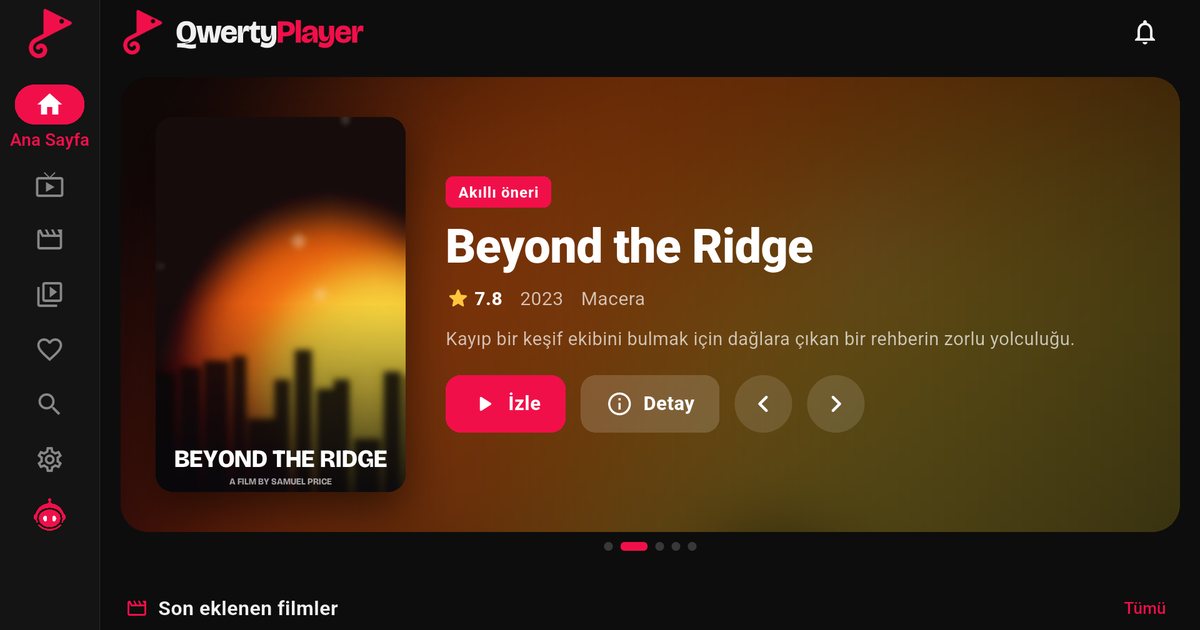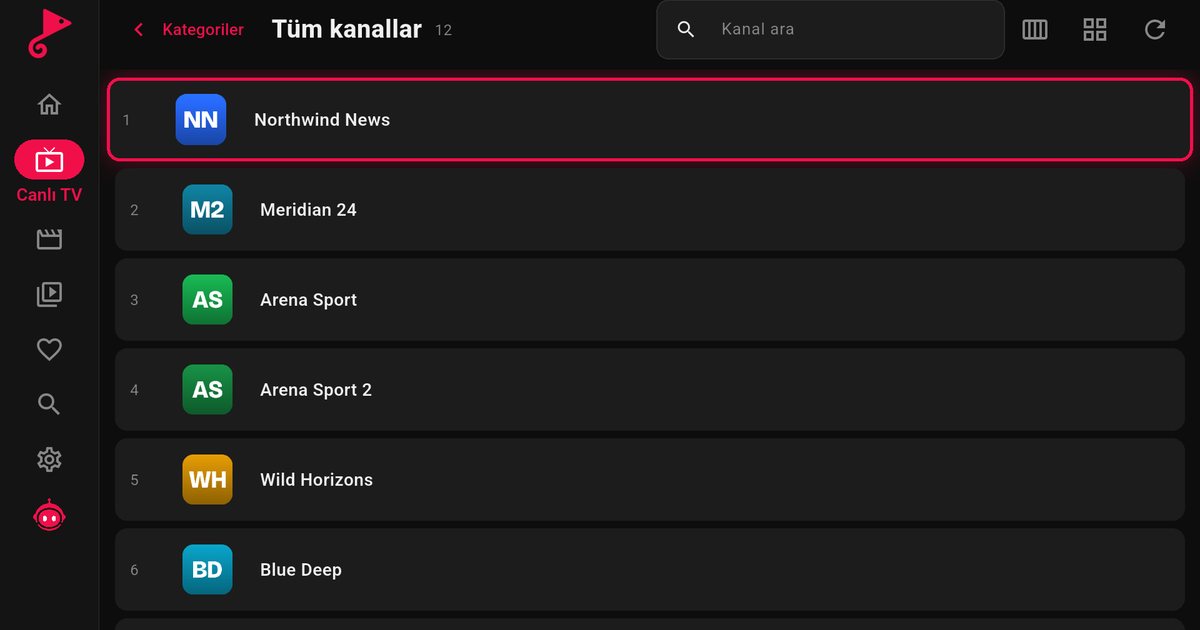
JVC televisions are a good example of why the brand name does not decide what apps you can install. Depending on the model, region and year, a JVC set can run Titan OS, Android TV or Google TV, Fire TV, or a different system. If you want to set up an IPTV player on a JVC TV, the first step is to find out which one you have. This guide gives a route for each and is honest about what we cannot say for sure.
What we know and what we do not
Selected JVC models use Titan OS, but which models those are, and in which years and markets, can change. We therefore do not publish a model list. We also cannot promise that a given JVC set is offered the app. The reliable test is simple: search the store of your own television. If you can see the app there, the model is supported.
Step 1: identify the system
- Read the box, the manual or the product page for the platform name.
- Look at the home screen. Titan OS has its own layout and app store, Google TV and Android TV have Google Play, and Fire TV has the Amazon layout.
- Look at the system or software information in the settings. The wording differs by model.
Step 2: follow the route for your system
| System on your JVC | Where the app comes from | Guide |
|---|---|---|
| Titan OS | Titan OS app store | Steps below, plus the Titan OS brands overview |
| Android TV or Google TV | Google Play | Google TV versus Android TV |
| Fire TV | Amazon Appstore | Fire TV guide |
| Another system, such as Roku TV or VIDAA | No app available | Use an external device, see below |
If your JVC runs Titan OS
- Open the app store from the home screen.
- Search for "QwertyPlayer" and install it.
- Open the app. It shows an address and a short-lived, single-use code.
- On a phone or computer, go to the Connect to TV page, enter the code and add your M3U link or Xtream Codes details.
The public Titan OS catalogue is at partners.titanos.tv/appstore. QwertyPlayer is listed there for Titan OS. If search does not return the app, update the software, restart the television and try again.
If your JVC runs Android TV, Google TV or Fire TV
Nothing about the brand changes the installation. On Google TV or Android TV open Google Play and search for the app. On Fire TV, use the Amazon Appstore. Both routes support the same playlist formats and the same features.
If your JVC has no app available
A JVC set may also use a system for which QwertyPlayer does not exist, such as Roku TV or VIDAA, depending on the market and model. We do not have an app for those platforms and we do not promise one. The television is still a perfectly good screen. Plug an external device into an HDMI port and use it as the player:
- A Fire TV Stick is inexpensive and simple to set up.
- An Android TV box or a Chromecast with Google TV works the same way.
With any of these, you keep your playlist and the same interface, and you can pick the remote you find most comfortable.
Tips for a smooth picture
- Prefer a cable. Ethernet avoids most freezing, and the buffering guide covers the other causes in order.
- Use the in-app speed test and compare the result with the Mbps guide.
- Build a short favourites list so that you do not scroll through a huge playlist with the arrow keys.
- Keep adult categories hidden if children use the television. They are hidden by default and open with the PIN you set: parental controls.
For other brands that share Titan OS, read the AOC TV guide and the Philips TV guide.
Note: QwertyPlayer is only a player and does not provide, sell or recommend channels, films or playlists. Use it with content you have the right to watch.
Frequently asked questions
Do JVC TVs run Titan OS?
Selected models do. Others may run Android TV, Google TV, Fire TV or another system, depending on the model, region and year. Check your own television.
Where do I install an IPTV player on a JVC TV?
It depends on the system: the Titan OS store, Google Play or the Amazon Appstore. Search for the app in the store of your TV; if it is listed, your model is supported.
Is there an app for JVC Roku TV or VIDAA models?
No. QwertyPlayer is not available on those systems. Use a Fire TV Stick, an Android TV box or a Chromecast with Google TV instead.
How do I add my playlist to a JVC TV?
Open the app, note the code on screen and enter it on the Connect to TV page from a phone or computer.
Try it with QwertyPlayer
Download with a free trial for Android, Android TV, Fire TV, Huawei and Windows.