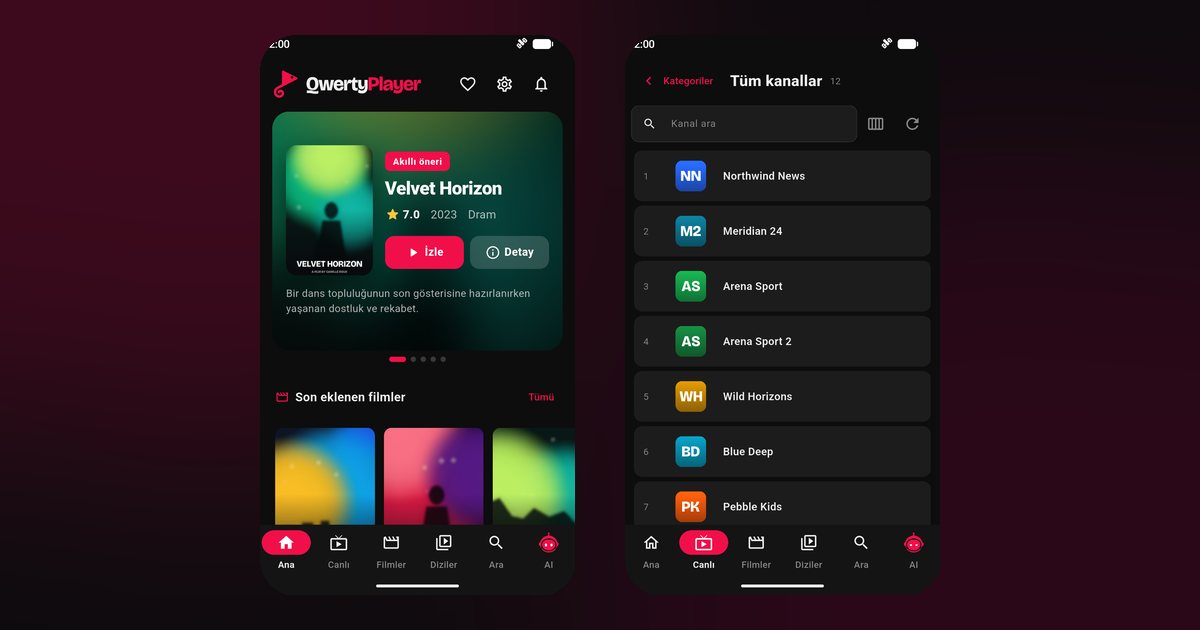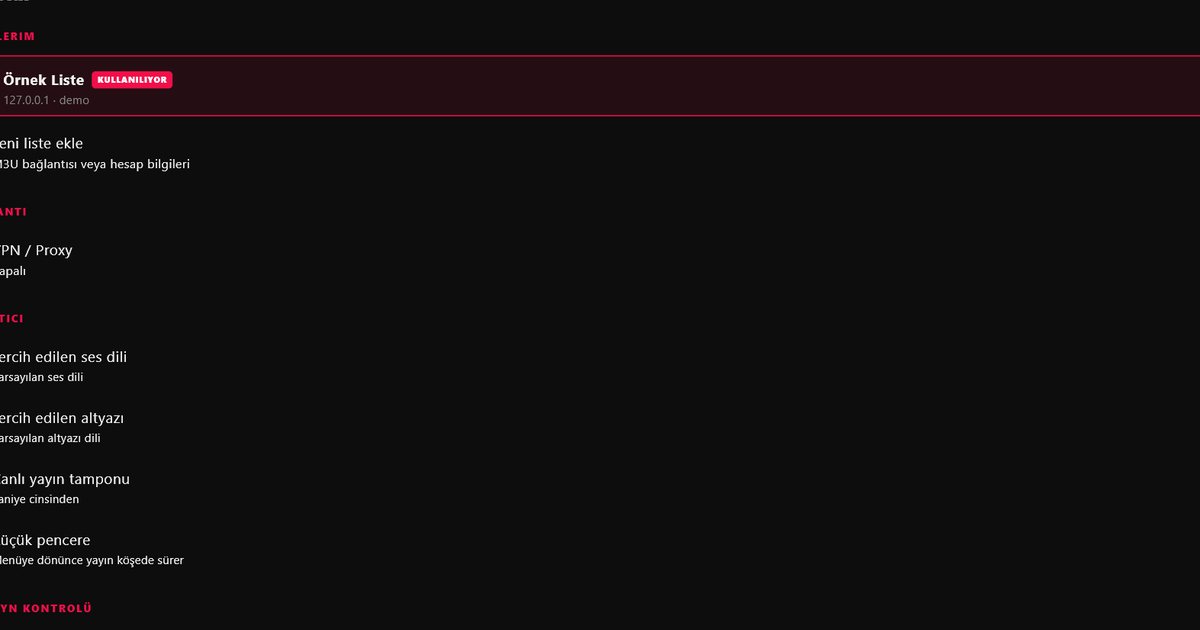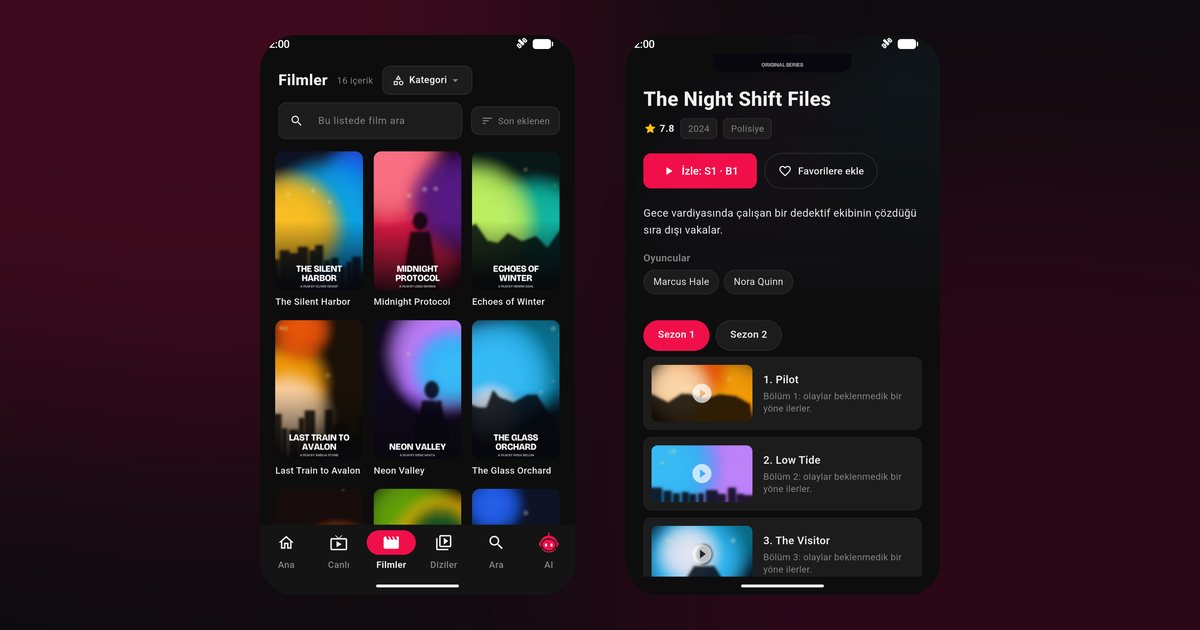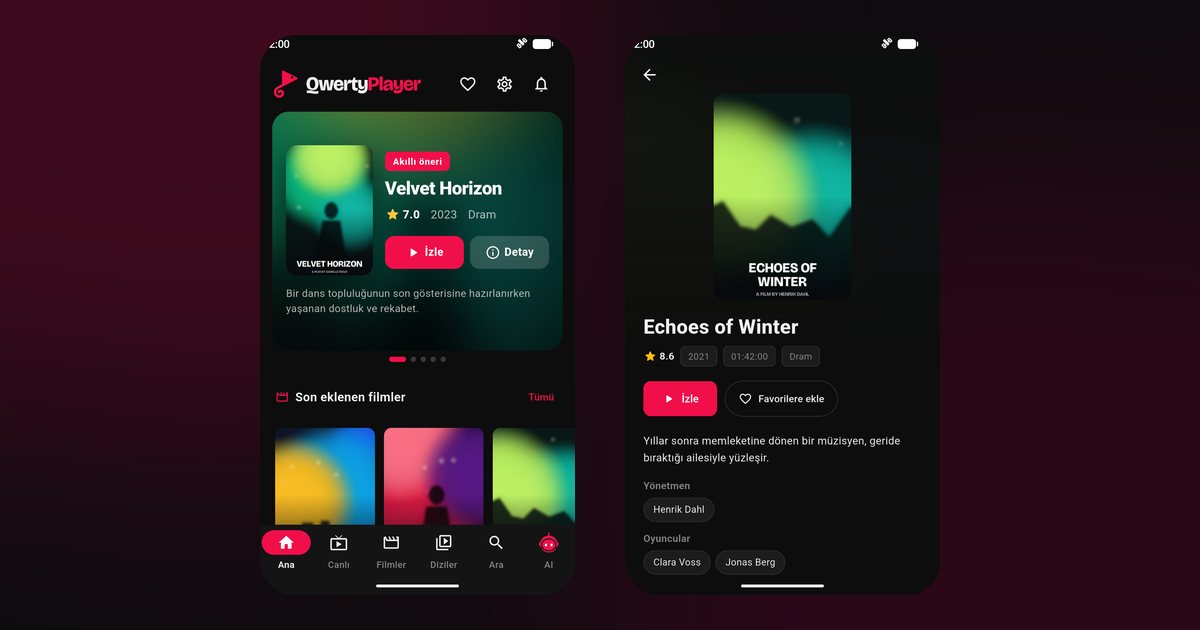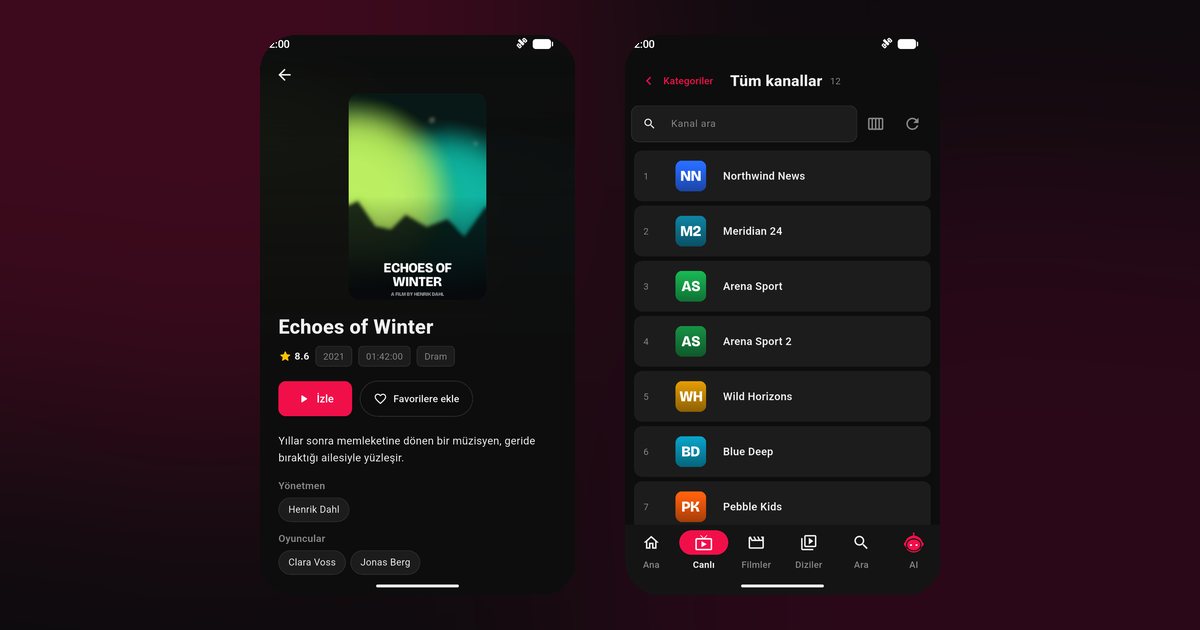
Motorola phones are among the easiest to set up for streaming, and that is the main point of this Motorola IPTV player guide. The software is very close to plain Android, with only a few additions such as gesture shortcuts and the Moto app. There is no heavy custom layer deciding which apps may live in the background, so most of the sleep problems seen on other brands simply do not appear. A small number of settings still deserve a look.
Which Motorola phones this covers
The Moto G family is the best known: the Moto G84, Moto G54, Moto G34, Moto G14 and the Moto G73 are typical examples, along with the stylus and power variants sold in some regions such as the Moto G Stylus and Moto G Power. The Edge line sits higher, with models like the Edge 50 Pro, Edge 40 and Edge 40 Neo. Foldable fans have the Razr 40 Ultra and the Razr 50. Every one of them uses Google Play, so the app is only a search away.
Setup from scratch
- Open Google Play, search for QwertyPlayer and install it.
- Launch the app and allow notifications when asked.
- Pick Xtream Codes if your provider gave you a server address, username and password; pick M3U if you received a single link.
- Let the content load and try a live channel.
Not certain which one applies to you? The M3U and Xtream Codes guide shows both formats.
Little things worth checking on Moto
- Battery optimisation. Settings > Apps > QwertyPlayer > App battery usage; choose Unrestricted for the rare cases where the system closes a long session.
- Adaptive battery. Under Settings > Battery, Adaptive preferences learn which apps you use less and limit them. If a stream you start every evening is limited, switch it off for a week and compare.
- Moto gestures. A chop or twist gesture can toggle the flashlight or camera, and accidental ones during a film are annoying. Review them in the Moto app.
- Peek display. This shows notifications when the screen is off and does not interrupt playback.
For a brand-by-brand comparison, the background playback guide has the whole table.
Picture and sound options
Many Motorola phones include Dolby audio and a display colour mode. Natural colours suit films, while saturated colours can look harsh on skin tones. If a Razr is your device, keep the main display open for video; the outer panel is better for notifications than for watching.
Not to be confused with Motorola TVs
Motorola also puts its name on televisions, which are a different product with their own steps. Read the Nokia and Motorola TV guide if you are looking for that. To feed a playlist to such a TV, type it on your phone and use the Connect to TV page.
Hotspots and travel
Motorola handsets are popular on prepaid plans, so mobile data use matters. Live video can use a lot of data per hour, so check your plan before streaming for long on mobile data, and prefer Wi-Fi at hotels. If the connection is slow, the internet speed guide explains what a stream needs.
When something goes wrong
- Buffering: try a 5 GHz network and the buffering fix guide.
- No sound: check the media volume separately from the ringer volume.
- Playback stops after a call: reopen the app and press play again.
A neighbouring guide covers Google Pixel, which shares the near-stock approach, and every other maker is on the Android phone brands page.
What to remember
The app brings no content with it, so use a provider you may legitimately use. It is free to install.
Frequently asked questions
Does a Moto G84 need any special battery settings?
Usually not. Motorola uses near-stock Android, so a long stream is rarely closed; set the app battery usage to Unrestricted if it ever is.
Will the Edge 50 and the Razr 50 run the app differently?
No. Both install from Google Play and play the same way; only the screen shape differs.
What is Adaptive battery and does it matter?
It limits apps you use less often. If a regular stream is affected, turn Adaptive preferences off to compare.
Is the Motorola phone app the same as the Motorola TV app?
The product is the same, but televisions install from a different store with different steps.
Can I use mobile data on a prepaid plan?
You can, but live video uses a lot of data, so Wi-Fi is the safer choice for long sessions.
Try it with QwertyPlayer
Download with a free trial for Android, Android TV, Fire TV, Huawei and Windows.