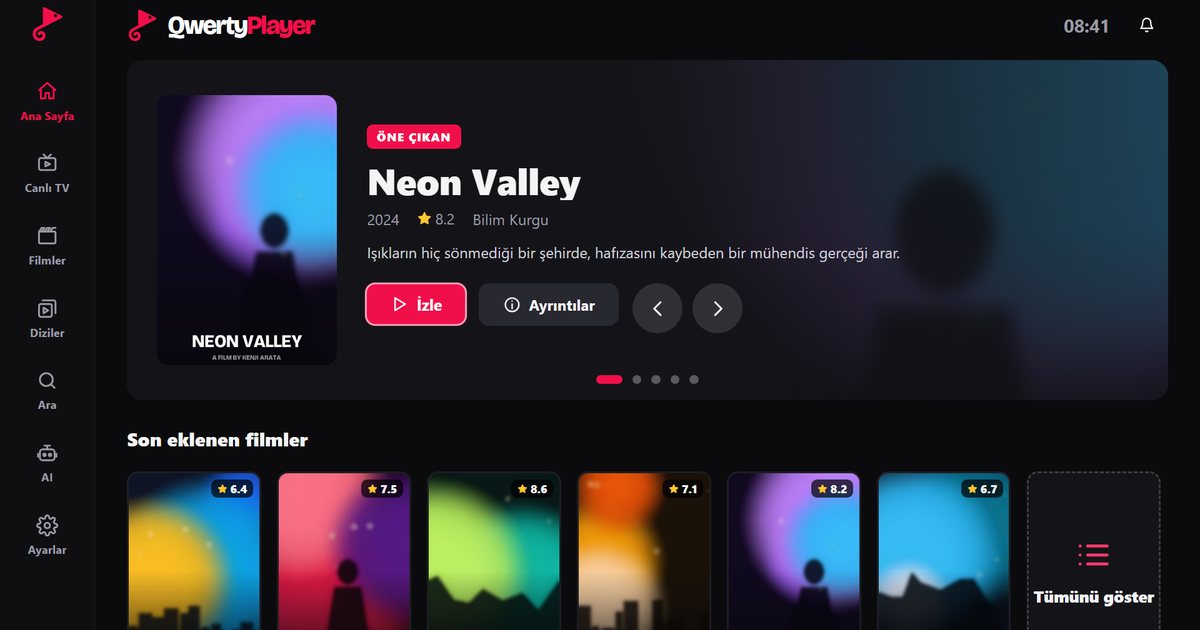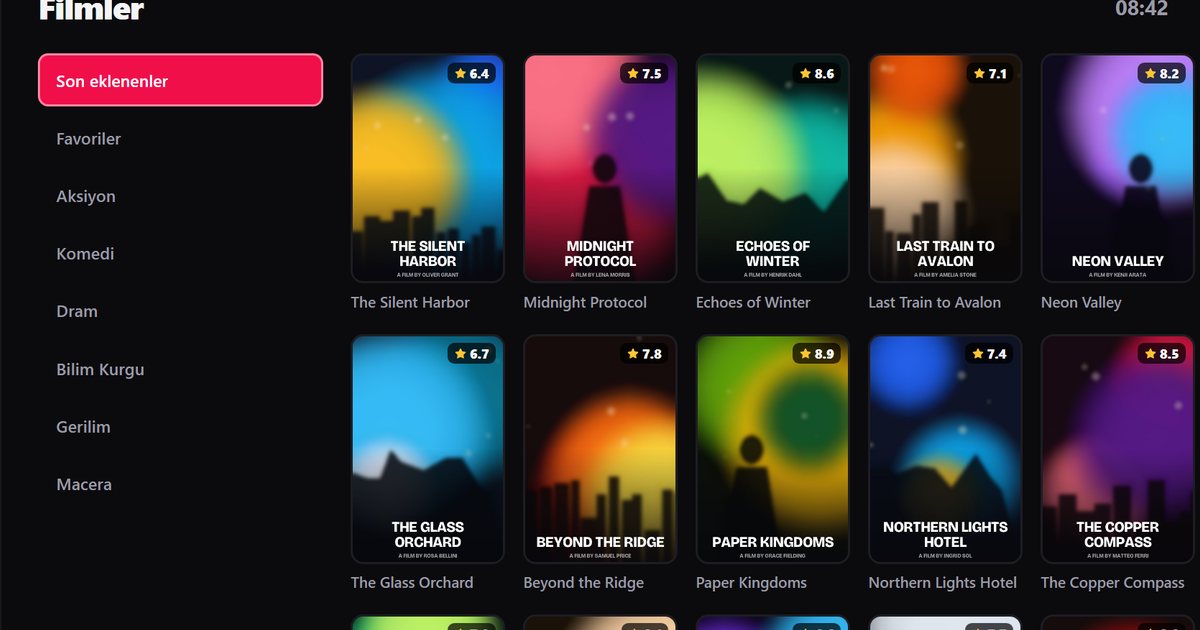
QLED and Neo QLED are Samsung's premium LCD lines, and people who buy them tend to care about picture quality. If you are setting up a Samsung QLED IPTV player, the good news is that the set runs Tizen, the same system as the rest of the range, so the installation is the same as on any other Samsung television. What deserves more attention is the way you feed the picture to a good screen: the network, the stream quality and a few picture settings.
Is my TV a QLED or Neo QLED?
QLED names usually begin with the letter Q followed by two digits, while Neo QLED names often start with QN. In European model codes the full code begins with QE, for example a code that reads QE65QN90B. The letter after the series number is the year letter: B means 2022, C means 2023, D means 2024 and F means 2025. Codes sold in other regions start differently, for instance with QN in North America, so the safest place to check is Settings, Support, About This TV. The page about finding the model year and Tizen version goes through the letters in detail.
Install the player
- Open Smart Hub with the Home button and choose Apps.
- Search for "QwertyPlayer" and install it if it is listed. A visible listing means your model is supported.
- Open the app and note the address and the single-use code it shows.
- On your phone or computer, open the Connect to TV page, enter the code and add your M3U link or Xtream Codes details.
Search for QwertyPlayer in Apps and install it. If the app does not appear, update the TV software and look again; the overview of Samsung Tizen series explains what else can influence the result.
Feeding a QLED screen properly
A 4K panel makes weak streams look worse, not better, so the source quality sets the ceiling. Some practical points:
- Wired connection: these sets usually have an Ethernet port. A cable gives a steadier flow than Wi-Fi, especially in the evening when neighbouring networks are busy.
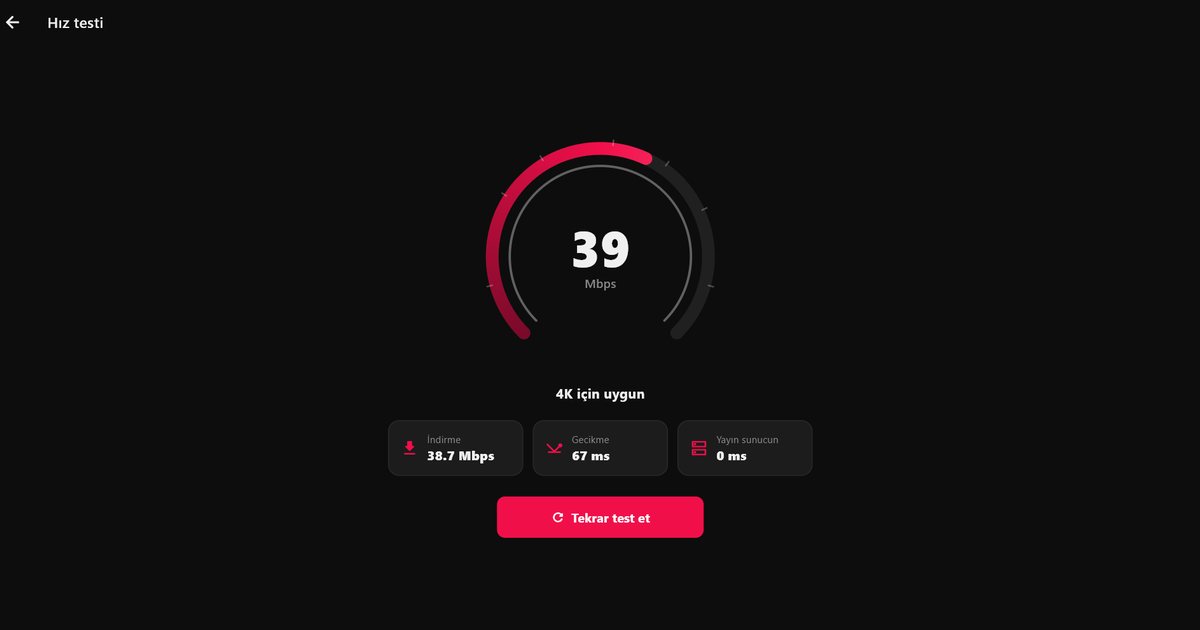
- Bandwidth: high-resolution streams need steady throughput rather than a high one-off speed result. The article on IPTV internet speed gives rough targets, and the in-app speed test shows what the app itself receives.
- Picture mode: film and sport look different in different modes. If motion looks unnatural in films, try reducing the motion smoothing option in the picture settings. Menu names vary by year.
- Upscaling: when a channel is lower resolution, the TV scales it. Soft pictures on an SD channel are expected, and are not a fault.
Live TV, films and series
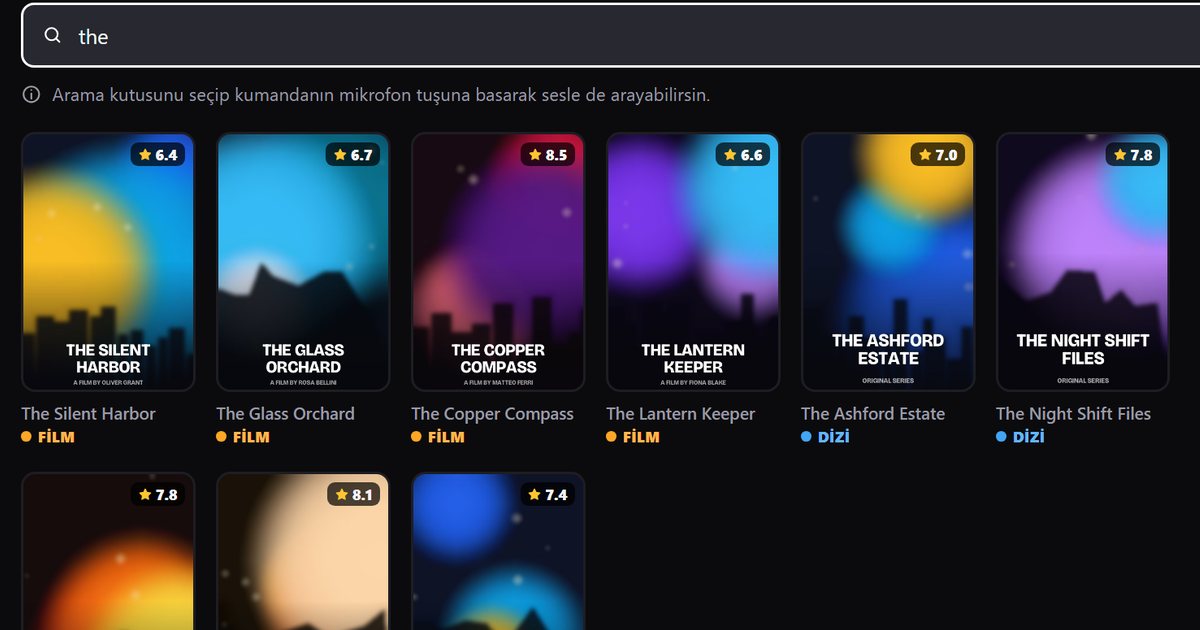
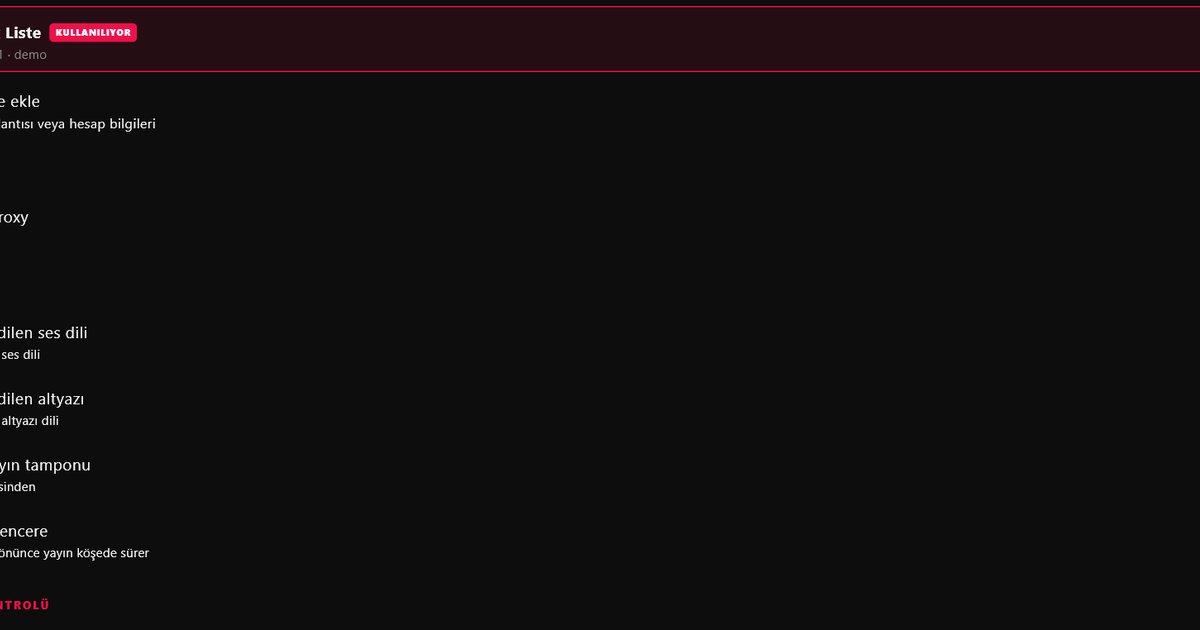
QwertyPlayer separates live channels, films and series, and shows posters, summaries and season and episode lists. The programme guide appears when your provider supplies EPG data, as explained in the EPG guide. Audio and subtitle language can be switched from the player when a stream carries more than one, and a QLED sound system makes this useful for films in several languages.
When playback stutters
- Try another channel. If only one fails, the stream is the issue, not the TV.
- Switch from Wi-Fi to Ethernet, or move the router closer.
- Restart the television by switching it off at the power for about half a minute.
- Update the TV software.
- Follow the buffering troubleshooting guide for the remaining causes.
If your set is not offered the app, a Fire TV Stick or an Android TV box connected to an HDMI port lets you use the same player on the same screen. The Samsung TV guide has the shorter version of this walkthrough.
Note: QwertyPlayer does not supply or recommend content. Add only streams you are entitled to watch.
Frequently asked questions
Does a Samsung QLED TV support IPTV players?
QLED and Neo QLED sets run Tizen. If the player is listed in Apps in Smart Hub, you can install it and add an M3U link or Xtream Codes account.
What is the difference between QLED and Neo QLED for IPTV?
None for the app. Both run Tizen, so the setup steps are the same. The differences are in the display technology.
How do I check my QLED model year?
Go to Settings, Support, About This TV and read the model code. The year letter in a European QE code tells you the year.
Should I use Ethernet on a QLED TV?
A cable is the most reliable choice for high-resolution streams, particularly if your Wi-Fi signal is weak or crowded.
Is the player free?
QwertyPlayer is currently free to download and use.
Try it with QwertyPlayer
Download with a free trial for Android, Android TV, Fire TV, Huawei and Windows.