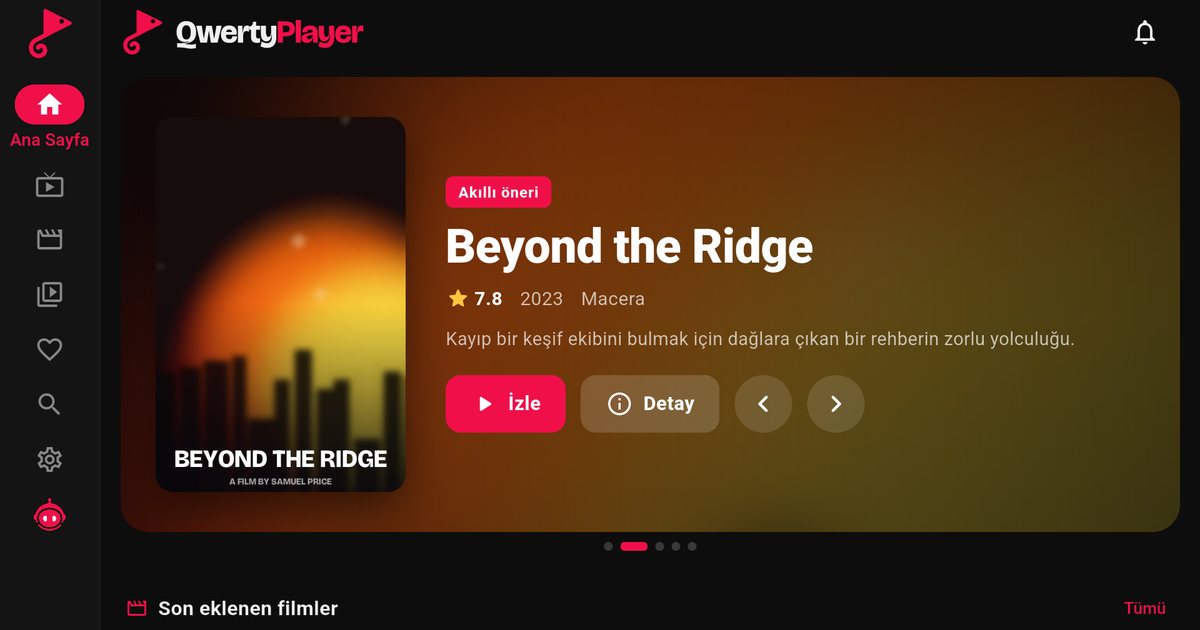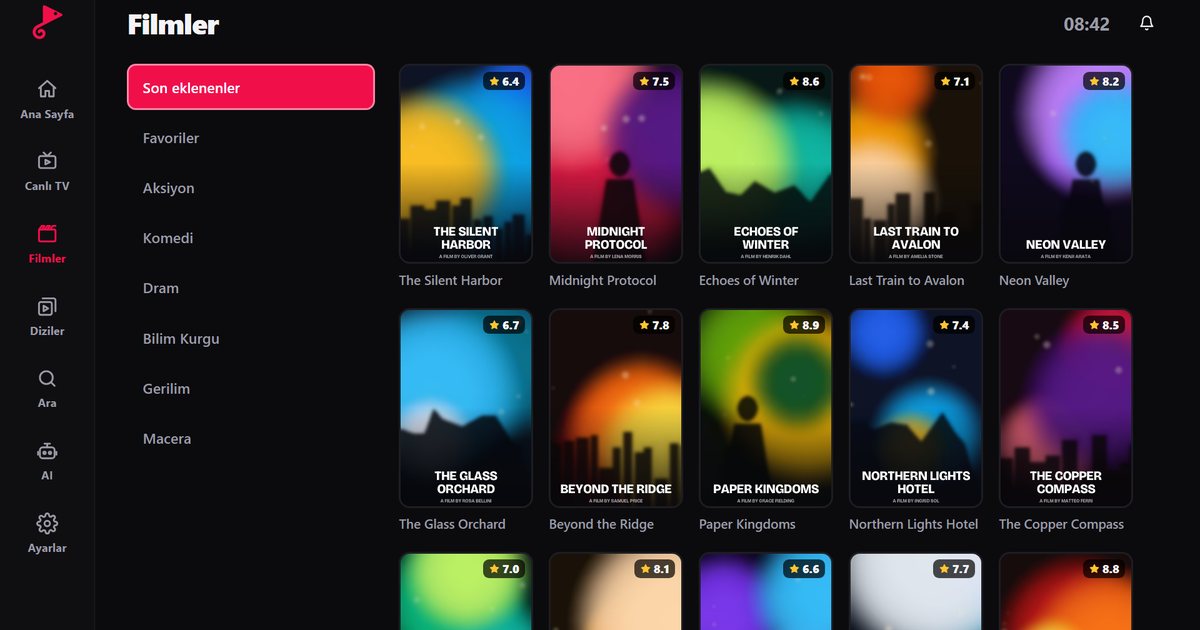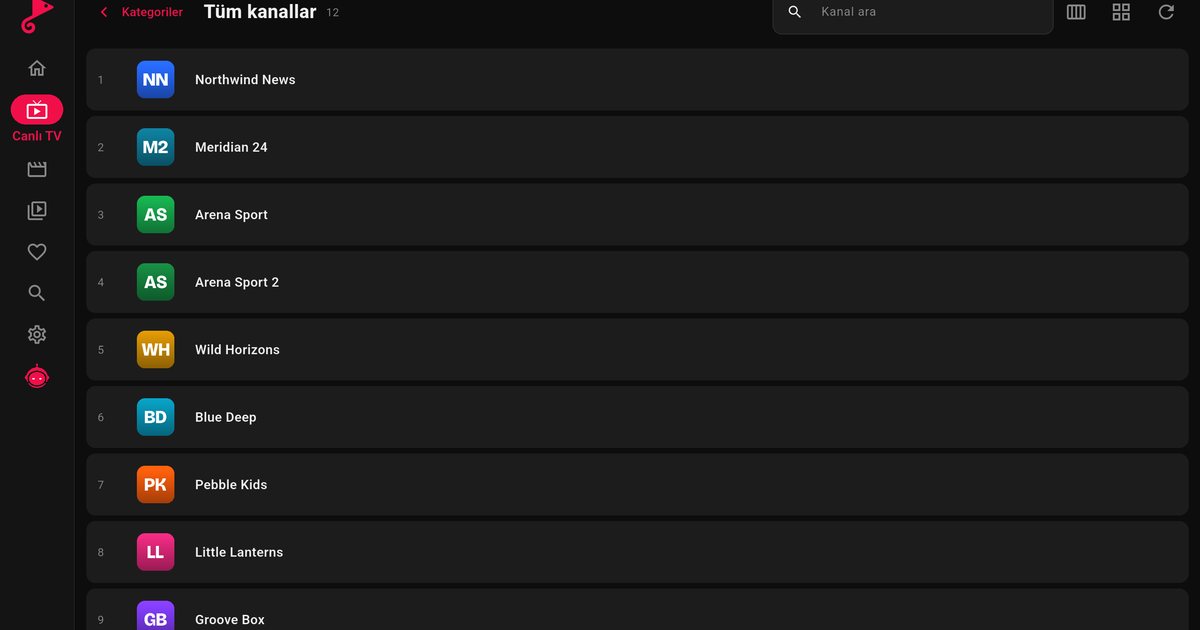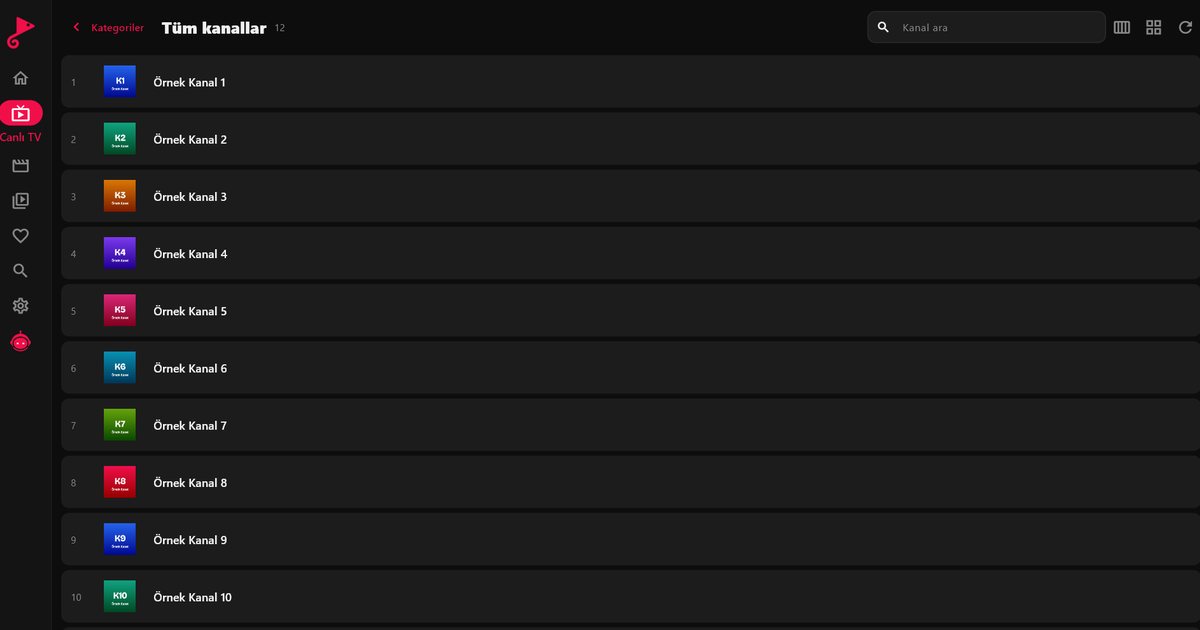
The Nvidia Shield TV and Shield TV Pro are some of the most capable Android TV devices you can plug into a television, so they are a natural choice if you want an IPTV player for Nvidia Shield that handles large playlists without lag. The Shield runs Android TV and installs apps from Google Play, so QwertyPlayer goes on like any other app. This guide covers the setup and the settings that help.
Install QwertyPlayer on the Shield
- From the home screen, open Google Play. If you do not see it, check the Apps row.
- Search for QwertyPlayer and select Install.
- Open the app and choose M3U or Xtream Codes. If you need help picking, read M3U and Xtream Codes explained.
- Enter your provider details, or send them remotely as described below.
Adding the playlist from your phone
The Shield remote is comfortable for browsing but slow for typing a long M3U link. Use the Connect to TV page on your phone or computer. The TV shows an address and a short-lived, single-use code. After you enter the code, you can paste the link or your Xtream Codes server address, username and password, and the Shield receives it. Passwords are stored encrypted.
Use Ethernet if you can
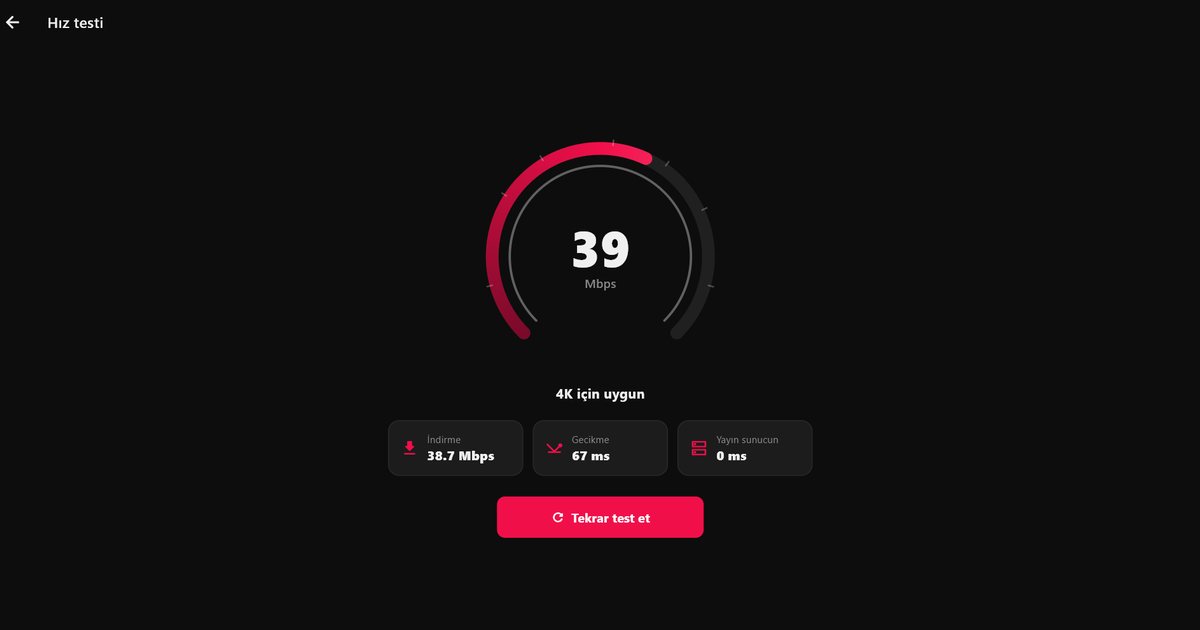
A wired connection is the best upgrade for any streaming device, and the Shield has an Ethernet port. Plug a cable into the router and the device switches to it. This avoids the interference and drops that cause buffering on busy Wi-Fi networks. If you have no choice but wireless, use the 5 GHz band and keep the Shield in line of sight of the router. The speed test in QwertyPlayer shows what the connection delivers; IPTV internet speed explains how to read it, and fixing buffering lists other causes.
Storage and USB
Updates and caches need free space on the internal storage. Depending on the model, the Shield also has USB ports, and you can attach external storage and format it as extra storage for apps through Settings > Device preferences > Storage. Do this before the device fills up, since moving apps later is more work. Keep in mind that IPTV streaming does not need much local storage; the benefit is mostly for keeping the system responsive.
Display and output settings
Go to Settings > Device preferences > Display and sound and set the resolution to a mode your TV supports. Automatic selection is usually fine. If the picture flickers or goes black when playback begins, try a lower setting or a different HDMI cable and port. When you use a soundbar or receiver, verify the audio output matches it. Streams that carry several audio tracks can be switched inside the player; audio and subtitle settings shows how. Do not expect a better picture than the stream provides: the Shield decodes what it receives.
Keeping the Shield responsive
- Restart the device now and then, especially if you leave it on all the time.
- Clear the cache of QwertyPlayer in Settings > Apps if it becomes slow, but do not clear data unless you are ready to enter your playlist again.
- Install system updates when the Shield offers them.
- Avoid running many heavy apps in the background while you stream.
Shield compared to other devices
The Shield is more expensive than a basic stick, and for casual viewing a cheaper device is fine. For a household with large playlists, many apps or a home theatre, it is a solid choice. Compare it with simpler options in the Android TV box guide, learn how its home screen differs in Google TV vs Android TV, and see other manufacturers in the Android TV brands overview.
QwertyPlayer is only a player and does not include channels. You use your own playlist from a provider you are entitled to use and you are responsible for having the right to watch it.
Frequently asked questions
Does QwertyPlayer run on Nvidia Shield TV?
Yes, the Shield runs Android TV and installs apps from Google Play. If you can see the app in the store, it is supported.
Is Ethernet better than Wi-Fi on the Shield?
In general yes. A cable removes most interference. Use 5 GHz Wi-Fi if a cable is not possible.
Can I add external storage?
Depending on the model there are USB ports, and you can format a drive as extra storage in Settings > Device preferences > Storage.
How do I add a long M3U link?
Use the Connect to TV page at qwertypro.xyz and send it from your phone or computer with the code shown on the TV.
Will a Shield improve poor streams?
No. It plays what the provider sends. It helps with smooth decoding and a stable connection, not with the source quality.
Try it with QwertyPlayer
Download with a free trial for Android, Android TV, Fire TV, Huawei and Windows.