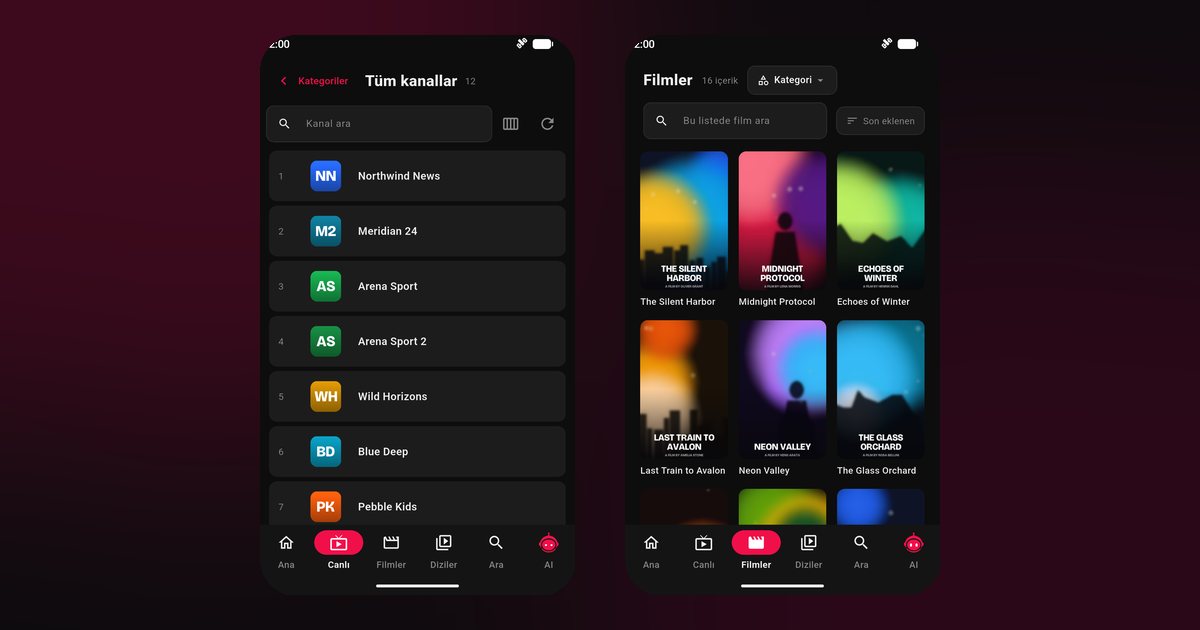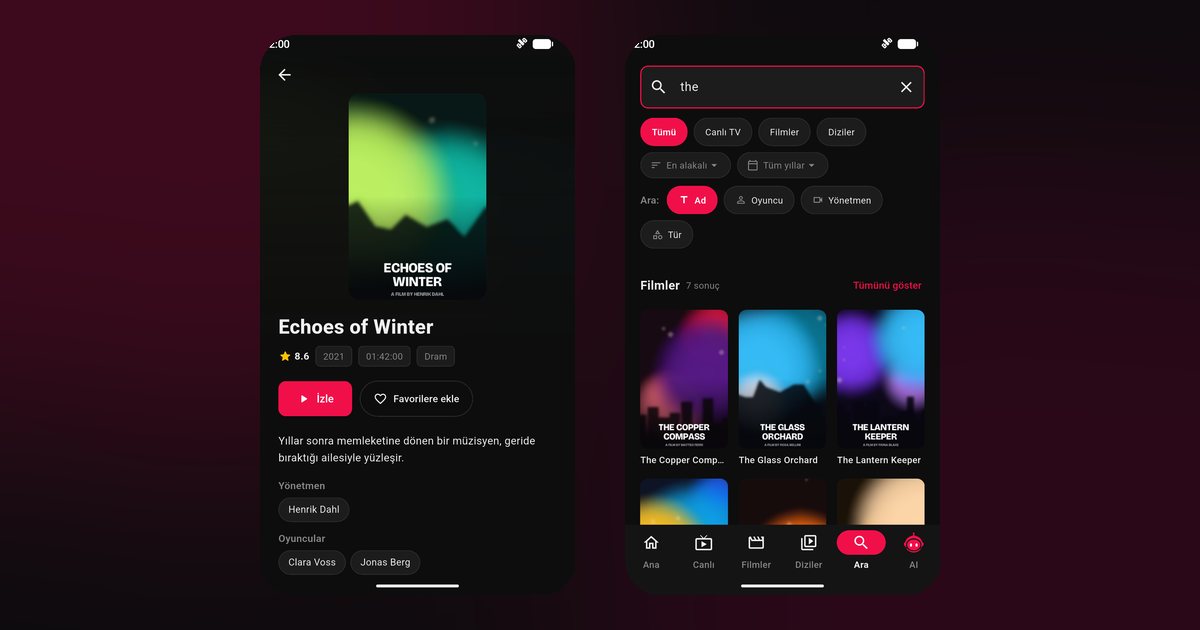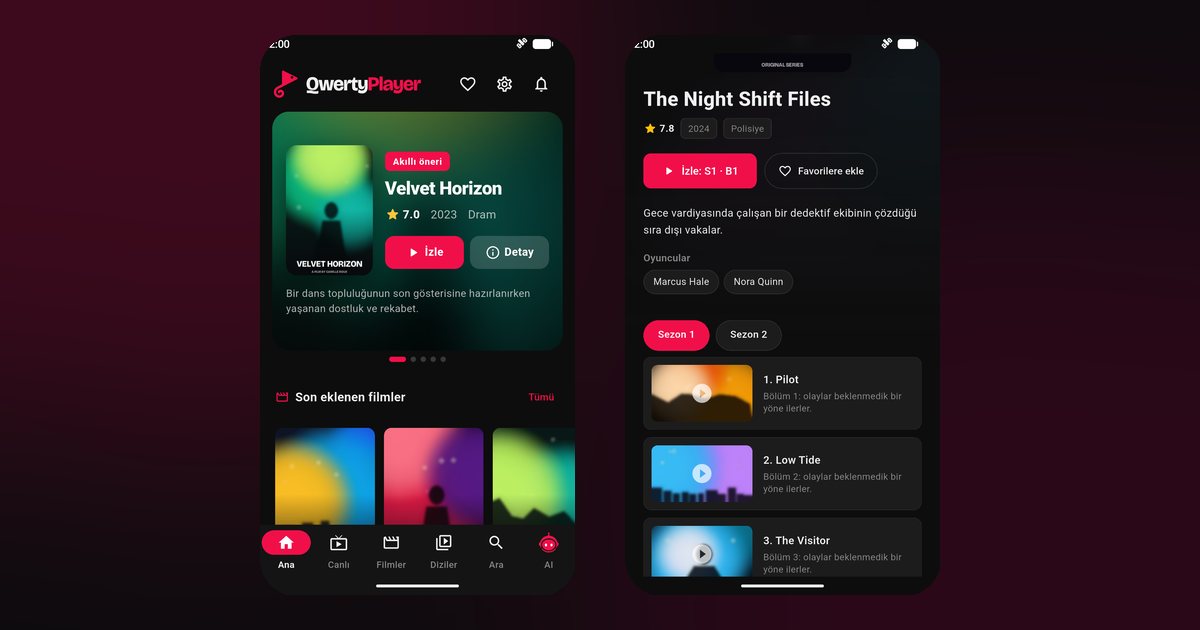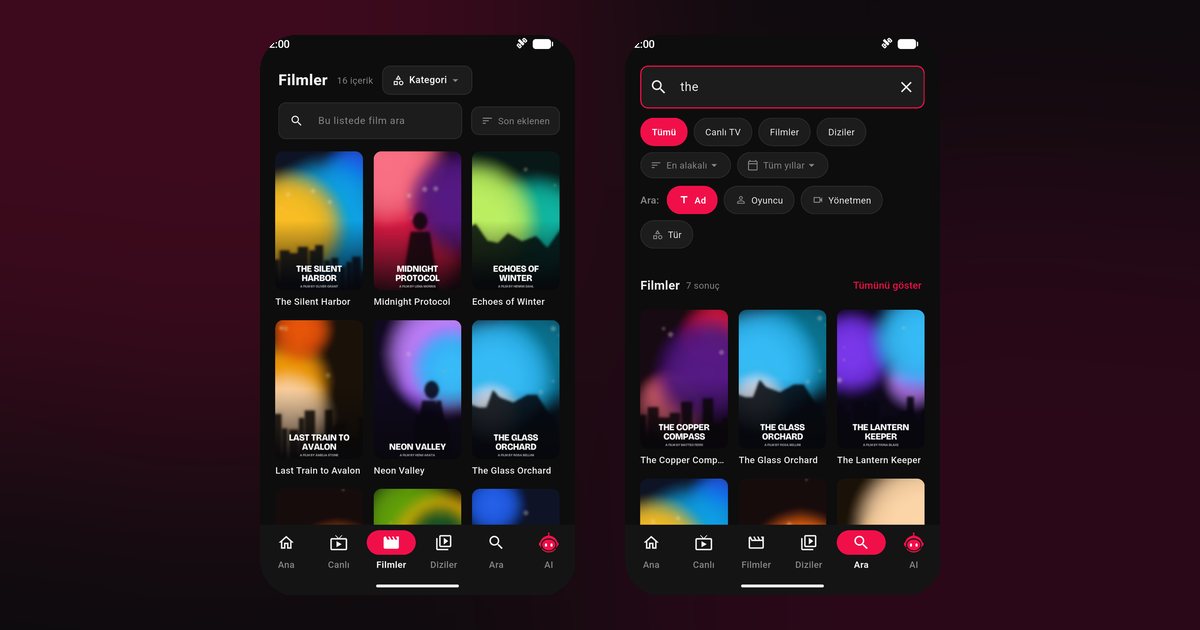
Android is not one single system. Each phone maker adds its own layer, with its own battery manager, permission screens and sometimes its own app store. That is why a search for an IPTV player for Android phones so often ends in confusion: the app installs the same way everywhere, but the settings that keep a stream alive differ from brand to brand. Think of this page as the map. It covers the steps every phone shares and then sends you to the article written for your brand.
What every Android phone has in common
On any phone with Google services, QwertyPlayer comes from Google Play. Search for the name, tap Install, open the app and pick M3U or Xtream Codes. An M3U entry is a single link; Xtream Codes needs a server address, a username and a password. If you cannot tell which one your provider gave you, the guide to M3U and Xtream Codes shows what each looks like. A broader walkthrough that is not tied to a maker is in the Android IPTV player guide.
Find your phone family
| Phone family | Well-known models | Your guide |
|---|---|---|
| Samsung Galaxy (One UI) | Galaxy S24 Ultra, Galaxy A55, Galaxy Z Flip, Galaxy Tab S9 | Samsung Galaxy IPTV player |
| Xiaomi, Redmi, POCO (HyperOS, MIUI) | Xiaomi 14, Redmi Note 13 Pro, POCO F6 | Xiaomi IPTV app |
| Oppo (ColorOS) | Find X7, Reno 11 | Oppo IPTV player |
| Vivo (Funtouch OS, OriginOS) | X100, V30 | Vivo IPTV player |
| Realme (Realme UI) | GT 6, 12 Pro | Realme phone guide |
| OnePlus (OxygenOS) | OnePlus 12, Nord CE 4 | OnePlus IPTV player |
| Honor (MagicOS) | Magic6 Pro, Honor 200 | Honor IPTV player |
| Motorola | Moto G84, Edge 50 | Motorola IPTV player |
| Google Pixel | Pixel 8, Pixel 9 Pro | Pixel IPTV player |
| Sony Xperia | Xperia 1 V, Xperia 10 V | Xperia IPTV player |
| Nokia and HMD | Nokia G42 | Nokia IPTV player |
| Tecno, Infinix, itel | HiOS and XOS phones | Tecno and Infinix guide |
If your brand is not in the list, try other Android phone brands. Menu names in these guides change with the software version, so the search box in Settings is your friend.
The real reason streams cut out
Nearly every complaint about video apps on Android has one cause: the phone decides that an app playing in the background uses too much power, and shuts it down. The cure is the same in principle everywhere. Let the app run in the background, take away its battery restriction and allow its notifications. Where those switches live depends on the brand, so we gathered them in one place in the article on background playback and battery settings.
Phones with no Google Play
Recent Huawei phones, and a few Honor models, ship without Google services. Those users go through AppGallery, explained in the Huawei IPTV player guide. When no store on the phone carries the app, the download page provides an installation file.
From the phone to the television
A phone makes typing a long playlist link easy, but a television is the better place to watch. Open the TV app, note the address and short-lived code on screen, then use the Connect to TV page from your phone. The playlist goes to the TV, which runs the app itself, so your phone stays free.
Habits that help on any brand
- Prefer a 5 GHz Wi-Fi network when your router offers one.
- Switch off battery saver during long sessions, or exclude the app from it.
- Keep some storage free for the cache.
- If video stutters, rule out the network first with the buffering fix guide.
A note about content
QwertyPlayer is a player. It does not provide or sell channels, films or series, so you add your own playlist from a provider you have the right to use. The app is free at the moment.
Frequently asked questions
Is the installation different on a Samsung than on a Xiaomi?
No. Both install from Google Play in the same way. Only the battery and background settings differ between the two brands.
Does it matter which exact model I own?
Not for installation. If QwertyPlayer appears in the store on your phone, you can use it, whether it is a flagship or an entry-level handset.
Where should I start if my brand is missing from the table?
Install from Google Play, add your playlist and then follow the general battery steps in the background playback guide.
Can a phone with no Google services run it?
Yes, through AppGallery on Huawei devices or by using the installation file from the download page.
Is this IPTV player free on Android?
It is currently free to download and use.
Try it with QwertyPlayer
Download with a free trial for Android, Android TV, Fire TV, Huawei and Windows.